Why Lightning CSS drops the property
Vite 8 flips build.cssMinify’s default from esbuild to Lightning CSS, a Rust-based CSS minifier, as part of the same toolchain swap that replaced Rollup with Rolldown. The change is silent: nothing in your config has to opt in, and nothing warns you when it changes what ships.
The regression shows up specifically on the standard cross-browser backdrop-filter pattern:
.glass-panel {
  backdrop-filter: blur(12px);
  -webkit-backdrop-filter: blur(12px);
}
Declaring both properties is deliberate, not redundant. Browsers that don’t need the -webkit- prefix ignore it under normal CSS cascade rules (an unrecognized property is simply skipped), and browsers that still need the prefix ignore the unprefixed version. Having both is the safe, standard way to support every browser at once.
Lightning CSS’s minifier reads it differently. When it sees both properties on the same rule, it assumes the prefixed version alone is sufficient and strips the unprefixed one as dead weight, backwards from what’s actually needed, since it’s the unprefixed property that modern, non-Safari browsers require to apply the effect at all. The bug was reported directly against this exact behavior: “Vite 8 default cssMinify: 'lightningcss' drops unprefixed backdrop-filter, breaking glass/blur effects (regression vs Vite 7),” opened 2026-06-09 against Vite 8.0.16.
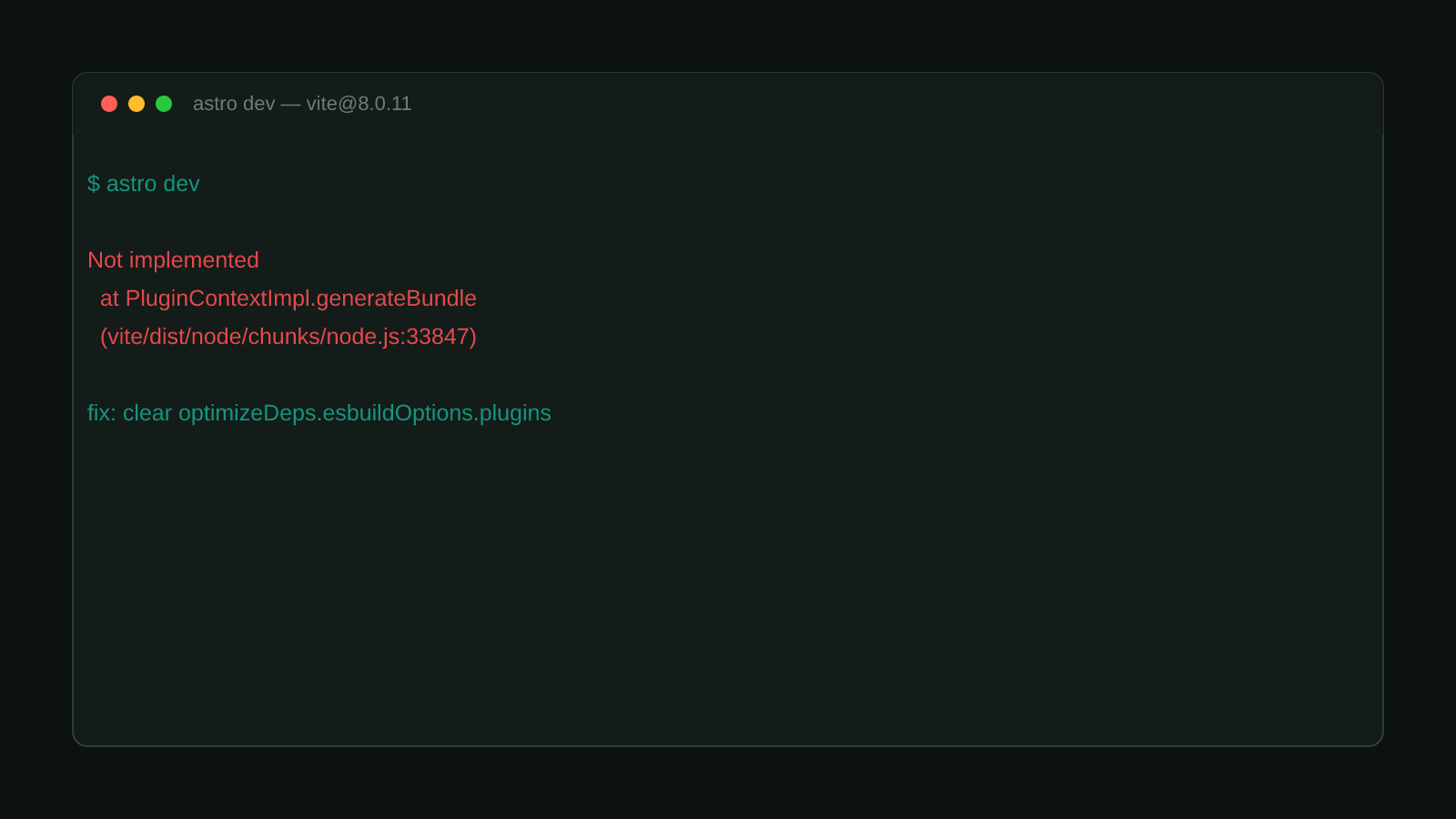
Because the bug only fires during minification, astro dev (and vite dev) never reproduce it. The CSS looks correct through local development and only breaks once you run a real production build.
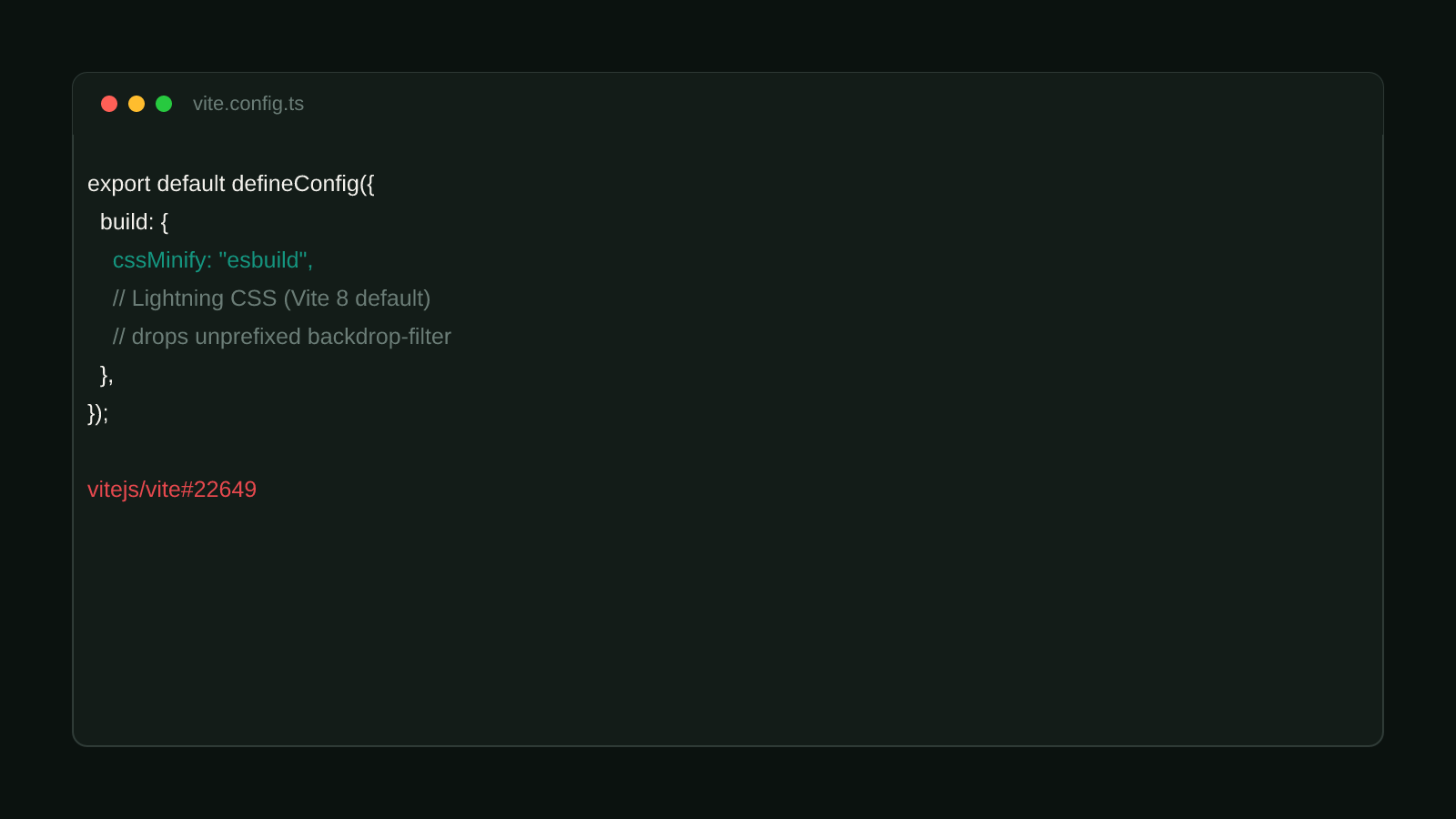
Fix it: pin cssMinify back to esbuild
Before: default Vite 8 config
export default defineConfig({
  build: {
    // no cssMinify override — Vite 8 defaults to Lightning CSS,
    // which drops unprefixed backdrop-filter (BROKEN)
  },
});
After: explicit esbuild minifier
export default defineConfig({
  build: {
    cssMinify: "esbuild", // FIXED: esbuild doesn't strip unprefixed backdrop-filter
  },
});
For an Astro project, the same option lives under the vite key in astro.config.mjs:
export default defineConfig({
  vite: {
    build: {
      cssMinify: "esbuild", // FIXED: restores Vite 7's CSS minifier behavior
    },
  },
});
This is a one-line, whole-project fix. It trades Lightning CSS’s minification for esbuild’s on every stylesheet, not just the rule that’s breaking. Worth it until the underlying minifier bug is actually resolved, since there’s no way to scope cssMinify to a single file or rule.
Not fixed upstream yet
The report was closed as a duplicate of a broader Lightning CSS minifier
issue, not resolved. If you’re hitting this today, pin cssMinify rather than
waiting on a patch. There’s no tracked fix version to upgrade to yet.
Confirmed version range
Reported against Vite 8.0.16. This site’s own vite@8.1.5 (resolved via astro@7.1.3’s "vite": "^8.0.13" dependency) was not independently re-tested against this specific minifier bug, since the site doesn’t use backdrop-filter anywhere in its own stylesheets. Treat the fix above as effective for any Vite 8.0.x-8.1.x project using the default minifier until Lightning CSS ships a real patch.
If you’re not sure which minifier is active, check for an explicit cssMinify key in your Vite config first. Its absence means you’re on whatever Vite’s current default is, which is exactly what changed here. Cross-reference this with Fix Vite 8 Browser/Module Field Resolution Change, a different silent default-behavior change in the same Vite 8 build step. Browse more posts like this in the Guides & Fixes archive.