Why the default doesn’t just work
Astro’s static build always outputs a real dist/404.html alongside every other page. It’s reasonable to assume Cloudflare Workers would find and serve it automatically for any unmatched route, the way most static hosts do. It doesn’t, unless you tell it to.
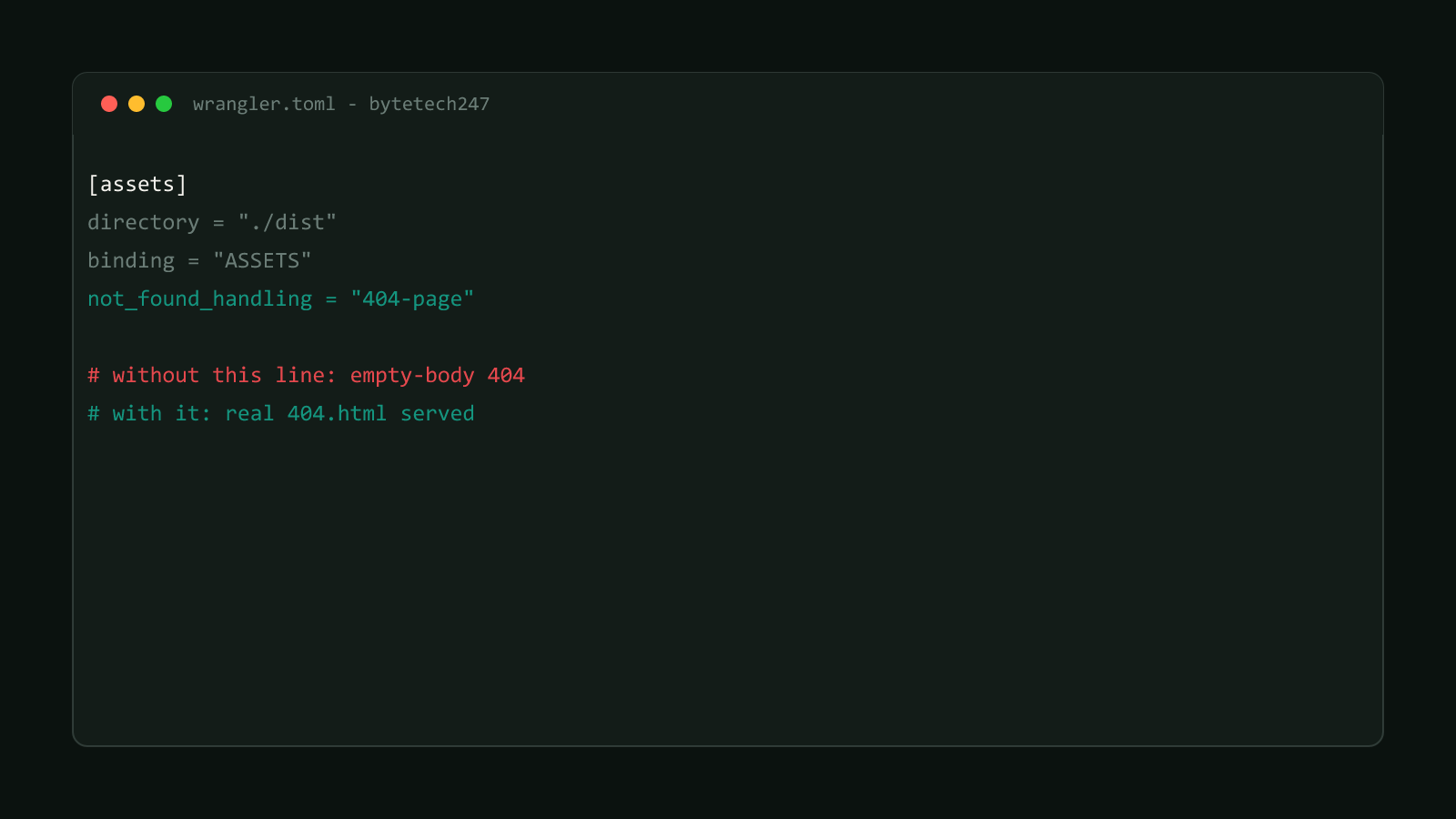
Cloudflare’s own docs are explicit that not_found_handling: "404-page" “overrides the default serving behavior of Workers for static assets.” That confirms the default is a separate, generic behavior, not automatic 404.html detection. This site hit exactly that gap directly: without the setting, an unmatched route returned a 404 status with an empty body, and dist/404.html was completely ignored despite existing right there in the deploy.
Fix it: one line in wrangler.toml
Before: 404.html exists but is never served
[assets]
directory = "./dist"
binding = "ASSETS"
After: the one setting that changes it
[assets]
directory = "./dist"
binding = "ASSETS"
not_found_handling = "404-page"
That’s the entire fix. No code change, no build step, no Worker script required if you don’t already have one.
Works the same with or without a custom Worker script
This setting lives on the assets config itself, not inside any Worker code
you write. If your project has a hand-written main entrypoint alongside the
assets binding (for API routes or similar), not_found_handling still applies
to any request that falls through to static-asset serving, confirmed directly
against this site’s own setup, which does exactly that.
Confirmed on a live production site
This isn’t a guess at Cloudflare’s behavior. bytetech247.com runs not_found_handling: "404-page" in its own wrangler.toml, alongside a hand-written Worker script that handles a couple of API routes and falls through to static assets for everything else. Requesting a genuinely nonexistent path on the live site returns HTTP 404 with the real, fully rendered 404.html content, not an empty body.
Check your own deploy the same way: request a path you know doesn’t exist and look at the actual response body, not just the status code. A 404 status with an empty or generic body is the tell that this setting is missing, even though the status code alone looks correct.
If you’re deploying an Astro static site to Cloudflare Workers and skipped this, add the one line. Browse more posts like this in the Guides & Fixes archive.