Running wrangler deploy from your own machine works fine for the first week of a project. It stops working the moment you want deploys to happen consistently: from a clean environment, without depending on whoever happens to be at their keyboard, and ideally gated on the build actually passing first. That’s what automated deploys solve, and for a static site on Cloudflare Workers there are two reasonable ways to set it up.
Option A: Cloudflare Workers Builds
Cloudflare can watch your GitHub repository directly and deploy on every push, with no YAML file of your own to maintain. In the dashboard: Workers & Pages → your Worker → Settings → Builds → Connect to Git, point it at the repo and branch, and set a build command (npm run build) and the directory the build outputs to.
From then on, every push to the connected branch triggers a build and deploy automatically, and the dashboard shows build logs and history per deploy, with no infrastructure to maintain on your side.
Scope the deploy, not the whole account
If you later add a GitHub Actions workflow alongside or instead of Workers
Builds, generate a Cloudflare API token scoped to exactly Workers Scripts:Edit for the account/zone in question, not a broad, all-permissions
token. A workflow only needs enough access to deploy the one Worker; if the
token ever leaks, narrow scope limits the blast radius.
Option B: GitHub Actions
The tradeoff with Workers Builds is control: it runs your build command and deploys, full stop. If you want to run tests, linting, or accessibility checks first, and only deploy if they pass, you need a workflow you author yourself.
name: Deploy

on:
  push:
    branches: [main]

jobs:
  deploy:
    runs-on: ubuntu-latest
    steps:
      - uses: actions/checkout@v5

      - uses: actions/setup-node@v5
        with:
          node-version: 24

      - run: npm ci
      - run: npm run lint
      - run: npm run build

      - name: Deploy to Cloudflare Workers
        uses: cloudflare/wrangler-action@v3
        with:
          apiToken: ${{ secrets.CLOUDFLARE_API_TOKEN }}
          command: deploy
The deploy step only runs if every step above it succeeds: a broken build or a failing lint check never reaches production. The CLOUDFLARE_API_TOKEN secret is set once under the repo’s Settings → Secrets and variables → Actions, scoped the same way as described above.
Choosing between them
| Workers Builds | GitHub Actions | |
|---|---|---|
| Setup effort | Minutes, no files to write | A YAML file to author and maintain |
| Pre-deploy checks | Build command only | Any number of steps, deploy gated on all passing |
| Where logs live | Cloudflare dashboard | GitHub Actions tab |
| Best for | Small projects, fast iteration | Projects with tests/lint you want enforced before deploy |
A reasonable default: start with Workers Builds, since it costs nothing to set up and gets you automatic deploys immediately. Move to GitHub Actions once there’s a build step you genuinely don’t want to skip, such as tests, an accessibility check, or a broken-link scan, and you want a bad result to block the deploy rather than just show up in a log after the fact.
Both approaches deploy the exact same wrangler deploy command underneath; the difference is entirely about what runs before it.
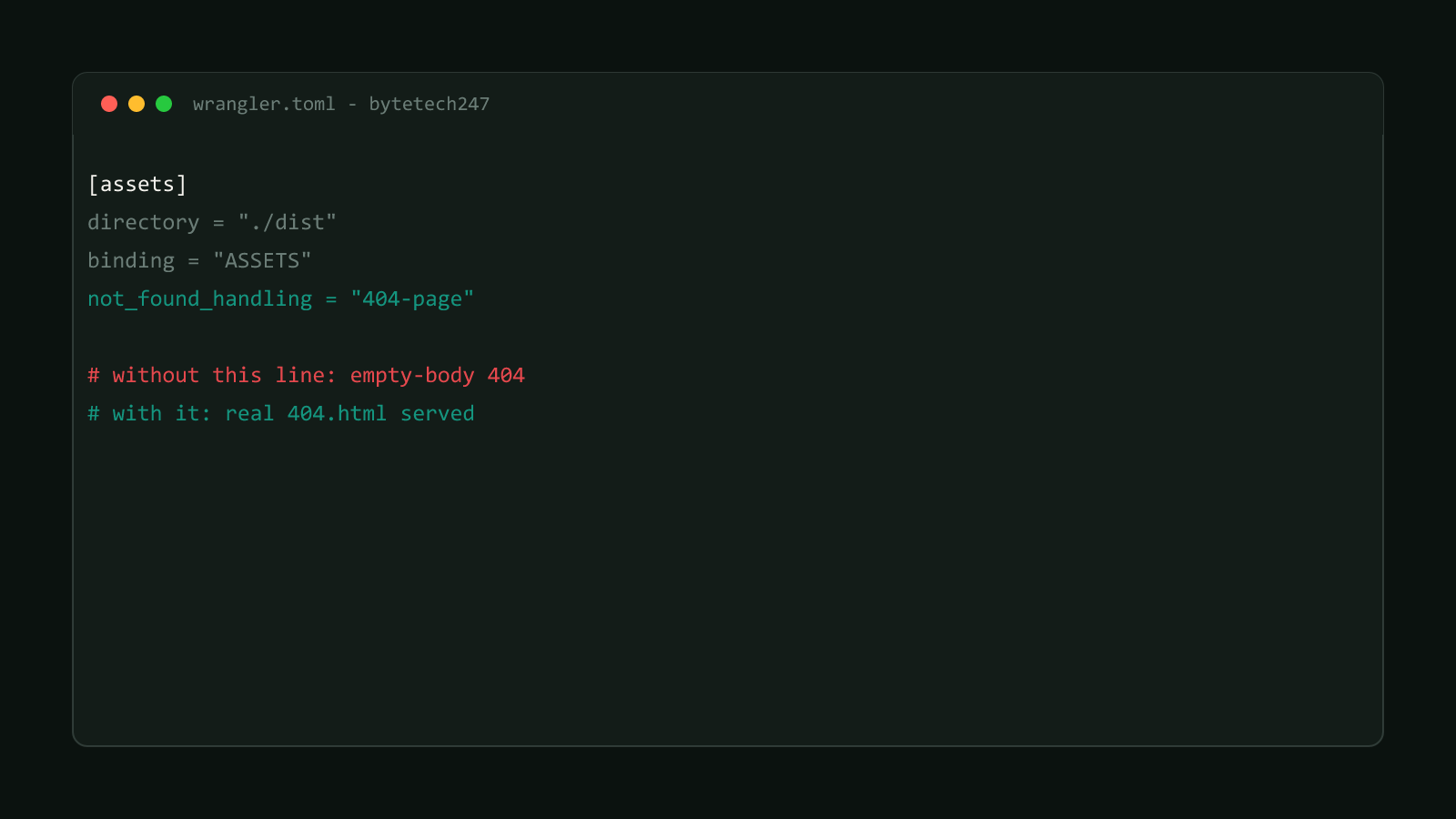
Once deploys are automated, check the actual runtime behavior too, not just that the build succeeded: see fixing Cloudflare Workers’ empty 404 page for a config gap that a passing build won’t catch.