What this replaces
Automating a reasoning-based repo task, deciding whether an issue is a duplicate, summarizing why a CI run failed, drafting a documentation update, used to mean hand-writing bespoke Actions YAML and whatever custom code called an LLM API, with no standard security boundary around what that code could read, write, or execute inside CI. Every team building this kind of automation solved the sandboxing and output-validation problem themselves, if they solved it at all.
GitHub’s changelog, published 2026-06-11:
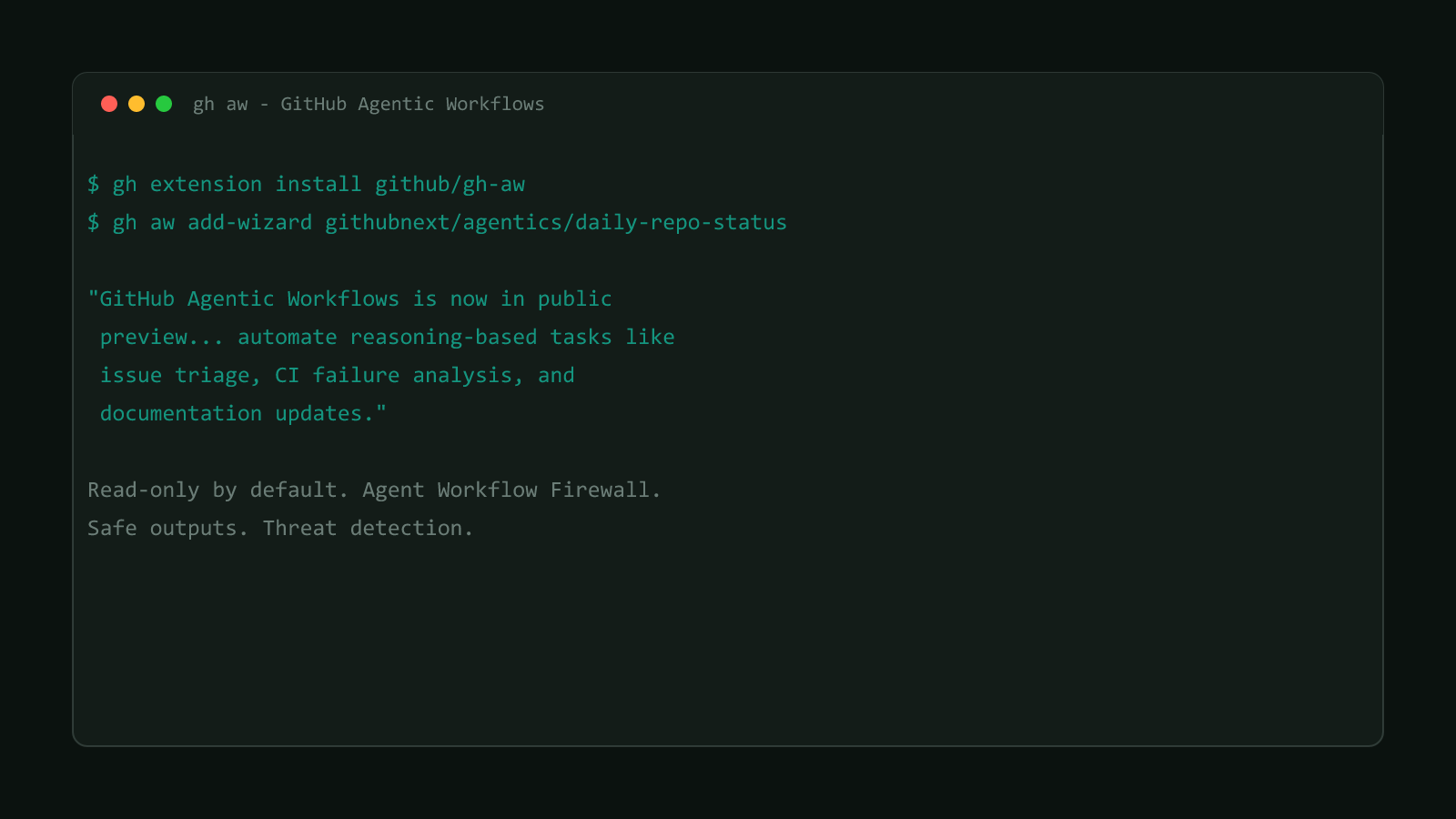
“GitHub Agentic Workflows is now in public preview. With agentic workflows, you can automate reasoning-based tasks like issue triage, CI failure analysis, and documentation updates by leveraging coding agents inside GitHub Actions.”
Workflows are authored as plain-language Markdown, not YAML directly:
“You define your automation using natural language Markdown files, and GitHub Agentic Workflows compiles them into standard Actions YAML.”
The security layer is the actual news here
Four separate safeguards ship with the preview: an integrity filter on what content an agent can access, read-only permissions by default, sandboxed execution inside an “Agent Workflow Firewall,” and a dedicated threat-detection job that scans an agent’s proposed changes before they apply. A “safe outputs” process validates what the agent produces before anything from it lands in the repo. None of that existed as a standard feature for hand-rolled agent-in-CI setups before this.
Structural Comparison Matrix
| Operational Aspect | Hand-rolled agent automation (before) | GitHub Agentic Workflows (public preview) |
|---|---|---|
| Authoring format | Actions YAML plus custom LLM-calling code | Natural-language Markdown, compiled to Actions YAML |
| Default permissions | Whatever the team’s own YAML granted | Read-only by default |
| Execution sandboxing | Whatever the team built themselves, if anything | Runs inside the Agent Workflow Firewall |
| Output validation | Custom, team-specific, if it exists at all | A dedicated “safe outputs” process |
| Pre-apply review | Manual code review of generated changes | A threat-detection job scans proposed changes first |
Install the CLI extension and scaffold a workflow
GitHub Agentic Workflows ships as a gh CLI extension, not a built-in gh subcommand:
gh extension install github/gh-awRunning gh aw compile produces a .lock.yml file containing the standard Actions YAML the Markdown source compiled into, which is the file Actions actually runs, not the Markdown itself. From a repo’s root, the wizard scaffolds a first workflow interactively:
gh aw add-wizard githubnext/agentics/daily-repo-statusThe wizard’s reference argument uses an OWNER/REPO/WORKFLOW-NAME format, pulling a starter template, in this case a daily repo status check, from GitHub’s own githubnext/agentics collection of prebuilt workflows. It walks through checking repository prerequisites, choosing an AI engine (Copilot by default, or Claude Code, OpenAI Codex, Google Gemini, or Pi instead), and setting up whichever secret that engine needs.
No manual install step if your gh CLI is current
GitHub’s docs note that with gh CLI 2.90.0 or later, running any gh aw
command prompts an automatic install of the extension if it isn’t present yet,
so the explicit gh extension install step above is a fallback more than a
hard requirement on a recent gh.
Where the workflow actually lives
The scaffolded workflow is a Markdown file at .github/workflows/<workflow-name>.md, for example .github/workflows/daily-repo-status.md. After editing that file’s frontmatter or body, recompile it so the change actually takes effect:
gh aw compileThat command regenerates the matching .lock.yml file, the version Actions actually executes. Both files belong in the repo: the Markdown source, because it’s what a human edits, and the compiled .lock.yml, because Actions never compiles Markdown on its own at run time.
Would this help this site’s own workflows?
Not yet, in any concrete way worth claiming. This site’s .github/workflows/ci.yml runs deterministic build, lint, and test steps, not the kind of reasoning-based task, issue triage, CI failure summarization, this feature targets. A plausible future use here would be automating triage on reader-submitted issues or summarizing why a Lighthouse CI budget failed, but nothing in this repo uses agentic workflows today, and this preview’s public-preview status is reason enough to wait before wiring it into a pipeline that gates a real deploy.
Confirmed version
Sourced from GitHub’s changelog entry announcing the public preview, published 2026-06-11, and corroborated against GitHub’s Agentic Workflows quickstart for the install and scaffolding commands above. Browse more posts like this in the Dev Tools archive.