What $/ actually resolves to
Calling an action that lives in the same repo as the workflow used to force a choice between two imperfect options. A workspace-relative path like ./.github/actions/build-tool worked, but only after an explicit actions/checkout step ran first, since ./ resolves against files already sitting in the runner’s workspace. Or you hardcoded a version or tag on the reference, which then had to be bumped by hand every time the calling workflow’s own ref moved, and quietly drifted out of sync the moment someone forgot.
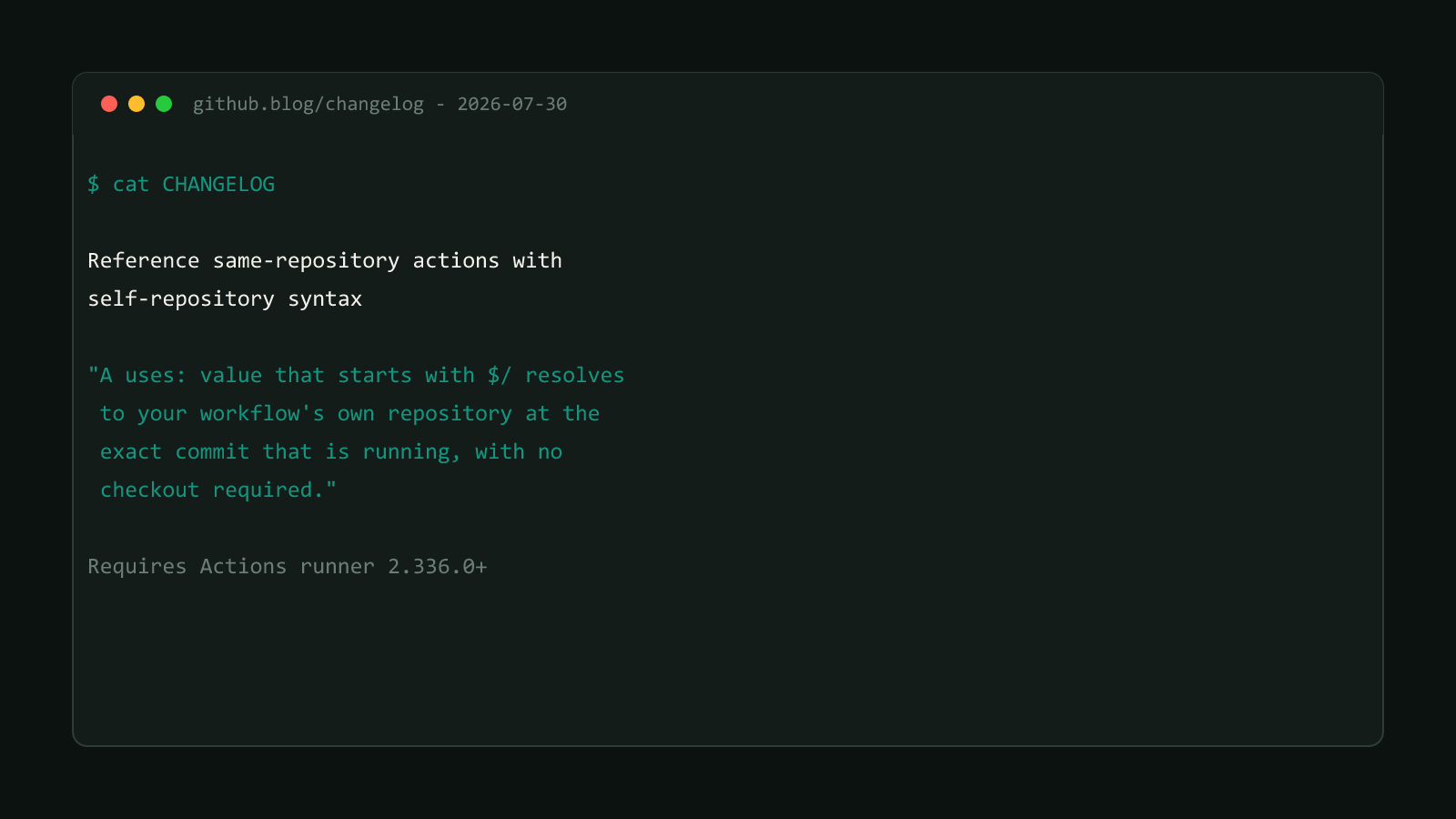
GitHub shipped a third option on 2026-07-30. From the changelog:
“A
uses:value that starts with$/resolves to your workflow’s own repository at the exact commit that is running, with no checkout required.”
The same entry explains why this matters for teams enforcing commit-SHA pinning on every action reference:
“Sibling actions and workflows automatically match the ref you are already running, so your internal references stay consistent even when callers pin to a full-length commit SHA.”
That second sentence is the real payoff. A shop that enforces SHA-only pinning on every action reference has historically found its own internal actions awkward to comply with, since someone had to hand-update that SHA every time the internal action changed. $/ sidesteps the whole problem because the resolution tracks the running commit automatically, with no separate SHA to keep current.
Where $/ works
GitHub’s own docs confirm $/ is a drop-in swap for ./ anywhere the latter
already worked: a plain step’s uses: line, a step inside a composite action,
an action nested inside another action, and the uses: line on a reusable
workflow call. If ./ used to resolve there, $/ does too, minus the
checkout requirement.
Structural Comparison Matrix
| Reference Method | Requires a checkout step first | Stays in sync with the caller’s ref | Minimum runner version |
|---|---|---|---|
./ relative path | Yes | Yes, but only because it reads the same checked-out files | None beyond checkout support |
| Hardcoded version or SHA | No | No, drifts until manually bumped | None additional |
$/ self-repository syntax | No | Yes, automatically, by resolving the running commit | 2.336.0+ |
Add it to a workflow
Say a repo defines a composite action at .github/actions/setup-project/action.yml that other workflows in the same repo call to install dependencies and warm a cache. Before $/, calling it from another workflow meant checking out the repo first, then referencing the path:
jobs:
  build:
    runs-on: ubuntu-latest
    steps:
      - uses: actions/checkout@v7
      - uses: ./.github/actions/setup-project
      - run: npm run build
With $/, the checkout step is no longer required just to resolve the action reference:
jobs:
  build:
    runs-on: ubuntu-latest
    steps:
      - uses: $/.github/actions/setup-project
      - run: npm run build
If the job also needs the repo’s files for the build itself, actions/checkout still belongs in the workflow, but it’s no longer there solely to make the internal action reference resolvable. The same substitution applies to a reusable workflow call:
jobs:
  call-shared-build:
    uses: $/.github/workflows/shared-build.yml
    with:
target: productionDon't confuse this with the self-hosted runner version floor
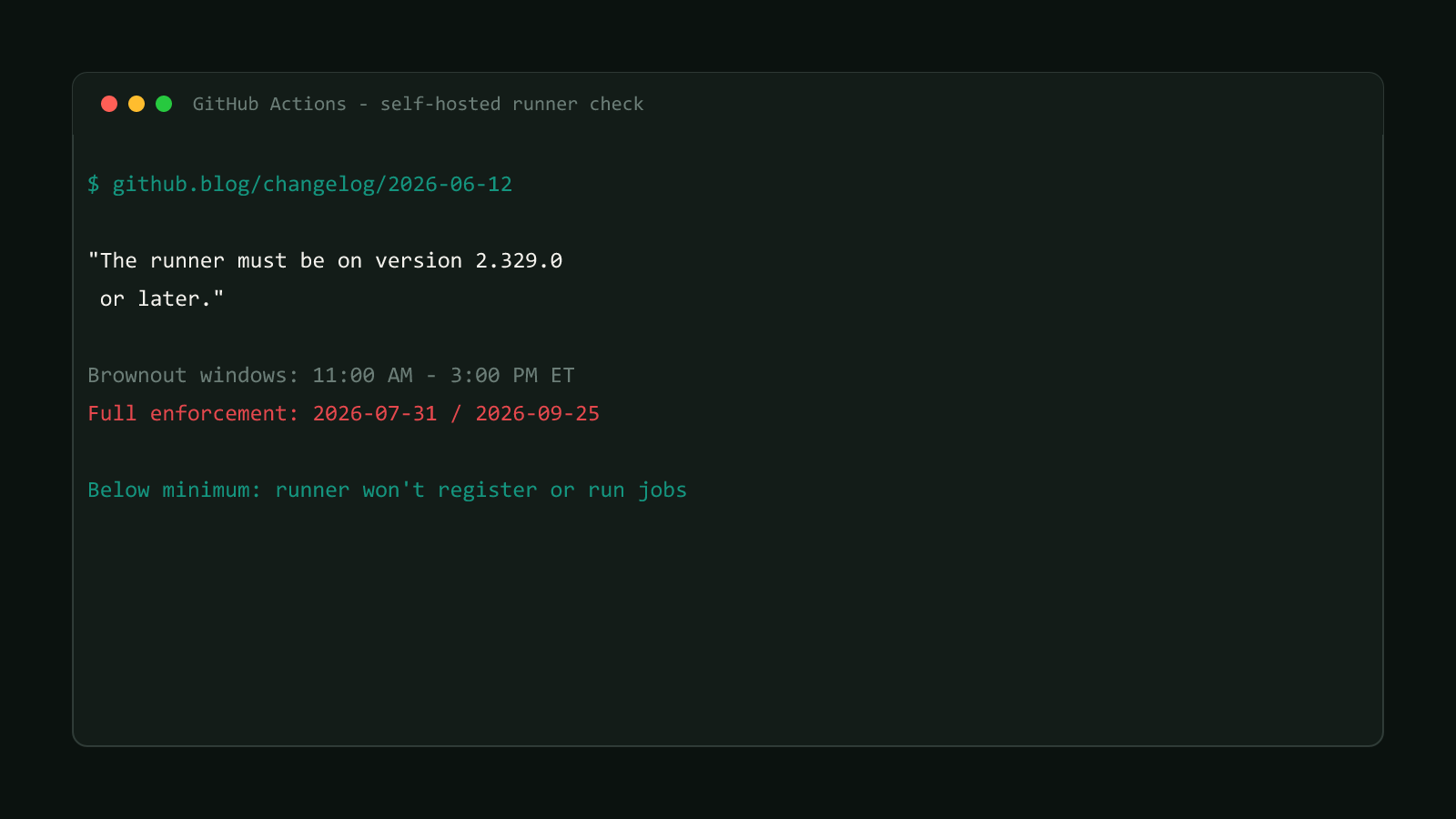
GitHub also rolled out a separate minimum-version enforcement schedule for
self-hosted
runners
around the same summer, gated at 2.329.0 for registering and picking up jobs
at all. That’s a different requirement from the 2.336.0 floor here, which only
governs whether a runner understands the $/ prefix. A self-hosted fleet
needs to clear both numbers, not just one, if it wants both the registration
floor and this syntax to work.
This repo’s own workflows
This site’s own .github/workflows/ci.yml doesn’t define any custom composite actions or reusable workflows today, only calls to third-party actions like actions/checkout and actions/setup-node, so there’s nothing here to convert to $/ yet. The moment this repo’s CI grows a shared composite action, an internal cache-warming step or a build-and-test action reused across the build and deploy jobs, $/ is the version to reach for over a ./-plus-checkout pattern.
Confirmed version
Sourced from GitHub’s own changelog entry on the $/ syntax, published 2026-07-30, and corroborated against GitHub’s metadata syntax reference, which documents the same ./-equivalent behavior $/ extends. Browse more posts like this in the Dev Tools archive.