What was flat and duplicated before
Building a custom runner image for GitHub-hosted larger runners used to mean building it flat, independently, every single time. Picture a platform team maintaining one image with the org’s baseline toolchain, and three product teams each needing their own extra packages on top of it. Before this release, those three teams had exactly two bad options: each one duplicates the platform team’s build from scratch and maintains its own separate copy, or everyone shares a single image that grows more bloated with every team’s unrelated dependencies added to it.
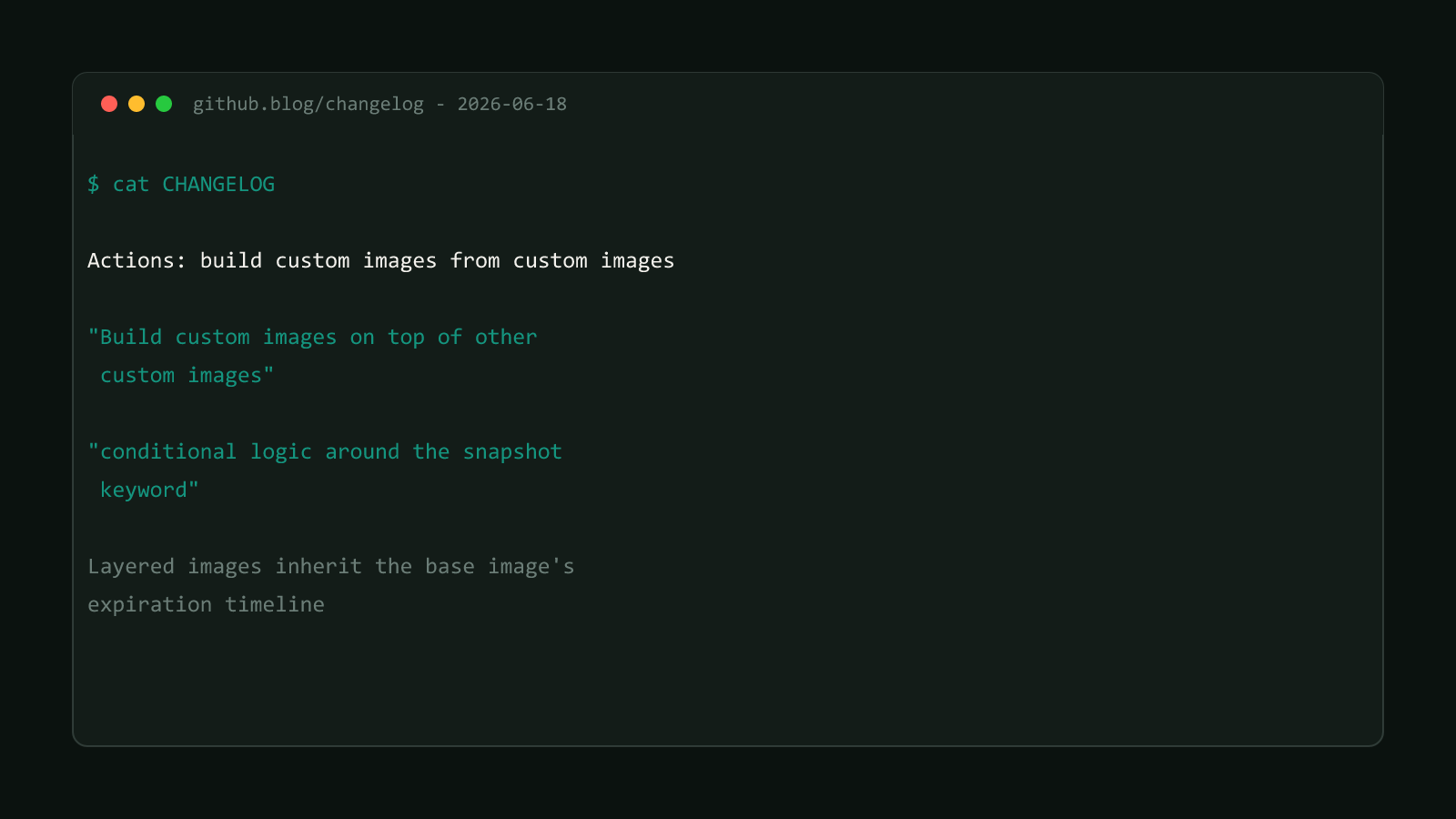
GitHub’s changelog, published 2026-06-18:
“Build custom images on top of other custom images”
The docs describe how the layering itself is configured:
“You can start from an existing custom image as the base, enabling layered image workflows.”
That base-image selection happens in the GitHub UI, not in a workflow file, specifically in the Image dropdown when you configure the image-generation larger runner that will build the new, derived image.
GitHub’s docs are specific about how a derived image’s age clock works:
“the derived image inherits the expiration timeline of its base image. The maximum version age is calculated from when the base custom image was built, not when the derived image was created.”
A layered image doesn't get its own fresh clock
Easy to miss: a derived image’s countdown starts from its ancestor’s build date, not its own. Walk the numbers GitHub uses as an example: a base image built on day 2, a layered image built from it on day 4, both under a 7-day expiration policy. They still both go stale on the same day, day 9, measured from the base image, not day 11 from when the layered image itself was created.
Structural Comparison Matrix
| Operational Aspect | Flat custom images (before) | Layered custom images (after) |
|---|---|---|
| Shared tooling across teams | Duplicated in every team’s own image build | Built once in a base image, reused as a starting point |
| Image version generation | Runs unconditionally on every build | Gatable with snapshot: if:, e.g. skip tag builds |
| Expiration timeline | Each flat image has its own independent clock | A derived image inherits the base image’s clock |
| Where the base image is chosen | N/A, images aren’t derived from one another | The Image dropdown, when configuring the image-generation runner |
Generate an image version with snapshot
The snapshot keyword, added to a workflow job, is what actually triggers image generation. In its simplest form, it’s a string naming the image:
snapshot: my-custom-imageThe mapping form adds an explicit version pattern and, with if:, a condition that decides whether this run generates a new image version at all:
snapshot:
  if: ${{ ! startsWith(github.ref, 'refs/tags/') }}
  image-name: my-custom-image
  version: 2.*
That if: condition skips image creation for tag builds specifically, per GitHub’s own documentation, useful when a repo tags releases far more often than it actually needs a fresh runner image. version: 2.* tells GitHub to auto-increment the minor version under major version 2 (2.0.0, 2.1.0, and so on) each time a new image is generated, rather than requiring a hand-picked version string on every run.
Layer a team-specific image on a shared base
- Build the shared base image first, on its own image-generation runner, with
snapshot:targeting a name likeorg-base-image. This is the image every sub-team’s own image will start from. - Create a second image-generation larger runner for the team-specific build, and in that runner’s Settings, pick
org-base-imagein the Image dropdown as its starting point instead of a stock OS image. - Run a workflow job with its own
snapshot:block on that runner, installing only the team’s extra dependencies on top of what the base image already has, and generating a new, derived image version.
jobs:
  build-team-image:
    runs-on:
      group: image-generation-runners
      labels: team-checkout-image-gen
    snapshot:
      if: ${{ ! startsWith(github.ref, 'refs/tags/') }}
      image-name: team-checkout-image
      version: 2.*
    steps:
      - name: Install team-specific dependencies
        run: ./scripts/install-team-deps.sh
The base-image selection itself, step 2 above, isn’t a YAML setting; it’s configured once when the image-generation runner is set up, which is why this walkthrough separates it from the snapshot: block that runs on every build.
Pair this with restricting who can use these runners
Layered images control what’s already installed on a runner before a job even starts. A separate June 2026 release, restricting GitHub-hosted runners to named runner groups, controls who can request a runner at all. The two changes solve different problems, but they show up on the same roadmap often: a team that’s already built a shared base image with per-team layers is a strong candidate for also routing those runners through named groups, so a team’s custom image is only reachable by the repos that actually need it.
Confirmed version
Sourced from GitHub’s changelog entry on layered custom runner images, published 2026-06-18, and corroborated against GitHub’s custom images how-to guide, which documents the base-image dropdown, the inherited expiration timeline, and the exact snapshot: syntax used above. Browse more posts like this in the Dev Tools archive.