The toggle has one name, and it isn’t optional twice
An earlier pass at this topic assumed budget enforcement came in two named modes, something like “stop” and “limit,” as if an admin picked between two enforcement strategies. That’s not what GitHub’s live documentation shows. There is one toggle, named exactly “Stop usage when budget limit is reached,” and it’s a binary on/off, not a choice between two named modes.
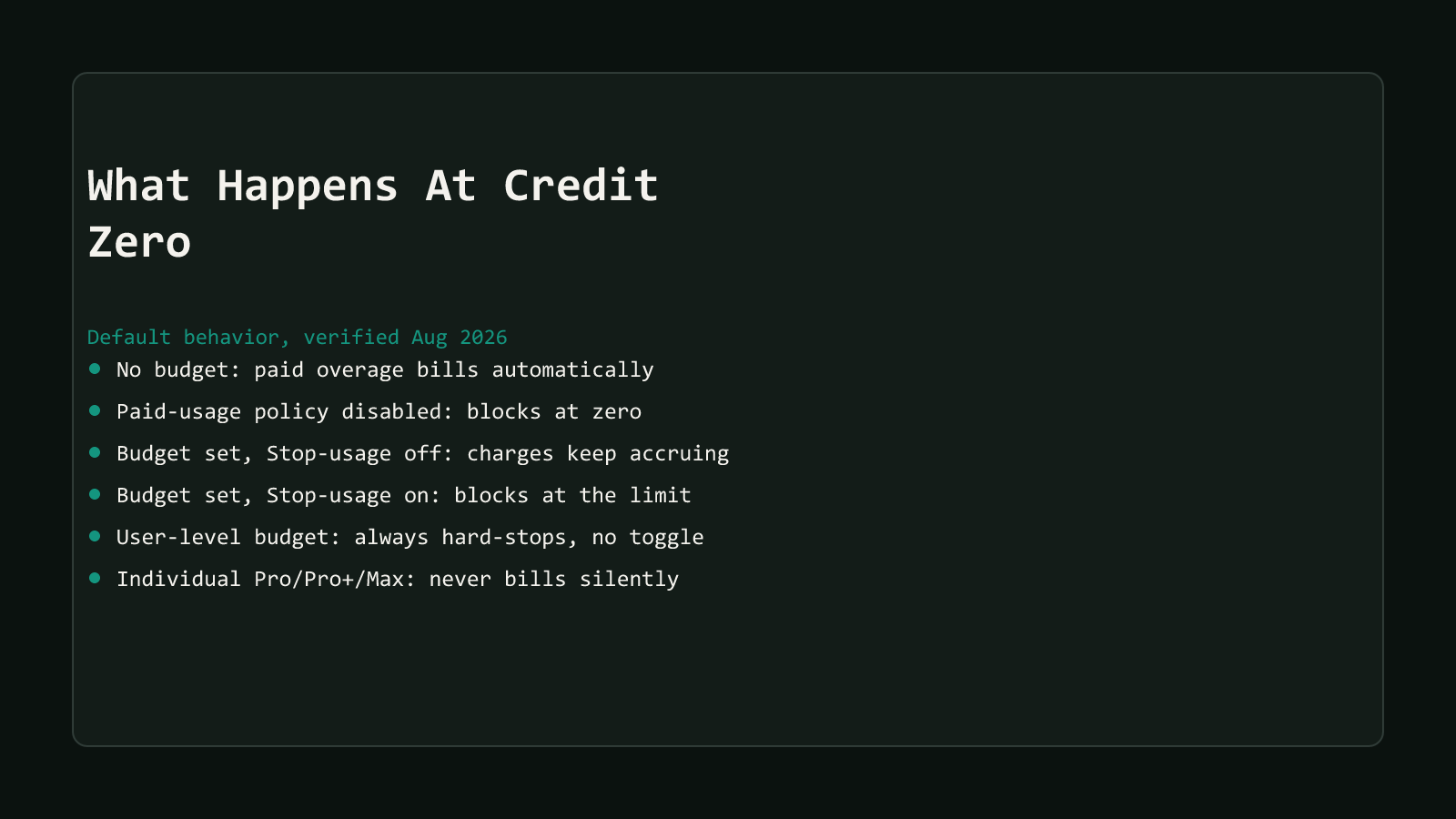
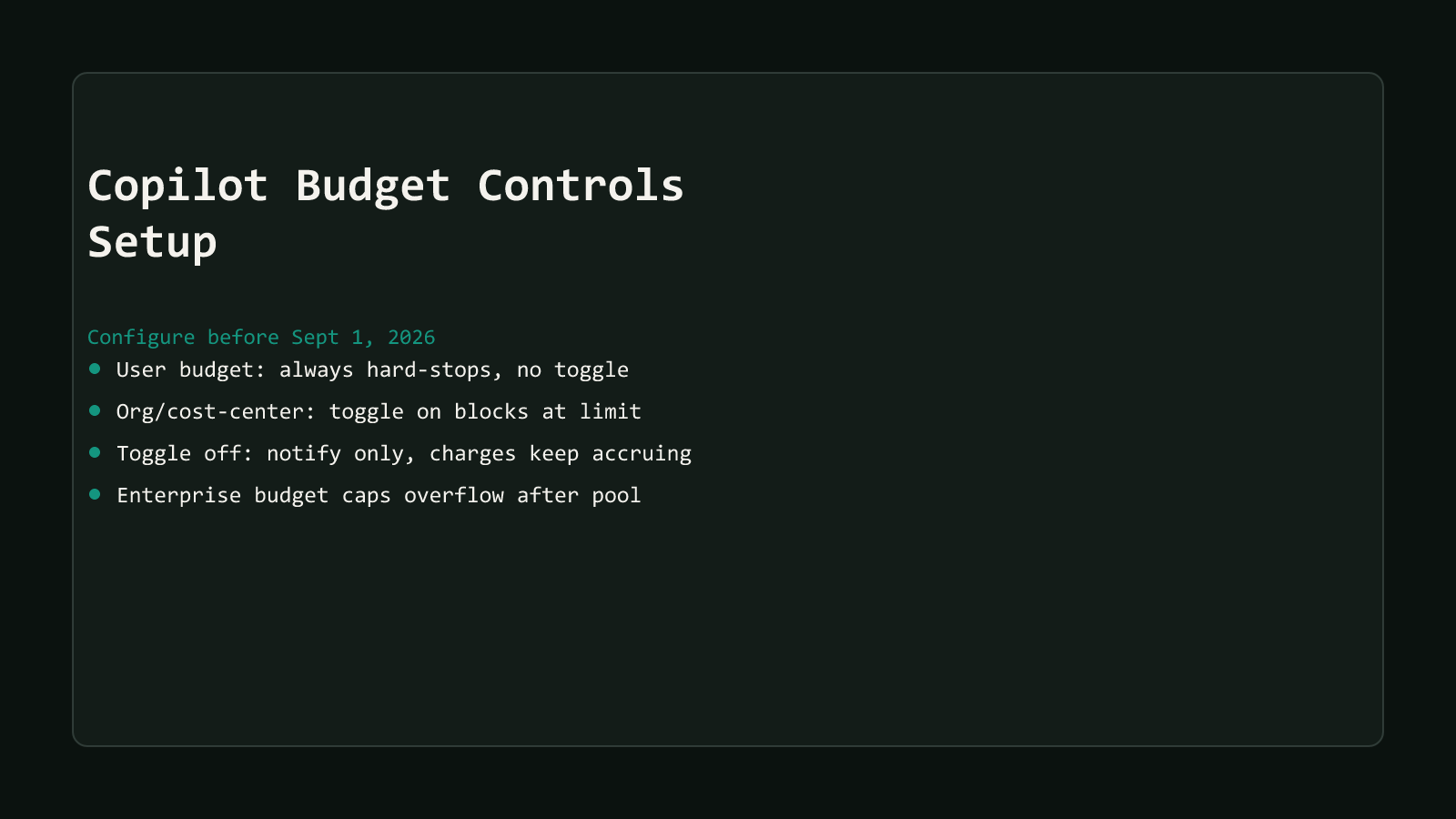
GitHub’s budgets concepts page states the toggle’s effect plainly: switch it on and the user is blocked once the limit hits; leave it off and spending keeps running past the limit uncapped, with only a notification to show for it. That’s the entire mechanism. No separate “limit” mode sits alongside it for Copilot AI credits.
Universal and individual per-user budgets don’t get a choice at all:
User-level budgets always enforce a hard stop and do not have this setting.
That line is GitHub’s own, from the same budgets concepts page. The getting-started tutorial describes the same rule from the setup side: a per-user budget skips the toggle step entirely, because it hard-stops automatically no matter what. A per-user budget is the one scope where GitHub removes the choice, rather than defaulting it one way.
Where this shows up in the API, not just the UI
GitHub’s Budgets REST API makes the same rule explicit in its schema. The
prevent_further_usage boolean field “must be true” for the user and
multi_user_customer scopes, per the API reference, while it stays optional,
true or false, for organization, cost_center, and enterprise scopes. The
UI toggle and the API field are the same underlying setting.
Structural Comparison Matrix
| Operational Aspect | Universal/individual user budget | Org, cost-center, or enterprise budget |
|---|---|---|
| “Stop usage” toggle | Not available, no setting to change | Available, on or off |
| Behavior at limit, toggle on | N/A, always behaves this way | Metered usage blocked outright once the limit is reached |
| Behavior at limit, toggle off | Not possible, this scope has no off state | Admin notified, charges keep accruing past the limit uncapped |
API field (prevent_further_usage) | Must be true | Optional, true or false |
| Typical role | Caps any one person’s consumption per cycle | Caps a team, department, or the whole org/enterprise’s shared pool |
Every cell above comes from GitHub’s budgets concepts documentation and GitHub’s Budgets REST API reference, not a secondary summary of either.
Step 1: set the universal user-level budget first
GitHub’s own getting-started tutorial calls the universal user-level budget (ULB) “the single most important control.” That one setting puts a ceiling on what any individual can spend in a cycle, and it kicks in automatically for every licensed user the moment it’s saved, no per-user setup required.
Set it above the per-license value, not below. GitHub’s optimizing-budget-configuration guidance is specific about why: Copilot Business seats run $19/user/month and Enterprise seats run $39/user/month, and the ULB needs headroom above that figure for credit pooling to work at all. Set it at or below the per-license value and a light user’s unused credits can’t cover a heavier user’s overage, which is the whole point of pooling AI credits across a seat pool instead of hard-capping each person individually.
This is the one budget scope with no toggle to think about. Set the amount, and it hard-stops that user’s metered usage the moment they hit it.
Step 2: override for real power users
A single flat ULB doesn’t fit every user pattern. Someone running Agent Mode loops all day burns credits at a different rate than someone using single-turn chat occasionally, and a ULB sized for the average user blocks the heavy user constantly.
GitHub’s tutorial calls this out as its own step: pull the usage dashboard covered in the previous post in this series, identify the heaviest consumers, and set an individual user-level budget override for each. An override takes precedence over the universal default for that one user, letting an admin raise the ceiling for a known power user without loosening it for everyone.
Step 3: set org, cost-center, or enterprise budgets, and flip the toggle deliberately
This is the scope where the real decision lives. GitHub’s Budget scope options in the billing UI are Enterprise, Organization, Cost center, and Users, per GitHub’s own setup instructions. Any of the first three, enterprise, organization, or cost center, carries a “Stop usage when budget limit is reached” checkbox you can switch on or off.
The configuration path, per GitHub’s own steps: from Billing & licensing in the enterprise or organization settings, open Budgets and alerts, click New budget, choose a Budget Type of Bundled AI credits budget to cover Copilot’s credits specifically, set the Budget scope, enter the Budget amount, and decide the toggle before saving. Set alert thresholds too, GitHub fires notifications at 75%, 90%, and 100% of the configured amount regardless of the toggle state.
Turning the toggle on isn’t automatically the right call everywhere. A cost center running a shipping-critical team’s Copilot access might reasonably leave it off and eat the notification, if a mid-sprint hard block costs more than the overage would. A cost center with a fixed departmental budget that genuinely can’t flex probably wants it on. GitHub’s own optimizing guidance frames this as a deliberate choice tied to how the org actually assigns cost accountability, not a default to leave untouched.
The toggle is off by default
A newly created org- or cost-center-scoped budget starts with the toggle off. Reaching the limit sends a notification and nothing else, charges keep accruing past it, until an admin explicitly flips “Stop usage when budget limit is reached” from off to on. Skipping this step is the same as not having set a limit at all, for enforcement purposes.
Configuring the same budget through the API
Everything in the UI maps to GitHub’s Budgets REST API, which reached general availability on 2026-06-04 per GitHub’s own changelog. For a repeatable rollout across many cost centers, that’s the faster path than clicking through the UI once per team.
A per-user AI credits budget, hard-stop required, looks like this against POST /enterprises/{enterprise}/settings/billing/budgets:
{
  "budget_amount": 30,
  "prevent_further_usage": true,
  "budget_scope": "user",
  "budget_entity_name": "",
  "budget_type": "BundlePricing",
  "budget_product_sku": "ai_credits",
  "budget_alerting": {
    "will_alert": false,
    "alert_recipients": []
  },
  "user": "<github-username>"
}
An organization-scoped budget with the toggle deliberately left off, notify-only, looks nearly identical, minus the user field and with prevent_further_usage set to false:
{
  "budget_amount": 5000,
  "prevent_further_usage": false,
  "budget_scope": "organization",
  "budget_entity_name": "<org-login>",
  "budget_type": "BundlePricing",
  "budget_product_sku": "ai_credits",
  "budget_alerting": {
    "will_alert": true,
    "alert_recipients": ["<admin-username>"]
  }
}
budget_type: "BundlePricing" paired with budget_product_sku: "ai_credits" is what scopes either payload to Copilot’s AI credits specifically, covering the pooled credit spend rather than a single product SKU like Actions minutes. Every field name and requirement above is verified against GitHub’s Budgets REST API reference, current as of this writing; budget_entity_name for a cost-center-scoped budget follows the same pattern as the organization example, the cost center’s own name, though GitHub’s reference doesn’t spell out an exact ID format for that scope the way it does for user.
Requires the current API version header
Calls to these endpoints need an X-GitHub-Api-Version: 2026-03-10 header or
later. The budgets endpoints didn’t exist before the 2026-06-04 GA
announcement, so an older integration written against Copilot’s billing APIs
won’t have this path yet.
Step 4: monitor, don’t set and forget
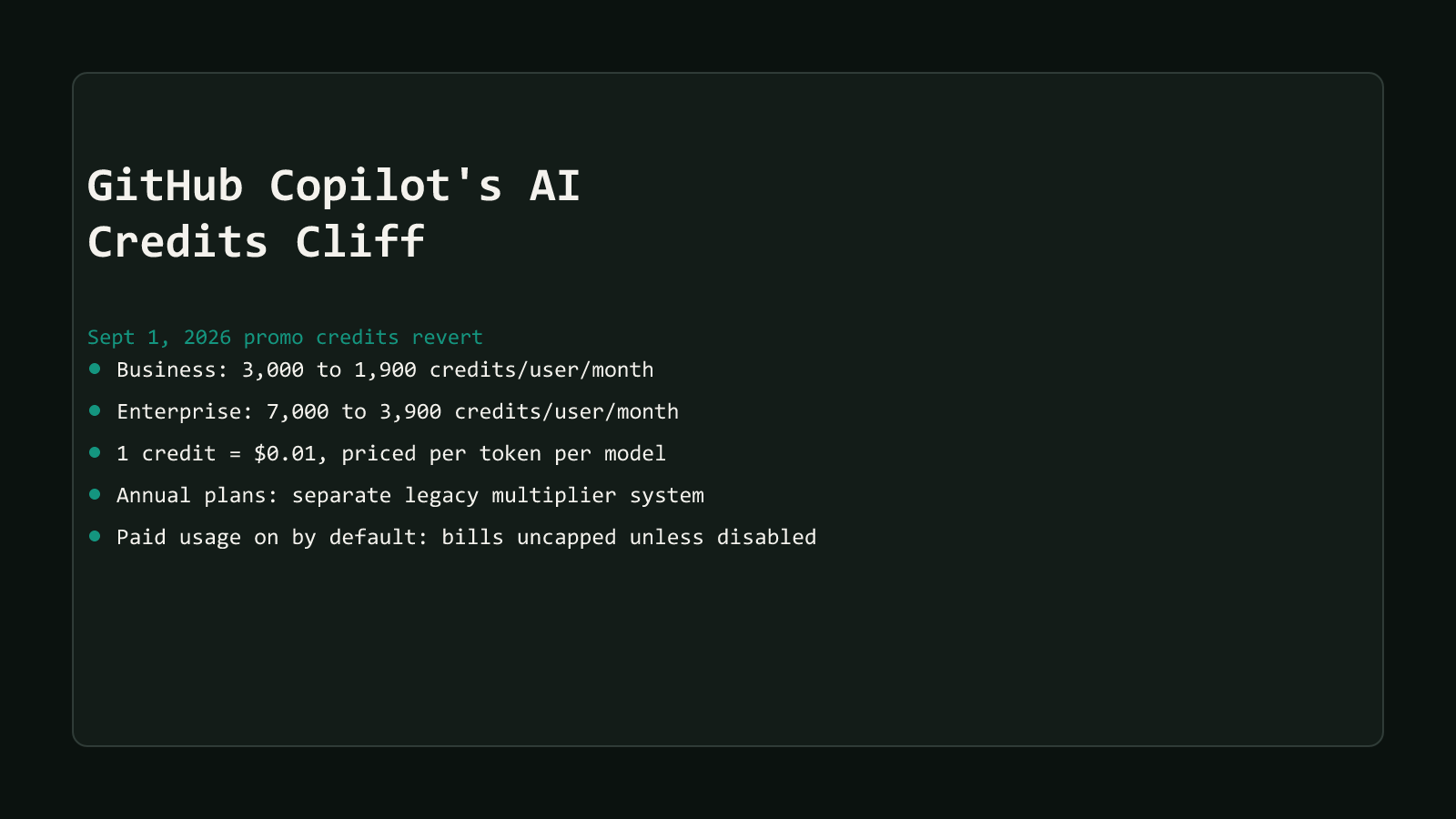
GitHub’s own tutorial ends its walkthrough with monitoring, not configuration, as the last step: check the usage dashboard monthly for blocked users, unexpected metered charges beyond what a budget was sized for, and whether the pool is actually distributing the way it was designed to. A budget sized correctly in July against the promotional 3,000-credit Business ceiling is sized wrong in September against the standard 1,900-credit one, without anyone changing a single setting.
That’s the real reason this step exists as its own item and not a footnote. The September 1 revert doesn’t touch the budget configuration itself. It shrinks the pool the configuration is measured against, so a ULB or cost-center limit that looked generous in August can start blocking real work in September if nobody revisits it.
Set the budget before the pool shrinks under it
The universal user-level budget is the one non-negotiable step, set it above the per-license value or pooling doesn’t function. Everything past that is a real judgment call: raise it for identified power users, decide deliberately whether each org or cost-center budget should hard-block or just notify, and revisit the numbers once the September 1 reversion changes what “generous” actually means.
Skip this step and the default behavior still applies, premium features halt once the shared pool runs dry, assuming usage-based billing was never turned on in the first place. For what actually happens at that point, and what changes if usage-based billing is already on, see what happens when GitHub Copilot credits run out.
Browse more coverage like this in the AI Productivity archive, or start from GitHub Copilot’s AI Credits Cliff hub for the full picture.