What gh agent-task actually does
gh agent-task is a command group, not a single command: create, view, and list, plus the aliases gh agent, gh agents, and gh agent-tasks. All three subcommands operate on the same underlying object. GitHub’s own manual page defines it plainly:
“a task is a GitHub issue that triggers automated code changes from natural language instructions”
Run gh agent-task create with a description, and gh opens a GitHub issue behind the scenes, hands it to GitHub’s Copilot coding agent, an asynchronous background process that runs on GitHub’s own infrastructure, not your machine, and that agent makes the actual code changes, then opens a draft pull request for you to review. Nothing runs locally except the CLI call that kicks the session off.
It’s worth being precise about what’s shipping here, the same way the gh skill command needed the same clarification. gh agent-task is part of the standard GitHub CLI, cli/cli, the same binary that runs gh pr create and gh issue list. It is a different product from GitHub Copilot CLI (github/copilot-cli), which is an interactive terminal coding assistant with its own separate release history. gh agent-task doesn’t run Copilot’s reasoning in your terminal at all; it delegates the work to GitHub’s servers and lets you check in on it.
Where gh agent-task actually came from
It’s a fair question given how gh handles other optional functionality: did gh agent-task start life as a separate gh extension install-able package before becoming a built-in command? It didn’t. GitHub’s changelog entry, published 2025-09-25, introduced the agent-task command set as part of GitHub CLI v2.80.0 directly, no separate gh extension install step involved. The implementation itself confirms it: cli/cli pull request #11600, “Introduce gh agent-task,” added the command under pkg/cmd/agent inside the main cli/cli repository, the same tree every other built-in gh command lives in. No github/gh-agent-task or similar standalone extension repository exists; checking for one returns a 404. GitHub’s own release notes for v2.80.0 state the status without ambiguity: “The agent-task commandset is in preview and is subject to change without notice.” Nearly a year later, that’s still the current state: the live manual page at cli.github.com/manual/gh_agent-task still labels it preview today.
Structural Comparison Matrix
| Operational Aspect | Before gh agent-task (GitHub.com only) | gh agent-task (v2.80.0+, preview) |
|---|---|---|
| Starting a task | Open the repo on github.com, file an issue, assign it to Copilot from the web UI | gh agent-task create "<description>" from any terminal, no browser tab required |
| Watching progress | Refresh the issue or PR page in a browser | gh agent-task view <id> --follow streams session logs live in the terminal |
| Listing recent tasks | Search issues and PRs assigned to Copilot by hand | gh agent-task list, up to 30 by default, filterable with --json/--jq |
| Authenticating | Whatever session your browser already has open | Requires OAuth device-flow login through gh auth login; a Personal Access Token or GITHUB_TOKEN is rejected outright |
| Unattended CI use | Not applicable, a human drives the web UI | Blocked in practice: the OAuth-only requirement means a fresh CI job has no way to authenticate without a one-time interactive device-code prompt |
Before you run anything: version and auth
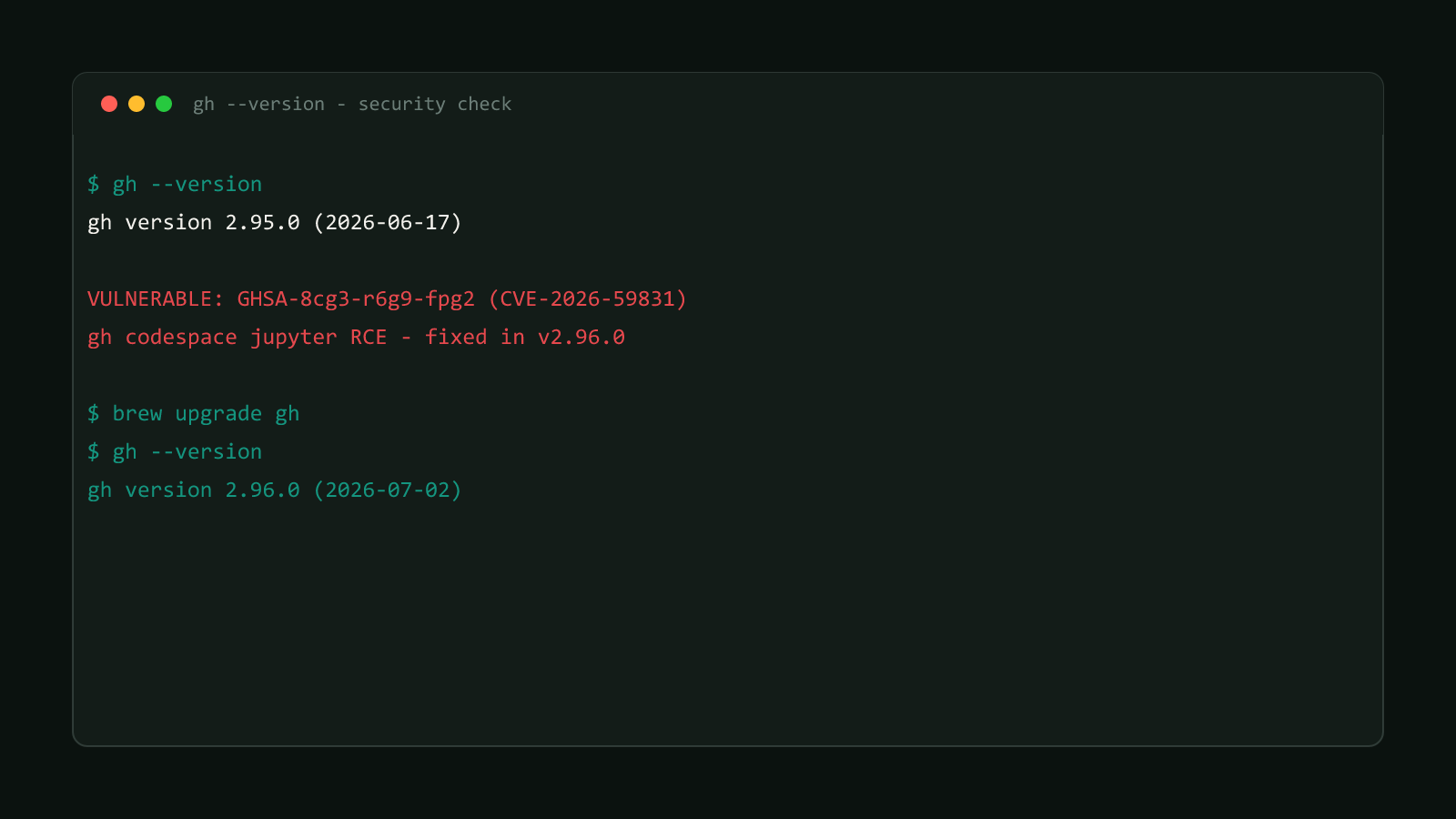
Check what you’re running first:
gh --versiongh agent-task needs GitHub CLI v2.80.0 or later. Update through whatever channel installed gh in the first place if you’re behind: brew upgrade gh on macOS, apt update && apt install gh on Debian/Ubuntu, scoop update gh on Windows, or a fresh binary from cli.github.com if you installed manually.
OAuth login only, PATs are rejected
gh agent-task create will not accept a Personal Access Token or a
GITHUB_TOKEN env var, even though those work for most other gh commands.
Run gh auth login interactively at least once first. This is a real,
currently open limitation, tracked in cli/cli issue
#11845, and it’s the main reason gh agent-task isn’t yet a clean fit for a fresh, non-interactive CI job.
Try gh agent-task create with a PAT instead of an OAuth login and this is exactly what comes back:
“this command requires an OAuth token. Re-authenticate with: gh auth login”
Create a task
This is the documented example command from GitHub’s own manual:
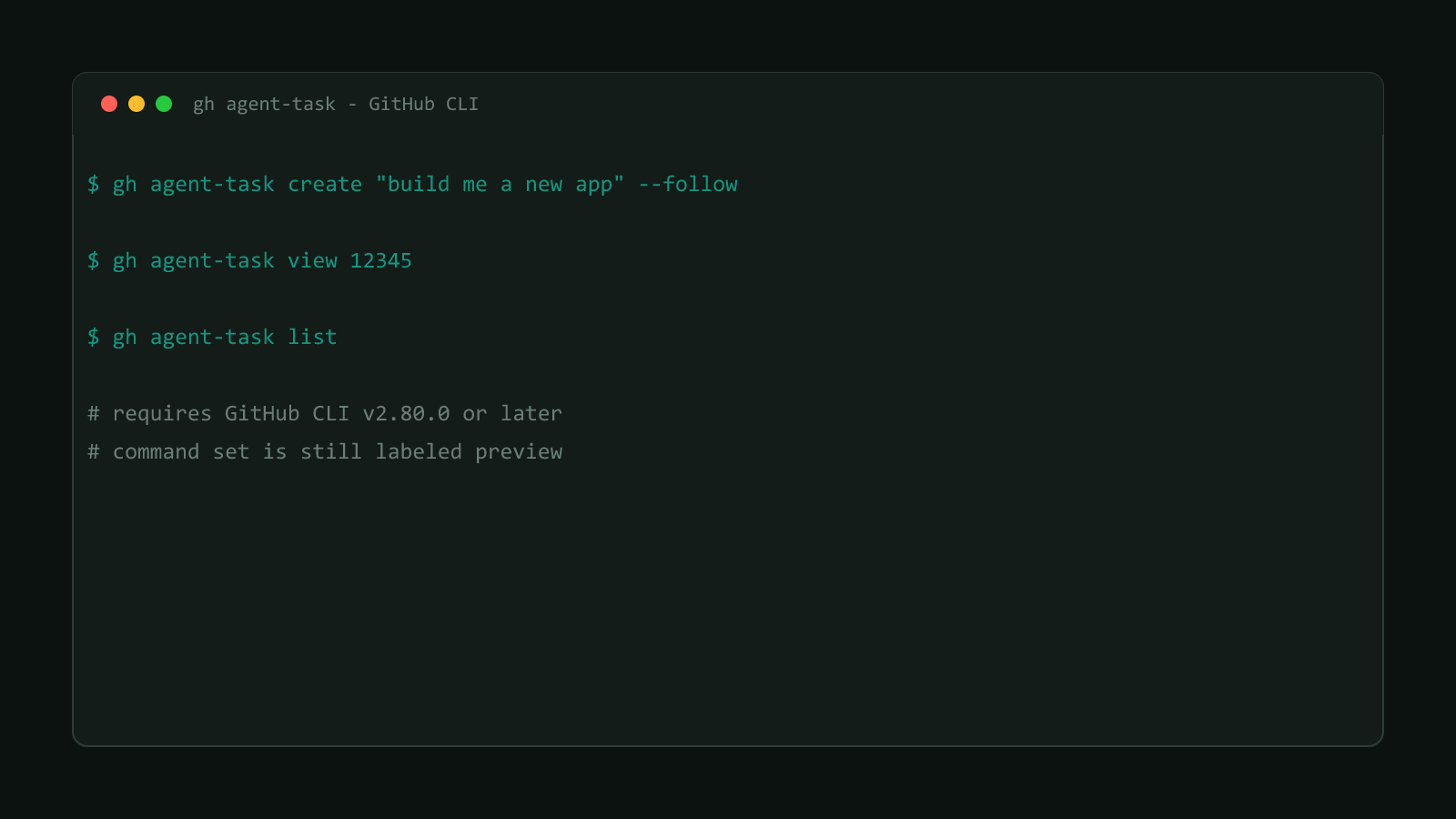
gh agent-task create "build me a new app"That alone opens a new agent task on the current repository and returns immediately, the session keeps running on GitHub’s servers after your terminal moves on. A few flags change that behavior:
# stream the session's logs in your terminal instead of returning immediately
gh agent-task create "build me a new app" --follow

# read a longer task description from a file instead of a shell string
gh agent-task create -F task-desc.md

# pipe a description in from stdin
echo "build me a new app" | gh agent-task create -F -

# target a specific base branch instead of the repo's default
gh agent-task create "fix errors" --base branch-name

# use a specific custom agent, defined in a <name>.md agent file, instead of the default
gh agent-task create "build me a new app" --custom-agent my-agent-F/--from-filereads the task description from a file, or from standard input when the value is-, useful once a description is longer than fits comfortably in a shell argument.--followkeeps the command running and prints session logs as they happen, instead of handing control back to your shell right away.-b/--basesets which branch the resulting pull request targets, instead of the repository’s default branch.-a/--custom-agentpoints at a named custom agent instead of the default Copilot coding agent.- Omit the description entirely and
gh agent-task createopens your configured editor for one instead.
Check progress and list your tasks
gh agent-task view accepts either a session ID or a pull request number, since a task’s identity and its resulting PR are two ways of pointing at the same underlying run:
# by session ID
gh agent-task view e2fa49d2-f164-4a56-ab99-498090b8fcdf

# by pull request number in the current repo
gh agent-task view 12345

# by PR number in a different repo
gh agent-task view --repo OWNER/REPO 12345

# open it in the browser instead of the terminal
gh agent-task view 12345 --web
Add --follow to an already-running task the same way create --follow does, or --log to print what’s happened so far without following live. gh agent-task list shows your most recent tasks, 30 by default, controllable with -L/--limit:
gh agent-task listBoth view and list support --json with fields including id, state, pullRequestNumber, pullRequestUrl, createdAt, and completedAt, so a script can poll a task’s state without scraping terminal output.
It’s also one of the commands the July security fix touched
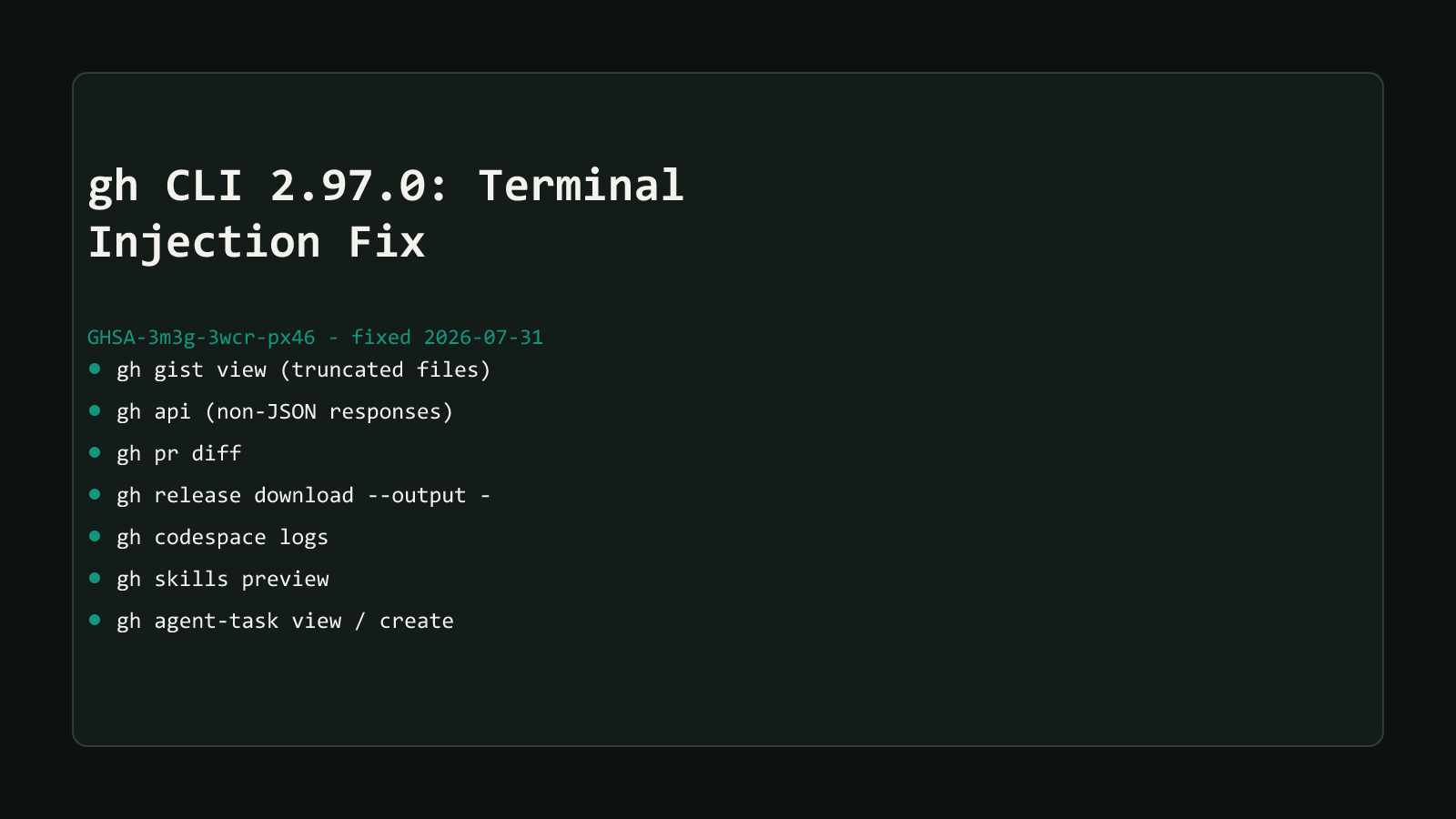
gh agent-task view and gh agent-task create were two of the seven commands patched in v2.97.0’s terminal-injection fix, GHSA-3m3g-3wcr-px46, because task output streamed from GitHub’s servers reached your terminal unsanitized before that release. This post only covers what gh agent-task does; for the vulnerability itself and the other six affected commands, see gh CLI 2.97.0 Fixes Terminal Injection in 7 Commands.
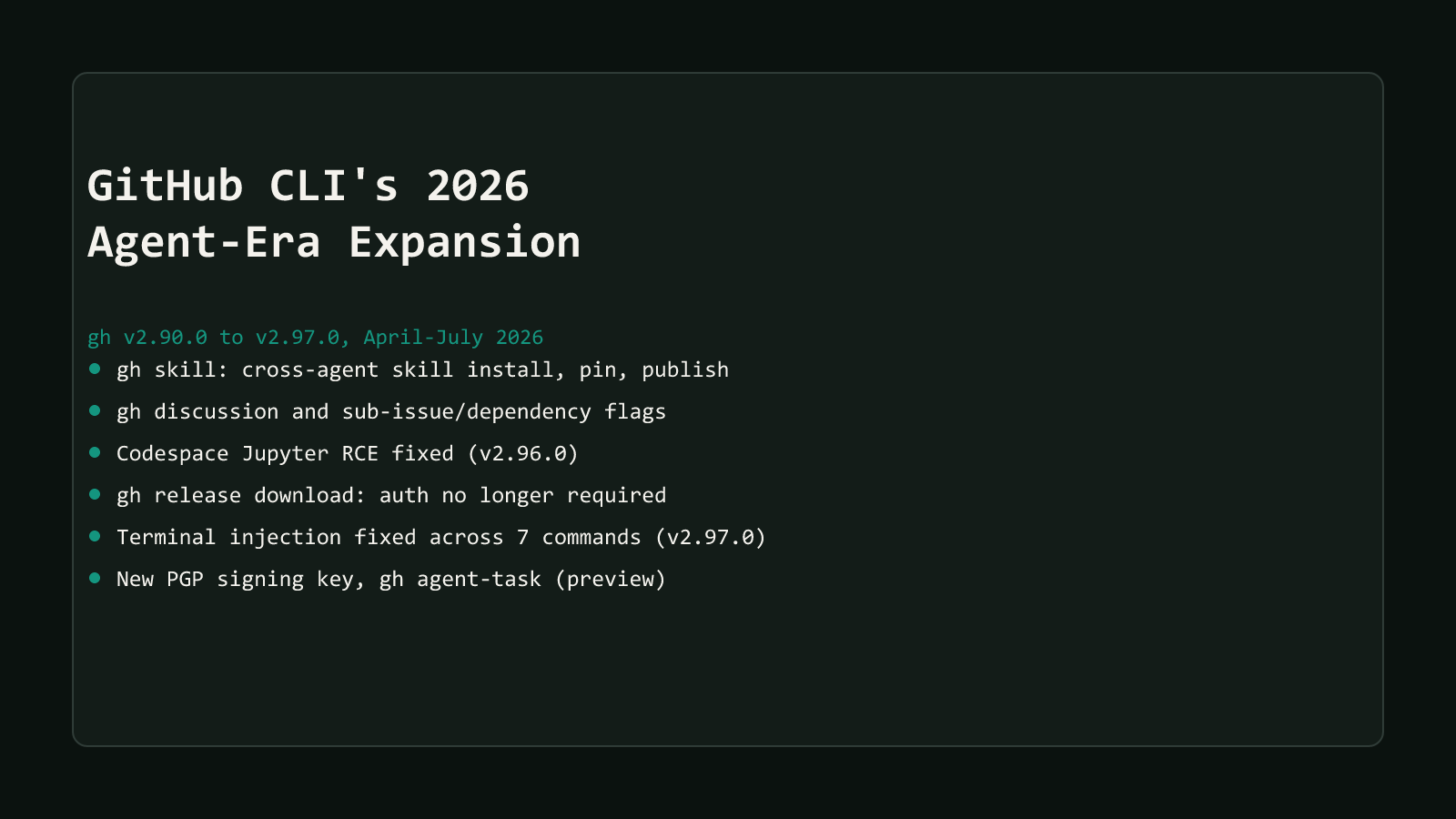
gh agent-task is also part of gh’s broader shift into an agent-tooling hub through 2026, alongside gh skill and gh discussion. See How GitHub CLI Became an AI-Agent Control Surface for that wider pattern across all ten changes in this series.
Reach for gh agent-task create the next time you want to delegate a well-scoped, described-in-words change, a refactor, a dependency bump, a small feature, without switching to a browser to file the issue and assign it. Skip it for CI automation for now; the OAuth-only requirement means it still needs a human to authenticate at least once, and issue #11845 shows GitHub hasn’t shipped a PAT-friendly path yet.
Browse more coverage like this in the Dev Tools archive, or start from GitHub CLI’s 2026 agent-era expansion for the full ten-part series.