Why gh became more than an API wrapper
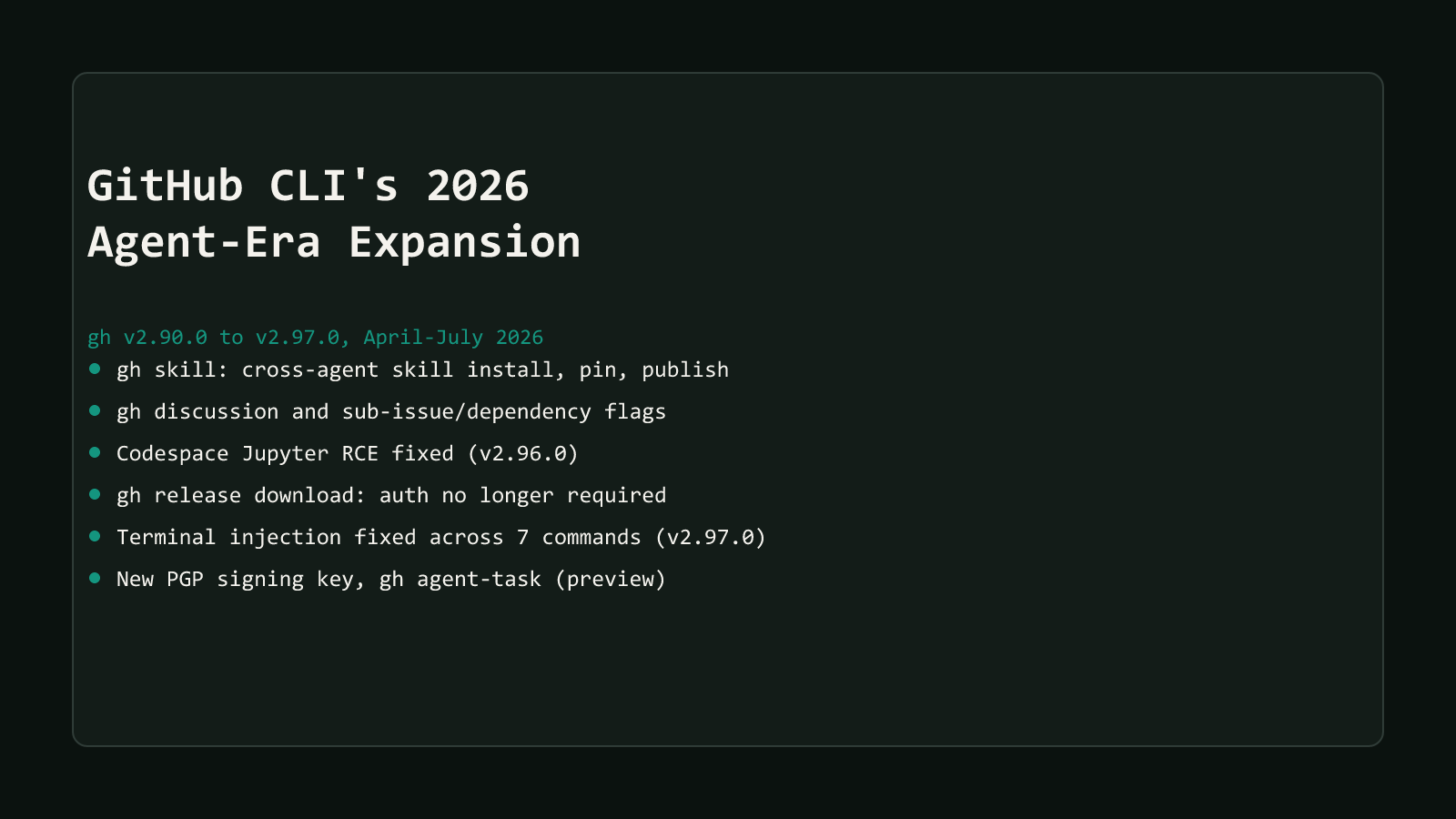
gh started as a terminal front end for the same actions the GitHub web UI already handled: open an issue, review a PR, check a workflow run. Between April and July 2026, that scope expanded in two directions at once, inside the same four-month window, without either direction being announced as a coordinated plan.
On the agent side, gh skill (2026-04-16) gave gh a first cross-agent command for installing, pinning, and publishing agent skills. gh agent-task extended that further, letting a terminal session kick off GitHub’s own asynchronous Copilot coding-agent runs. Neither of these is the separate GitHub Copilot CLI product (github/copilot-cli), which had its own unrelated general-availability release in February 2026 and a terminal-interface GA in June 2026. This guide is about the classic gh tool, the cli/cli project, not that product.
On the security side, two point releases landed within a month of each other and fixed real, dated vulnerabilities rather than theoretical ones. v2.96.0 patched a remote-code-execution path in gh codespace jupyter. v2.97.0 sanitized terminal escape sequences across seven separate commands. Neither was cosmetic, and both are reasons to check your installed version today rather than just read about the new commands below.
Structural Comparison Matrix
| # | Change | Shipped | Type | Applies to you if… |
|---|---|---|---|---|
| 1 | gh skill command group | 2026-04-16 (v2.90.0+) | New capability | You install or manage AI agent skills across Claude Code, Copilot, Cursor, Codex, Gemini CLI, or Antigravity |
| 2 | gh skill install --pin | 2026-04-16 (same release) | Config / security choice | You provision skills in CI or need a reproducible install, not just a moving tag |
| 3 | gh discussion command group | 2026-06-10 (v2.94.0) | New capability | You use GitHub Discussions and want terminal parity with issues and PRs |
| 4 | Sub-issues, issue types, dependencies | 2026-06-10 (v2.94.0) | New capability | You manage issue hierarchies or script bulk changes to a project’s issue tree |
| 5 | gh codespace jupyter RCE fixed | 2026-07-02 (v2.96.0) | Security fix, GHSA-8cg3-r6g9-fpg2 | You’ve ever run gh codespace jupyter on a version between v2.10.0 and v2.95.0 |
| 6 | gh release download auth requirement dropped | 2026-07-02 (v2.96.0) | Behavior change | Your CI pulls public release assets and carries a token it no longer needs |
| 7 | Terminal-injection issue fixed (7 commands) | 2026-07-31 (v2.97.0) | Security fix, GHSA-3m3g-3wcr-px46 | You run gh api, gh pr diff, gh gist view, or four other commands against repos you don’t fully trust |
| 8 | New PGP signing key for Linux packages | 2026-04-08 | Security / provisioning | You install or update gh via an apt/yum-style Linux package repo |
| 9 | gh agent-task (preview) | Ongoing, still preview | New capability | You want to drive GitHub’s asynchronous Copilot coding-agent sessions from a terminal |
Every row is confirmed against gh’s own changelog entry, official manual page, or the relevant GHSA advisory for that release, not summarized from memory. Full mechanism, exact commands, and the fix live in each linked post below.
New command surfaces: skill, discussion, and issue hierarchy
gh skill is the biggest structural addition. The changelog puts the scope plainly:
“install, pin, search, update, and publish agent skills”
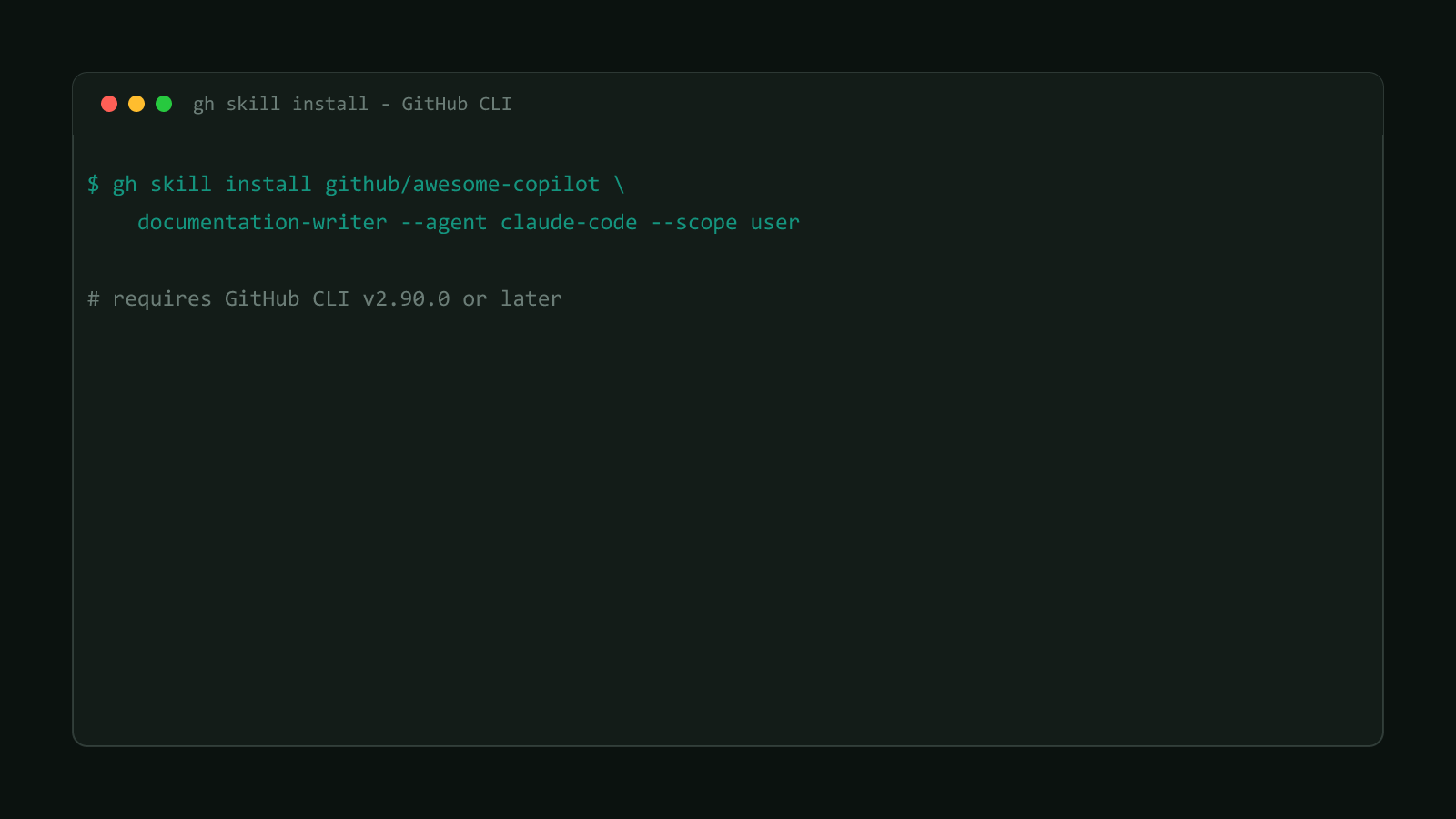
That is the full lifecycle, across Claude Code, GitHub Copilot, Cursor, Codex, Gemini CLI, and Antigravity, through one --agent flag rather than six separate per-tool workflows. Installing a skill from a repo looks like this:
gh skill install github/awesome-copilot documentation-writer --pin v1.2.0Pinning matters more than it looks. A tag like v1.2.0 can be reassigned to point at a different commit unless the repo owner has Immutable Release turned on, so a CI pipeline pinned to a tag isn’t guaranteed reproducible. Pinning to a commit SHA instead is the option that’s actually reproducible:
gh skill install github/awesome-copilot documentation-writer --pin abc123defThat distinction is documented directly in gh’s own manual for gh skill install, not buried in a GitHub issue thread.
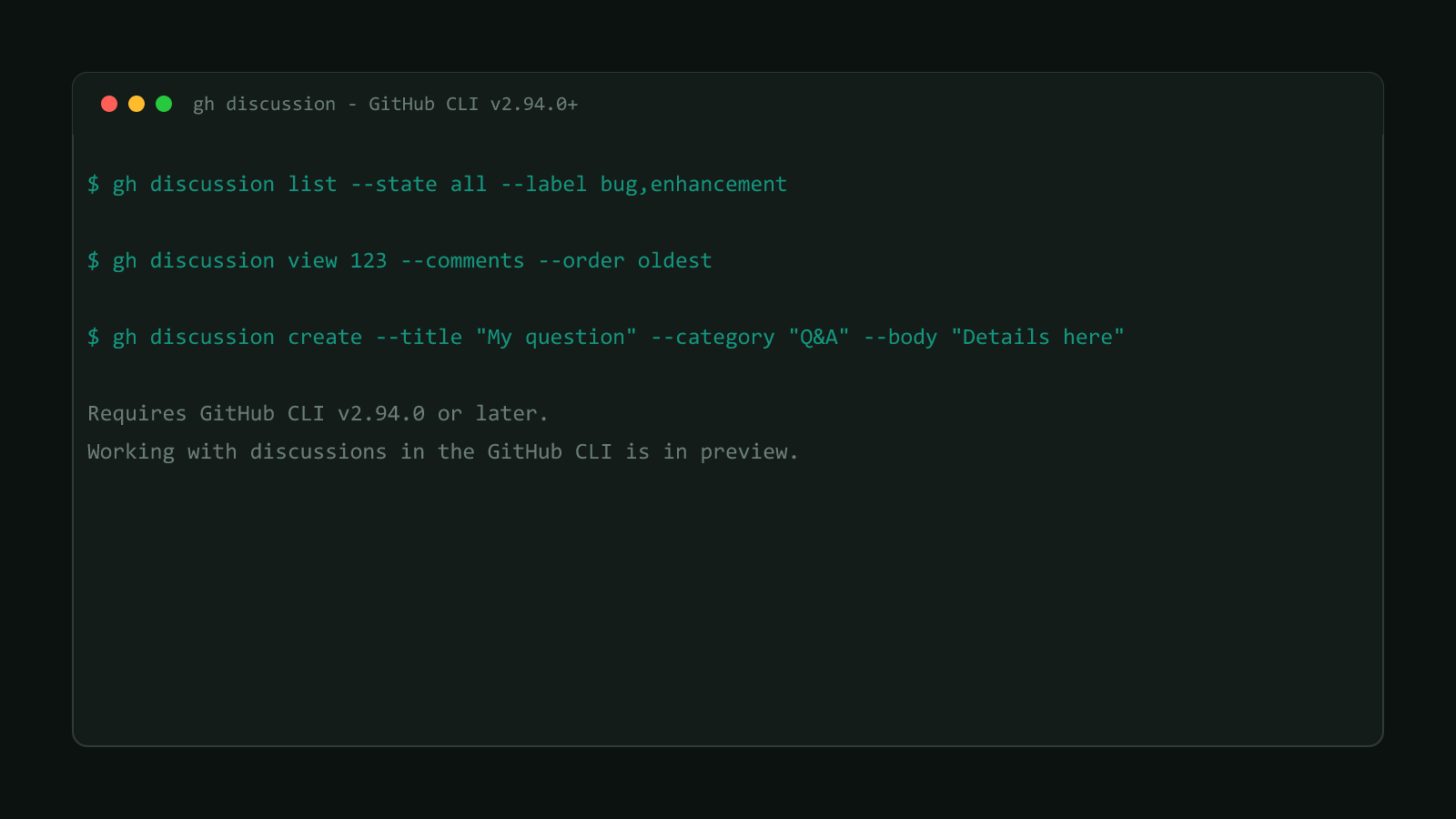
Two months later, v2.94.0 (2026-06-10) shipped two more command groups in the same release. gh discussion (list, view, create, edit, comment) gave GitHub Discussions the same terminal parity issues and PRs already had, so working with a Discussion no longer means falling back to raw gh api calls against the Discussions GraphQL schema. The same release added issue types, sub-issues, and cross-issue dependencies to gh issue, through --parent, --set-parent, and --remove-parent flags, turning issue hierarchy from a GitHub.com-only feature into something a script can read and change directly.
gh agent-task (create, view, list) is the newest of the group and still labeled preview. Per its own manual page, a task is what the command actually operates on:
“a task is a GitHub issue that triggers automated code changes from natural language instructions”
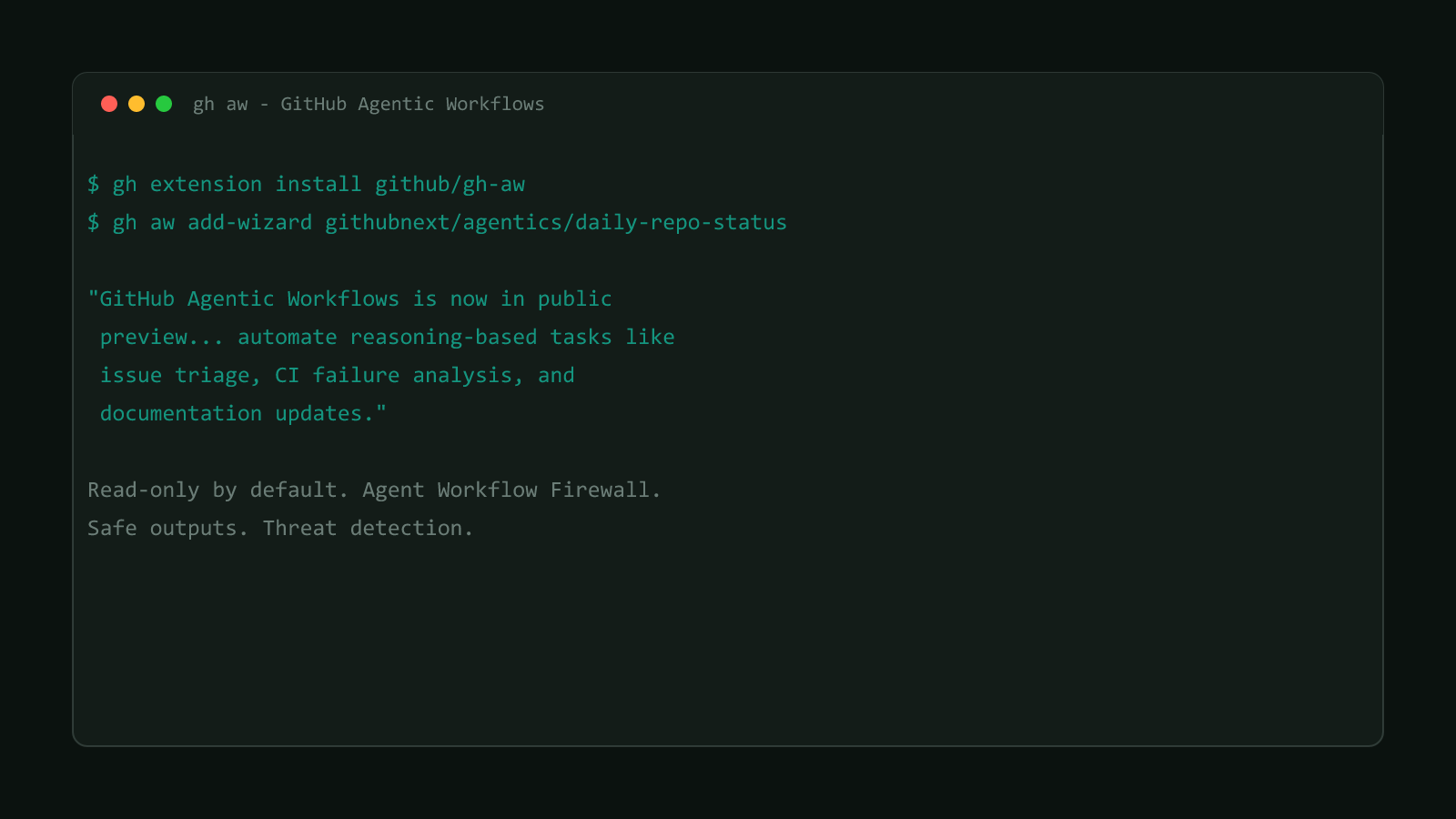
That makes gh agent-task a terminal driver for the same class of automation GitHub’s Actions platform tackled from a different angle around the same time. See Set Up GitHub Agentic Workflows in Actions for that Actions-side surface, a separate product from gh agent-task covered here, built on Markdown-to-YAML compilation instead of a CLI-driven task.
Security: two point releases and a key rotation worth acting on
v2.96.0 (2026-07-02) fixed a real remote-code-execution path. gh codespace jupyter opened a JupyterLab URL handed to it by the Codespace itself, without checking that the URL actually pointed at a loopback address. The advisory states the risk plainly:
“connecting to a malicious Codespace via gh codespace jupyter can allow command execution”
A crafted vscode:// URL from inside a malicious or compromised Codespace could hand off command execution to the victim’s own machine, tracked as GHSA-8cg3-r6g9-fpg2. The same release changed gh release download to work against public repos without requiring authentication, matching how gh extension install already behaved, useful for a CI pipeline that was carrying a token for no real access-control reason.
Update gh before you do anything else in this guide
Two security-driven releases in one wave means the practical first step here
isn’t reading the rest of this guide, it’s running your package manager’s
update command and confirming gh --version reports at least 2.97.0.
Four weeks later, v2.97.0 (2026-07-31) fixed a single terminal escape-sequence injection issue, tracked as GHSA-3m3g-3wcr-px46, that spanned seven separate commands. (v2.97.0’s release notes also fixed three other, unrelated advisories that same day, a URL-path-escaping bug, an auth-token leak, and an attestation-verify bypass, worth naming so “four” isn’t mistaken for the count of terminal-injection bugs specifically.) Seven commands printed content someone else controlled, a gist body, an API response, a PR diff, agent-task output, without stripping raw terminal escape sequences first: gh gist view, gh api, gh pr diff, gh release download --output -, gh codespace logs, gh skills preview, and gh agent-task view/create. Any of those run against a malicious repo, gist, or PR could manipulate the victim’s own terminal, not just print unwanted text.
Underneath both releases sits a smaller but still real change: a PGP signing-key rotation for gh’s Linux package repos, shipped 2026-04-08. GitHub published a dual-key keyring, the current key alongside its replacement, so an apt/yum-style install or update during the rotation window doesn’t fail on a signature mismatch.
The 10 pieces of this guide
This hub is the starting point for a 10-part series. All ten pieces are published below.
- gh skill: Manage AI Agent Skills From GitHub CLI: the command itself, cross-agent install/manage/publish.
- gh skill —pin: Tag vs Commit SHA, Which to Use: version pinning mechanics.
- gh discussion: GitHub Discussions in Your Terminal: the new Discussions command group.
- Manage GitHub Sub-Issues and Dependencies via gh CLI: issue hierarchy flags.
- Update gh CLI Now: Codespace Jupyter RCE Fixed: the v2.96.0 security fix.
- gh CLI 2.97.0 Fixes Terminal Injection in 7 Commands: the v2.97.0 security fixes.
- gh release download No Longer Needs Auth (Public Repos): the auth-behavior change.
- gh CLI’s New PGP Signing Key for Linux Packages: the key rotation.
- gh agent-task: Run Copilot Coding Sessions From gh: driving Copilot coding agent from the CLI.
- How GitHub CLI Became an AI-Agent Control Surface: closing synthesis.
Update your own gh install before you rely on any of this
None of the commands above help if the copy of gh on your machine predates them. Check what you’re actually running first:
gh --versiongh has no built-in self-update command, so update through whatever installed it in the first place: brew upgrade gh on macOS, apt update && apt install gh on Debian/Ubuntu, scoop update gh on Windows, or a fresh binary from cli.github.com if you installed manually. If an apt/yum-style update fails on a signature error, the April 2026 key rotation is the first thing worth checking, not a broken mirror. Anything before v2.94.0 is missing gh discussion and sub-issues entirely. Anything before v2.97.0 is missing both security fixes.
Five months of changelog entries don’t usually deserve one guide. This wave does, because it’s the same tool becoming two different things at once: a control surface for AI-agent tooling, and a CLI that needed two security-driven releases in one month. Update first, then decide which of the ten pieces above actually changes your own workflow.
Browse more coverage like this in the Dev Tools archive.