What gh skill replaces
Before GitHub announced gh skill on 2026-04-16, installing an agent skill, a portable package of instructions, scripts, and resources built to the Agent Skills spec, for a specific coding agent meant finding the right repository, cloning or downloading it, and copying files into whatever directory that particular agent expected. You did that by hand, once per agent, with no install command, no update path, and no way to publish a skill back out that any agent’s CLI understood natively.
gh skill puts that whole lifecycle behind a binary most developers already have installed. It ships five subcommands: install, preview, search, update, and publish, all sharing the same --agent flag so the same command works whether the target is Claude Code, GitHub Copilot, Cursor, Codex, Gemini CLI, or Antigravity. Beyond those six, the flag recognizes more than 30 agents total.
It’s worth being precise about what’s shipping here: gh skill is part of the standard GitHub CLI, cli/cli, the same binary that runs gh pr create and gh issue list. It’s a different product from the separate GitHub Copilot CLI.
Structural Comparison Matrix
| Operational Aspect | Manual per-agent install (before gh skill) | gh skill (v2.90.0+) |
|---|---|---|
| Adding a skill to one agent | Clone or download the repo, copy files into that agent’s own skills directory by hand | gh skill install <repo> <skill> --agent <name> |
| Discovering skills | Browse GitHub manually or search the web | gh skill search <query> queries the GitHub Code Search API for SKILL.md files |
| Checking a skill before installing | Open the repo in a browser and read the files | gh skill preview <repo> [<skill>] renders SKILL.md in your terminal pager |
| Keeping skills current | Re-clone or re-copy by hand, no version tracking | gh skill update compares the installed tree SHA against the remote repo |
| Targeting a specific agent | Look up each agent’s own expected directory manually | One --agent flag, recognized across 30+ agents |
Before you install: version and scope
gh --versiongh skill needs GitHub CLI v2.90.0 or later. If your version is older, update through whatever channel you installed gh with (brew upgrade gh on Homebrew, winget upgrade --id GitHub.cli --source winget on Windows, or your Linux package manager) before any command below will work.
Two more things worth knowing before your first install:
--scopecontrols where a skill lands. The default,project, installs into the current git repository.userinstalls into your home directory instead, making the skill available across every project.- Project scope isn’t a separate folder per agent, either: GitHub Copilot, Cursor, Codex, Cline, OpenCode, and Warp all point at the same
.agents/skillspath, so installing once there covers every one of those six without repeating the command.
Install a skill for one agent
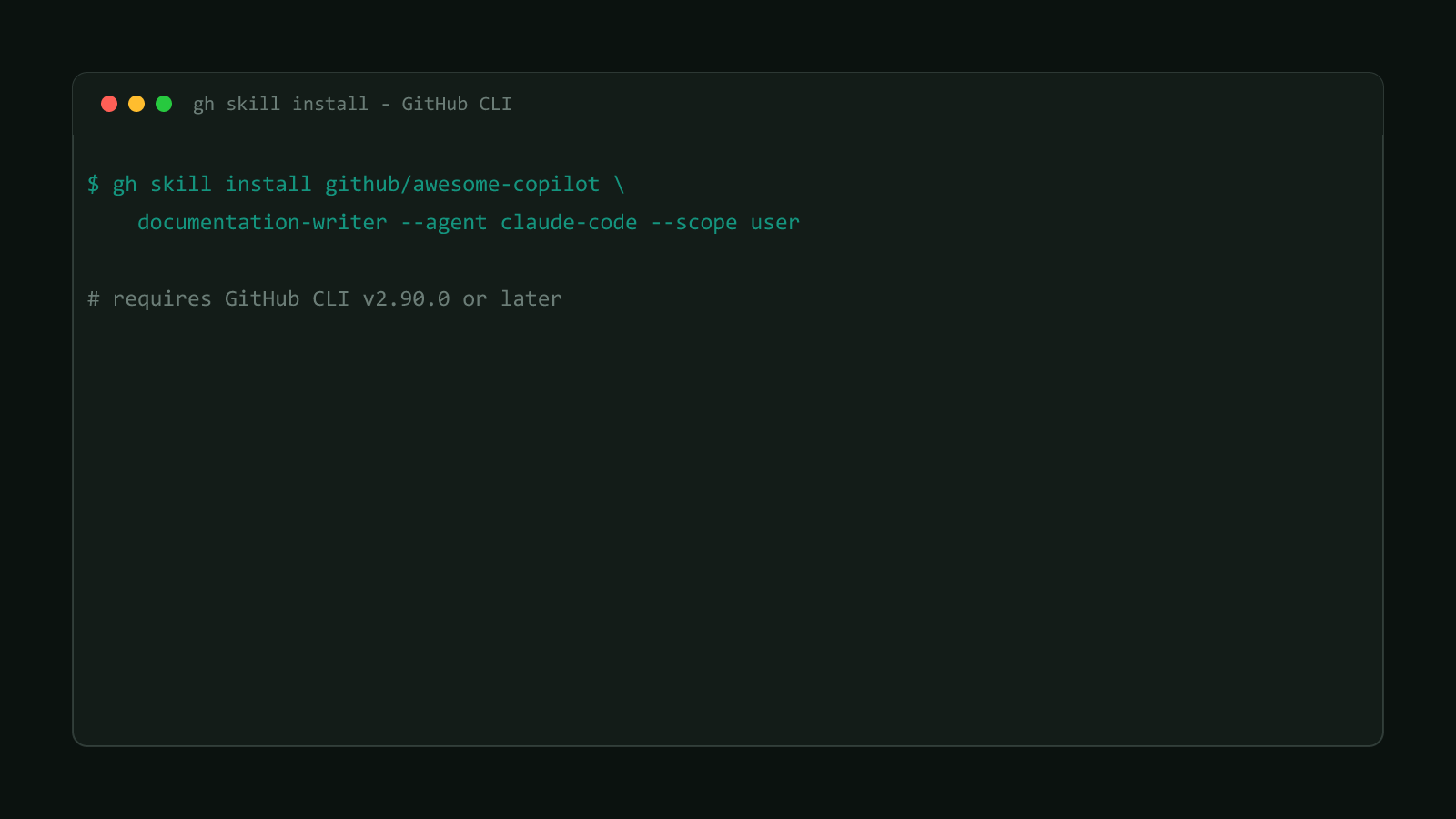
This is the documented example command from GitHub’s own manual:
gh skill install github/awesome-copilot documentation-writer --agent claude-code --scope usergithub/awesome-copilotis the repository the skill lives in.documentation-writeris the skill’s name inside that repo. Add@v1.2.0or@<commit-sha>after the name to pin an exact version instead of resolving to the latest tag.--agent claude-codeis the target agent. Omit this flag in a non-interactive run andghdefaults togithub-copilotinstead, which is easy to miss if you’re scripting installs for a different agent.--scope userinstalls to your home directory instead of the current repo, so the skill is available to Claude Code across every project you open, not just the one you ran the command from.
This is still a preview feature
GitHub’s own docs are direct about it: “Working with agent skills in the
GitHub CLI is in preview and subject to change without notice.” Flag behavior,
output format, and even subcommand names could shift in a later release, so
don’t wire gh skill into a CI pipeline you can’t easily adjust afterward.
Search, preview, update, and publish
Four more subcommands round out the surface, each with a real, documented example:
# find a skill when you don't know its exact name
gh skill search terraform

# read a skill's SKILL.md in your terminal before installing it
gh skill preview github/awesome-copilot documentation-writer

# check every installed skill for updates and apply them
gh skill update --all

# validate a skill you're building against the Agent Skills spec, without publishing yet
gh skill publish --dry-run
gh skill search runs against the GitHub Code Search API, matching your query against a skill’s name and description inside SKILL.md files; add --owner <name> to scope results to one organization. gh skill preview fetches and renders a skill’s SKILL.md without installing anything, useful for reading what a skill actually does before it touches your agent’s config. gh skill update compares each installed skill’s local tree SHA, stored in its own frontmatter, against the remote repository, and skips anything installed with --pin unless you also pass --unpin. gh skill publish checks a local skill’s frontmatter and naming against the Agent Skills spec before creating a GitHub release; --fix autocorrects what it can, stripping install metadata, for example, without publishing.
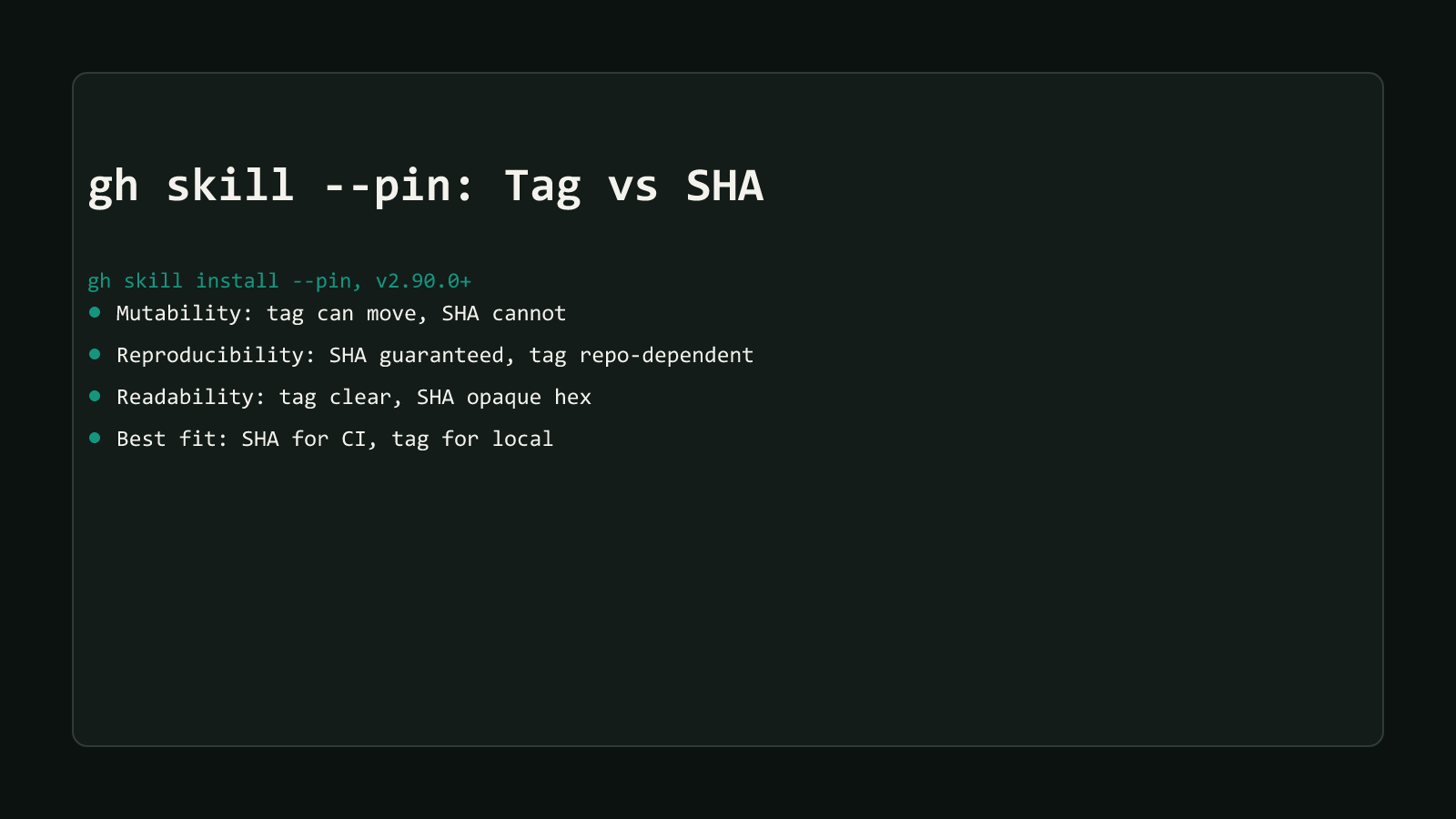
Pinning matters most for CI and provisioning scripts, where a moving tag could resolve to a different commit between runs. Covering when to reach for a tag versus a commit SHA is its own topic; for reproducible CI installs, see gh skill —pin: Tag vs Commit SHA, Which to Use.
Where this fits in GitHub CLI’s 2026 agent push
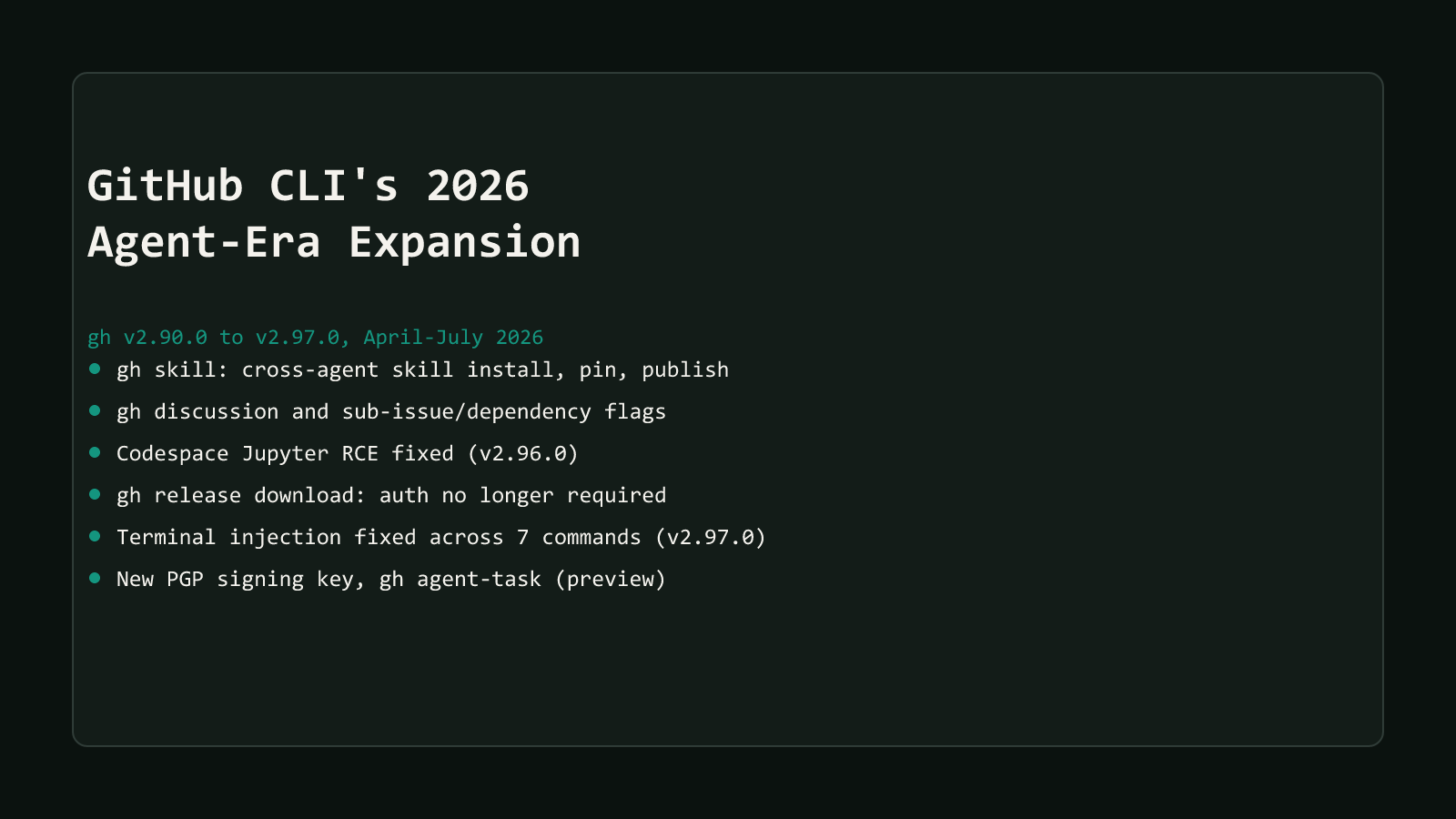
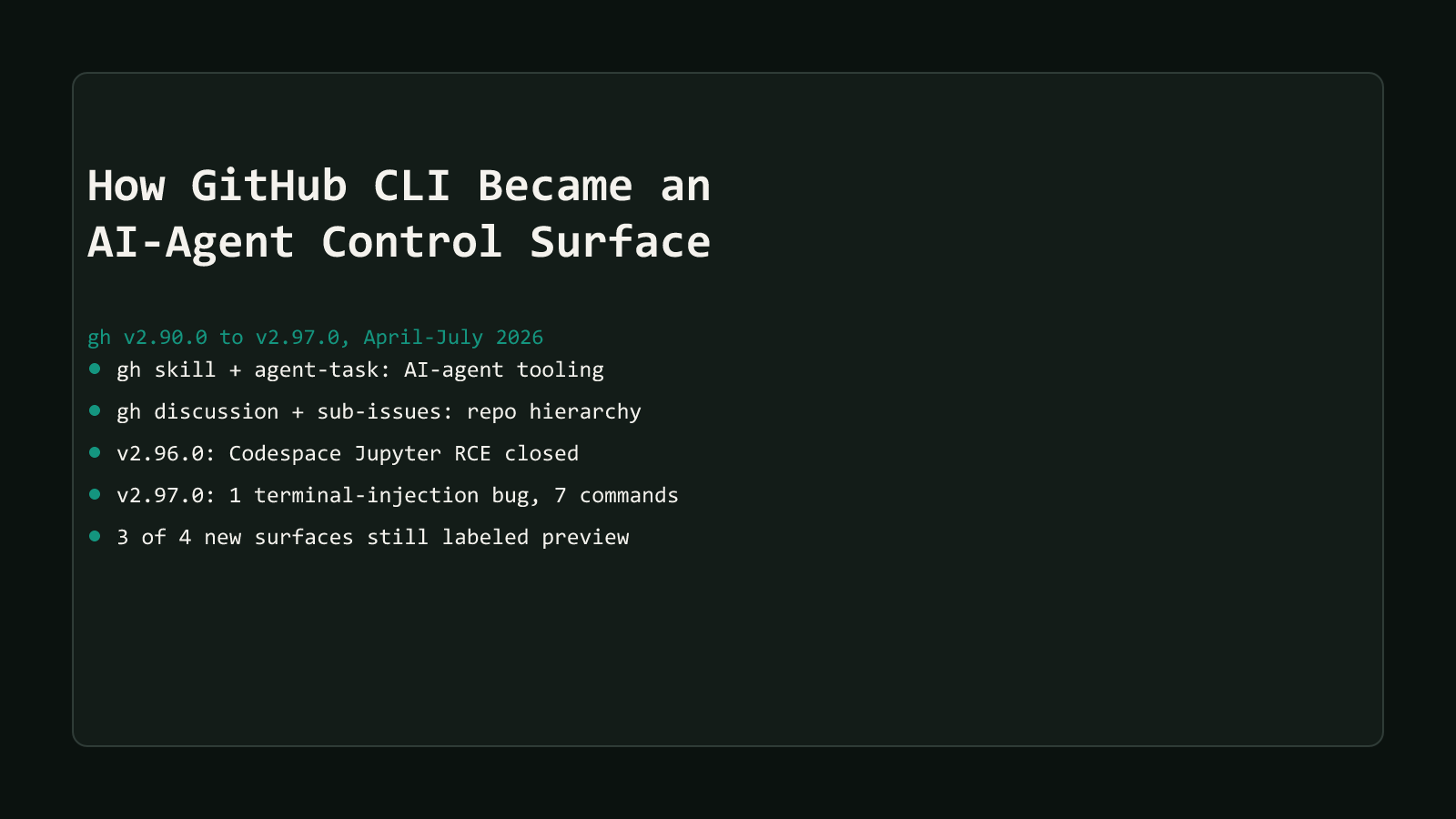
gh skill is one of ten changes covered in GitHub CLI’s 2026 agent-era expansion, the wider wave that also added gh discussion, sub-issue management, and gh agent-task between April and July 2026.
Reach for gh skill install the next time you’re setting up a new machine or onboarding a teammate onto an agent your team already standardized on. It replaces a clone-and-copy step that used to look different for every agent with one command that stays the same across all of them. Skip it for a one-off skill you’re only testing locally; a plain git clone into the right folder is still less typing than learning five new subcommands for something you’ll delete in an hour.
Browse more posts like this in the Dev Tools archive.