What GHSA-3m3g-3wcr-px46 actually breaks
A terminal escape sequence is a short byte sequence, usually starting with ESC (\x1b), that a terminal emulator interprets as a command instead of literal text: move the cursor, clear the screen, change colors, set the window title, or, on some emulators, quite a bit more than that. Normal output leans on these constantly, that’s how gh’s own colored diffs and progress spinners work. The bug is what happens when those bytes come from someone else’s file instead of from gh itself.
GitHub’s advisory states the flaw plainly:
“Several GitHub CLI commands print externally controlled content to the terminal without neutralizing terminal escape sequences. An attacker who can influence that content (for example a gist file, a pull request diff, a release asset, a codespace log) can embed escape sequences that are interpreted by a user’s terminal when they run one of the affected commands.”
Versions through v2.96.0 printed that untrusted content straight through, unfiltered. A gist author, a PR contributor, or anyone with push access to a Codespace could plant escape sequences that fire the moment a victim ran the ordinary, read-only command that displays their content, no click required beyond running gh itself. GitHub tracks this as GHSA-3m3g-3wcr-px46 and CVE-2026-64654, scored medium severity at a CVSS v4 base score of 5.1.
The advisory is direct about what a successful hit can do:
“An attacker who can influence the content shown by an affected command can inject terminal escape sequences into the terminal of a user who views that content. The practical impact depends on the user’s terminal emulator and ranges from cosmetic (title or on screen content manipulation) to, on some emulators, command execution.”
That range matters more than it first looks. Most terminal emulators only let an injected sequence rewrite what’s on-screen or rename the window title, which is annoying but not dangerous on its own. A smaller set of emulators support escape sequences that reach further, and “further” is the part that stops this from being merely cosmetic.
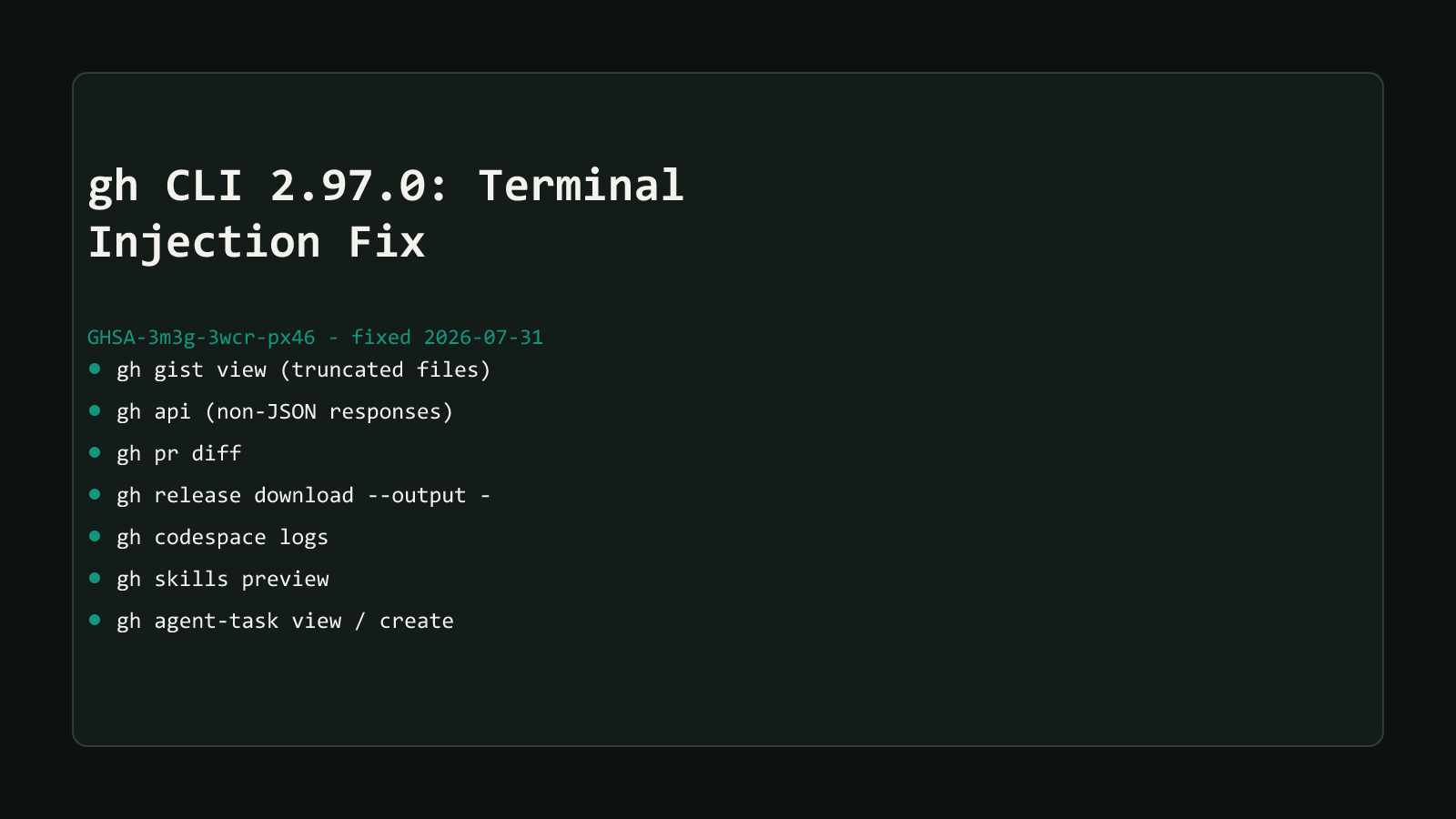
The 7 commands v2.97.0 sanitizes
Every affected command reads content someone else wrote and prints it straight to your terminal. Not every invocation is exposed, though, the advisory lists a specific triggering condition for each command:
| Command | What Reaches Your Terminal | You’re Exposed When | You’re Not Exposed When |
|---|---|---|---|
gh gist view | A gist file’s contents | The file is too big for an inline JSON response, so the API truncates it and gh goes back to fetch the full body from its raw URL | A smaller file comes back inline as sanitized JSON in one request |
gh api | A raw HTTP response body | The response isn’t JSON, for example raw file content or a diff pulled through the Accept header | The response is JSON, which was already sanitized before printing |
gh pr diff | A pull request’s diff or patch | Always, the diff itself carries the changed files’ raw text | - |
gh release download --output - | A release asset’s bytes | The asset is written to standard output | The same asset is written to a file on disk instead |
gh codespace logs | A running codespace’s logs | Always, the logs stream straight from the codespace | - |
gh skills preview | A skill file’s contents | Always, when the previewed file contains escape sequences | - |
gh agent-task view / gh agent-task create | Task output streamed from GitHub’s servers | Always, while that output is displayed | - |
Four of the seven, gh agent-task view/create, gh skills preview, gh pr diff, and gh codespace logs, have no unaffected case listed. Printing exactly that kind of content is what those commands are for, so v2.97.0’s fix has to run every time, not just under a specific condition.
How gh fixes it: sanitize by default, opt out only with —allow-escape-sequences
v2.97.0 (2026-07-31) closes all seven paths the same way: neutralize escape sequences before the bytes reach your terminal, on by default, no configuration required. Check what you’re running first:
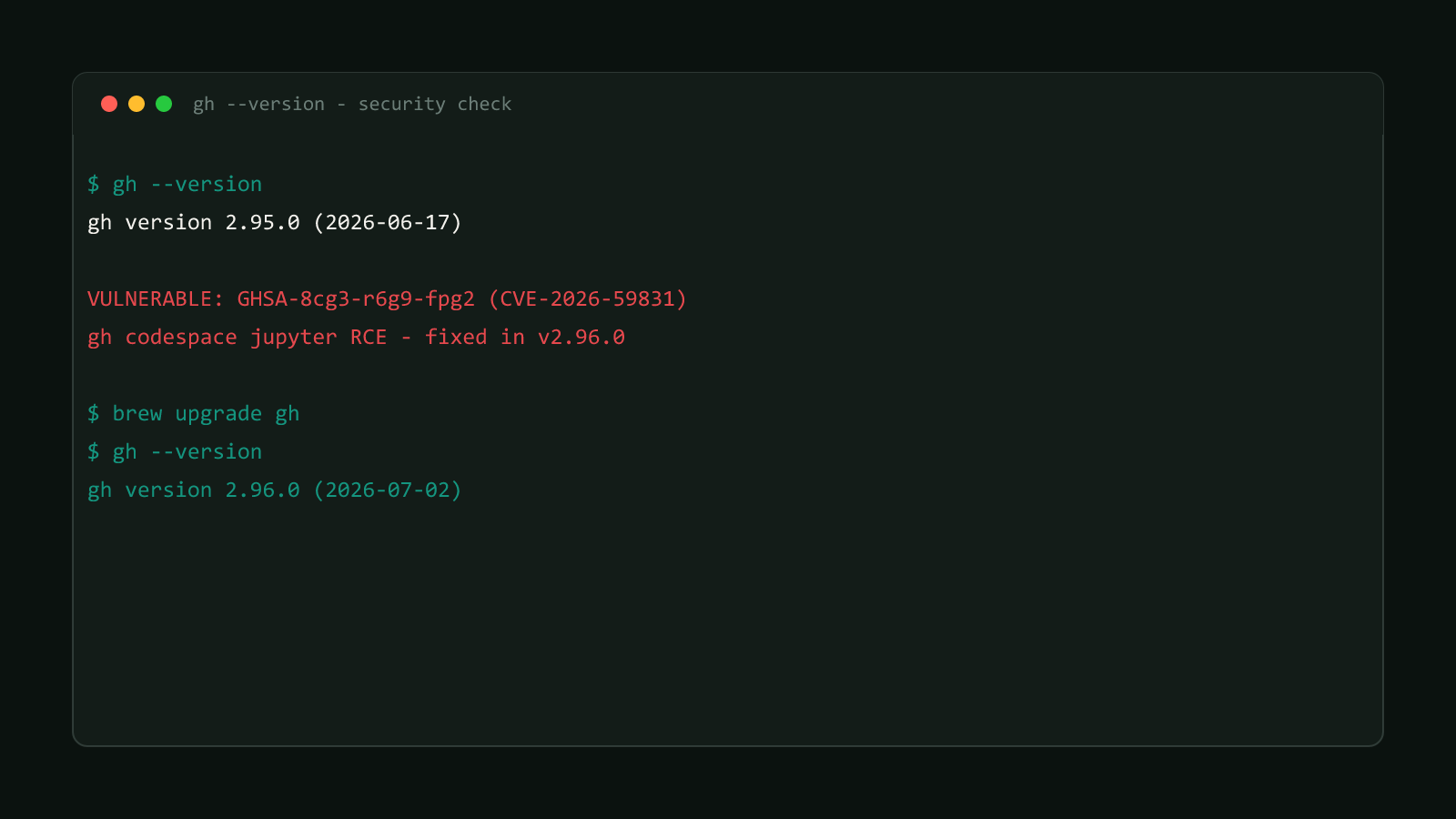
gh --versionAnything before 2.97.0 needs an update, through whatever installed gh in the first place: brew upgrade gh on macOS, apt update && apt install gh on Debian/Ubuntu, scoop update gh on Windows, or a fresh binary from cli.github.com if you installed manually.
gh’s own source shows what the fix actually does. This is the relevant check inside gh gist view, one of the seven affected commands, in cli/cli’s current pkg/cmd/gist/view/view.go:
if !opts.AllowEscapeSequences && !opts.IO.IsStdoutTTY() {
    if iostreams.ContainsEscapeSequence(content.RawBytes()) {
        return errors.New("gist file contains terminal escape sequences; pass --allow-escape-sequences to view it anyway")
    }
    opts.IO.SetContentSanitization(false)
}
On a real terminal, gh renders escape sequences inert automatically, no error, no flag needed, you just see plain text where a hidden sequence would have been. When the output is piped somewhere else instead, gh gist view <id> | less, or into a script, it takes the stricter path: it refuses the content outright rather than silently rewriting the bytes, unless you pass the new flag deliberately:
gh gist view <id> --allow-escape-sequences--allow-escape-sequences turns the fix back off
Passing this flag restores the exact pre-2.97.0 behavior for that one command: raw bytes, no neutralization. It exists for the case where you already trust the source and specifically want the sequences to render, a legitimately colorized dump, for instance. Reaching for it against a gist, PR, or codespace you don’t control puts you back where GHSA-3m3g-3wcr-px46 started.
Not gh’s first escape-sequence bug
This isn’t a new bug class for gh, and the advisory says so directly:
“This extends the same class of issue addressed by CVE-2026-45803, which covered only
gh run view --log, to the other command paths that reach the terminal without sanitization.”
CVE-2026-45803 fixed exactly one command. GHSA-3m3g-3wcr-px46 found six more paths doing the identical thing and fixed all of them in one release. If you patched for the earlier CVE and assumed the underlying bug class was closed, v2.97.0 is the release that says it wasn’t.
Where this fits in gh’s two 2026 security releases
v2.97.0 wasn’t a single-issue release. GitHub’s own release notes for that version open with four separate security advisories fixed the same day, not four terminal-injection bugs specifically: GHSA-3m3g-3wcr-px46 (this one), a URL-path-escaping bug in outbound request building (GHSA-4fjg-2h4q-fwg3), a partial-token leak in gh auth status for token types like github_pat_* and ghs_* (GHSA-cg6r-mpgc-h9mm), and a regex-escaping bypass in gh attestation verify’s --signer-repo/--signer-workflow matching (GHSA-mm27-mwq9-fr5g). This post covers only the terminal-injection one; the other three are a different bug class in different commands entirely.
v2.97.0 also wasn’t gh’s first security-driven release of the year. The month before, v2.96.0 (2026-07-02), the release right before this one, closed a real remote-code-execution path in gh codespace jupyter. See Update gh CLI Now: Codespace Jupyter RCE Fixed for that fix in full.
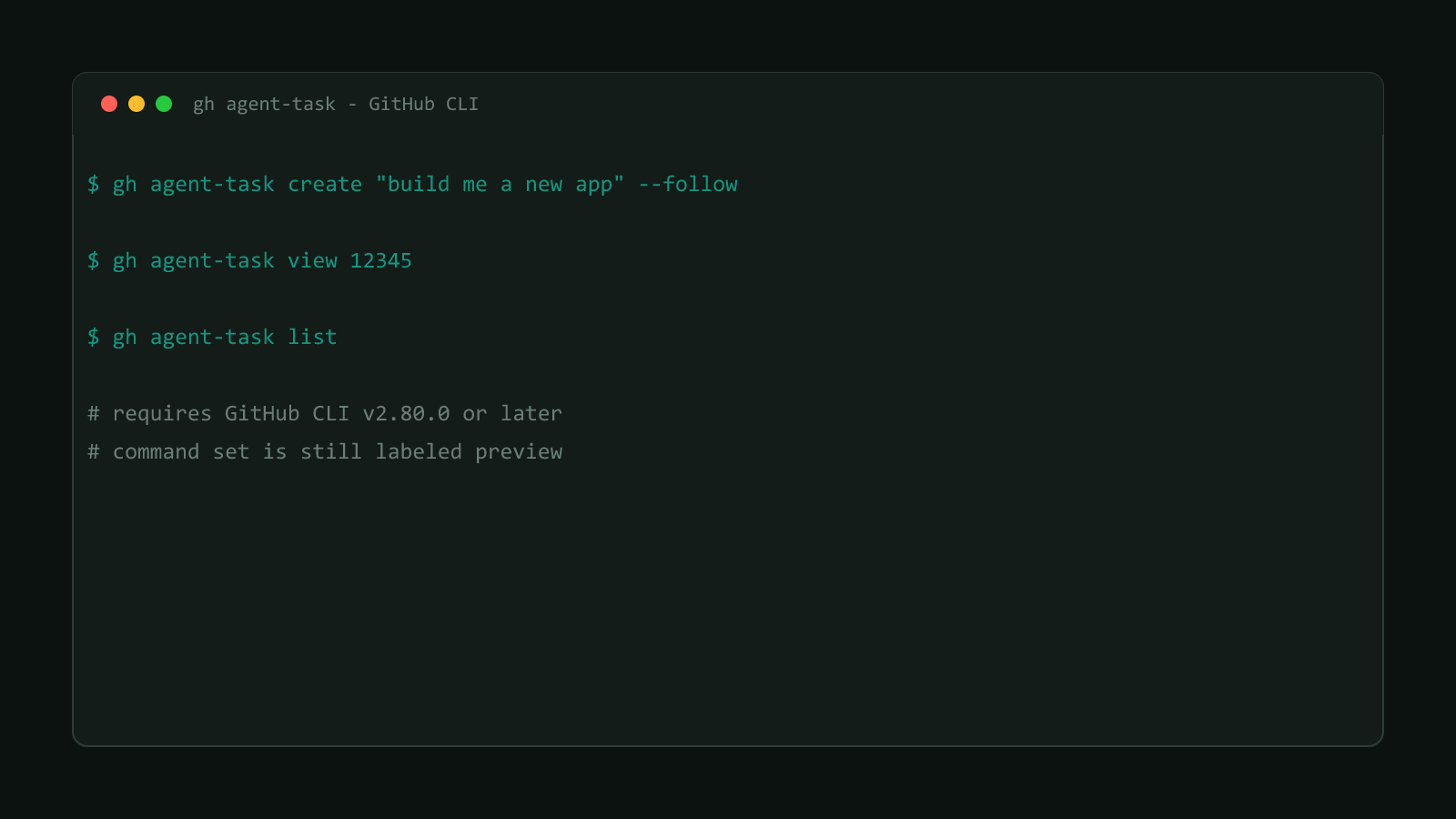
Two of the seven patched commands, gh agent-task’s view and create subcommands, also belong to the newest command surface gh shipped in 2026, still labeled preview. This post only covers the security fix; for what gh agent-task actually does and how to drive a Copilot coding session from it, see gh agent-task: Run Copilot Coding Sessions From gh.
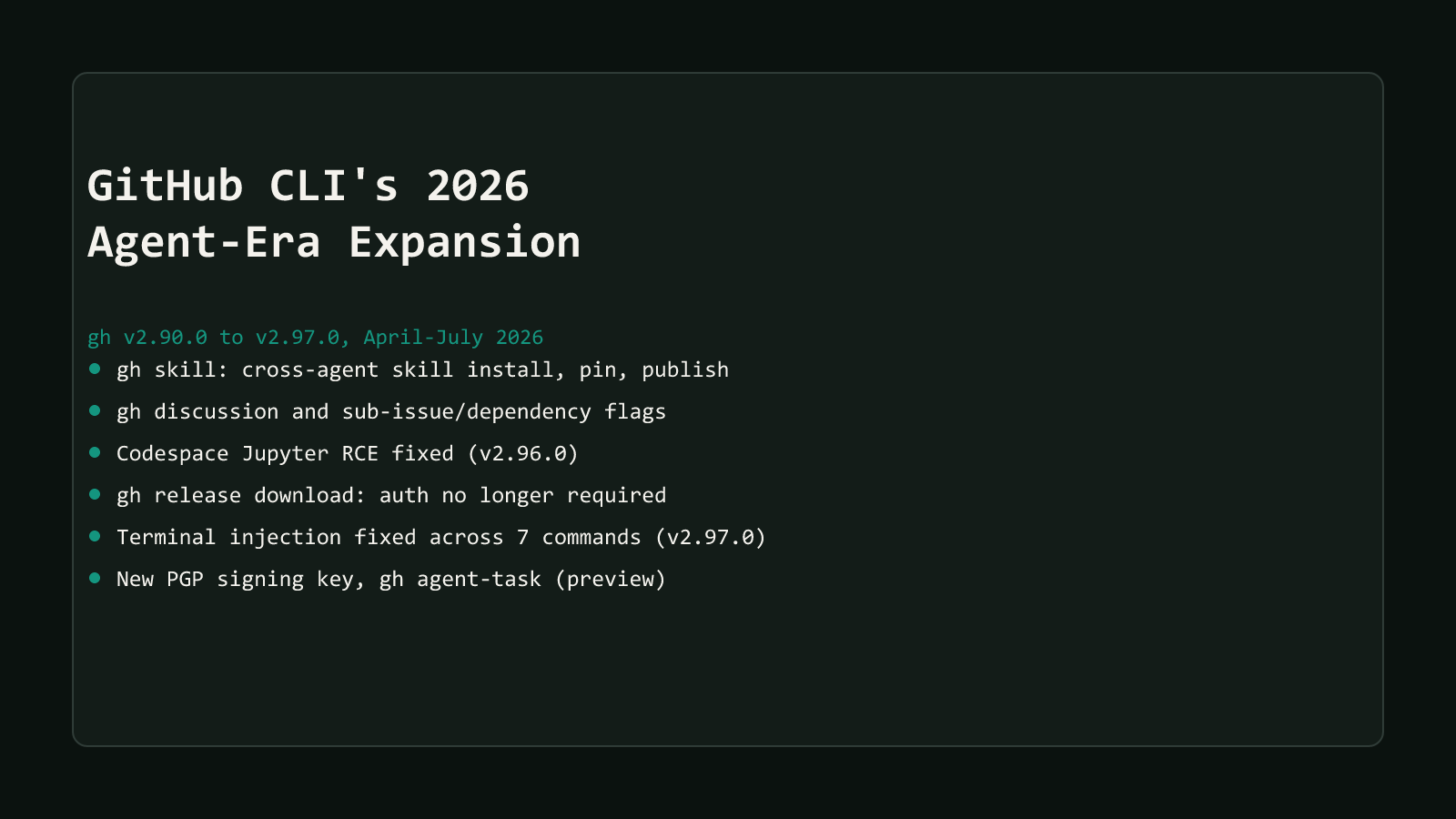
Both releases are part of the same wider wave covered in GitHub CLI’s 2026 agent-era expansion.
Update to v2.97.0 today if you haven’t already, that’s the entire fix, no configuration required on your end. If you’re stuck on an older version for now, treat gh skills preview, gh codespace logs, gh gist view, gh agent-task, gh api, gh pr diff, and gh release download --output - the same way you’d treat opening an attachment from someone you don’t know: fine against your own repos and gists, risky against anything else. Skip --allow-escape-sequences entirely unless you already trust exactly what you’re about to print.
Browse more coverage like this in the Dev Tools archive.