What’s actually rotating, and why now
GitHub’s own changelog entry states the change plainly:
“We’ve published an updated PGP keyring for GitHub CLI’s Linux package repositories. The keyring now includes both the current signing key and a new replacement key.”
That’s the whole announcement in two sentences, dated 2026-04-08. The detail that makes it worth a dedicated post is what it’s protecting against. The key currently signing every gh package built for apt, dnf, yum, and zypper repositories expires on September 5, 2026. GitHub generated a replacement ahead of that date and published a combined keyring file containing both fingerprints, so anyone who re-runs their distro’s install steps between April 8 and September 5 already has the new key in place before the old one stops working.
This isn’t GitHub’s first time handling a gh key expiration. Back in September 2024, the previous signing key expired without a replacement ready, breaking Linux installs and updates until GitHub shipped an emergency extension, tracked in cli/cli issue #9569. This time, the rotation shipped nearly five months ahead of the expiry date instead of after it, specifically to avoid a repeat.
Windows, macOS, and non-package-manager installs aren't touched
This PGP key only signs the apt and RPM repositories cli.github.com hosts.
Homebrew, winget, Scoop, Conda, a precompiled binary, or a source build never
check it, on any operating system. If you didn’t install gh through apt,
dnf, yum, or zypper on Linux, none of the commands below apply to you.
Structural Comparison Matrix
| Operational Aspect | Old keyring only (installed/updated before 2026-04-08) | Updated keyring (current + new key) |
|---|---|---|
apt/dnf/yum/zypper installs or updates after Sept 5, 2026 | Fail with a signature-verification error once the old key expires | Succeed; the new key is already valid |
gpg --show-keys on the apt keyring file | Shows one pub entry, fingerprint ending ...75716059 | Shows two pub entries, the old fingerprint plus the new one ending ...62313325 |
rpm -qa gpg-pubkey GitHub CLI entries | One entry matching opensource+cli@github.com | Two entries matching that address |
CI base images / Docker layers that provision gh fresh each run | Break the first time a build runs after Sept 5, 2026, unless the layer was rebuilt since April 8 | Keep working through and past the expiry date |
| Action required before Sept 5, 2026 | Re-fetch the keyring or repo config for your distro | None |
Every row above is confirmed against GitHub’s own remediation guide in cli/cli issue #13118, not summarized from memory.
Confirm which keyring you’re actually running
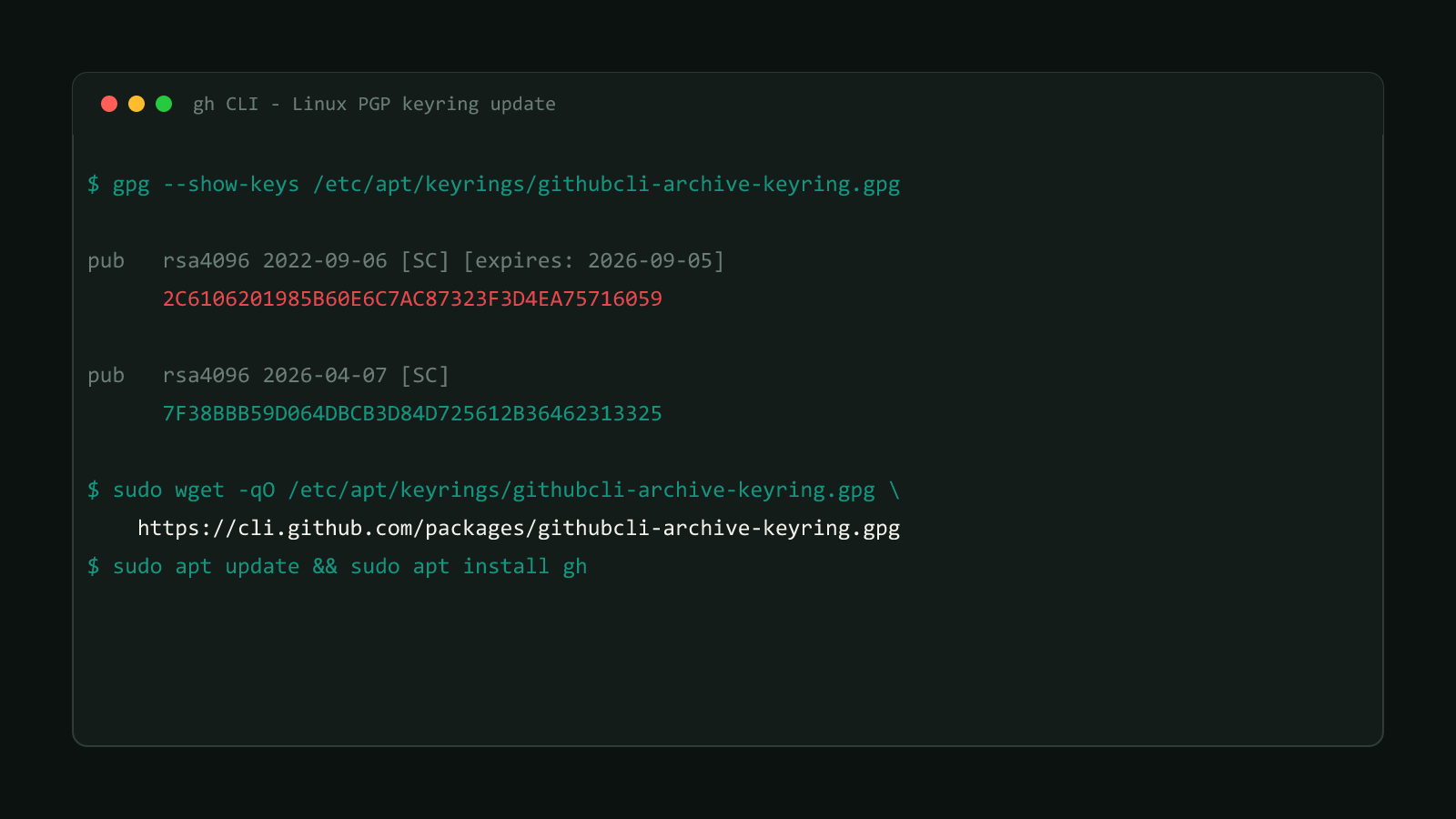
Before changing anything, check what your system already has. On Debian or Ubuntu:
gpg --show-keys /etc/apt/keyrings/githubcli-archive-keyring.gpgTwo pub entries in the output mean you’re already covered:
pub   rsa4096 2022-09-06 [SC] [expires: 2026-09-05]
      2C6106201985B60E6C7AC87323F3D4EA75716059
uid                      GitHub CLI <opensource+cli@github.com>
sub   rsa4096 2022-09-06 [E] [expires: 2026-09-05]

pub   rsa4096 2026-04-07 [SC]
      7F38BBB59D064DBCB3D84D725612B36462313325
uid                      GitHub CLI <opensource+cli@github.com>
sub   rsa4096 2026-04-07 [E]
Only the first block means you still need to update. On Fedora, RHEL, CentOS, Amazon Linux 2, or openSUSE, check the RPM keyring instead:
rpm -qa gpg-pubkey | xargs -I{} sh -c 'rpm -qi {} | grep -q "opensource+cli@github.com" && echo {}'One matching entry means the old key only; two means you’re already set. If gpg --show-keys can’t find the apt keyring at /etc/apt/keyrings/, check the older location instead: gpg --show-keys /usr/share/keyrings/githubcli-archive-keyring.gpg.
Update the apt keyring (Debian/Ubuntu)
If you’re down to one key, replace the local keyring file, then refresh and reinstall gh:
sudo mkdir -p -m 755 /etc/apt/keyrings
sudo wget -qO /etc/apt/keyrings/githubcli-archive-keyring.gpg https://cli.github.com/packages/githubcli-archive-keyring.gpg \
    && sudo chmod go+r /etc/apt/keyrings/githubcli-archive-keyring.gpg
sudo apt update
sudo apt install gh
Prefer curl? Swap the middle line for sudo curl -fsSL -o /etc/apt/keyrings/githubcli-archive-keyring.gpg https://cli.github.com/packages/githubcli-archive-keyring.gpg, same effect. Re-run the gpg --show-keys check from the previous section afterward and confirm both pub entries are present.
Update the RPM repo config (Fedora/RHEL/CentOS/Amazon Linux 2)
RPM-based systems import keys at install time from the repo config file itself, so the fix is re-fetching that file rather than swapping a standalone keyring. Match the block below to the package manager you originally installed with:
sudo dnf config-manager addrepo --overwrite --from-repofile=https://cli.github.com/packages/rpm/gh-cli.repo
sudo dnf update ghsudo dnf config-manager --add-repo https://cli.github.com/packages/rpm/gh-cli.repo
sudo dnf update ghsudo yum-config-manager --add-repo https://cli.github.com/packages/rpm/gh-cli.repo
sudo yum update ghYour package manager prompts you to confirm the new key during that update. Check the fingerprint it shows against 7F38BBB59D064DBCB3D84D725612B36462313325 before accepting; it should match exactly.
Still failing after re-adding the repo?
RPM-based systems can hold onto the expired key in their own keyring even
after the repo config points at the new one. Find it with sudo rpm -qa gpg-pubkey, confirm its Packager field reads GitHub CLI <opensource+cli@github.com> with rpm -qi <name>, then remove it with
sudo rpm -e <name> before reinstalling gh. GitHub’s own troubleshooting
guide in issue
#13118
walks through this exact sequence if the update command above still fails.
Docker builds and CI base images
A base image that installs gh in one layer and runs apt update in a later, separate build is the case most likely to break silently, since the keyring layer doesn’t get rebuilt just because a downstream layer changed. Own that keyring-adding layer yourself? Trigger a fresh build of it instead of patching around it, so the image bakes in the current file automatically. When you don’t control it, add a dedicated layer before any apt update:
RUN wget -qO /etc/apt/keyrings/githubcli-archive-keyring.gpg https://cli.github.com/packages/githubcli-archive-keyring.gpg \
    && chmod go+r /etc/apt/keyrings/githubcli-archive-keyring.gpg
If a base image happens to carry the gh repo but your build never actually installs gh, the simpler fix is dropping the repo instead of tracking its key rotations:
sudo rm /etc/apt/sources.list.d/github-cli.listInstalling gh for the first time needs none of this
Everything above is remediation for a gh install that already exists. Run apt, dnf, or yum fresh today and you already pull the current keyring file, which has carried both fingerprints since April 8, 2026. Follow GitHub CLI’s standard Linux install instructions, and you’re covered without touching any command on this page.
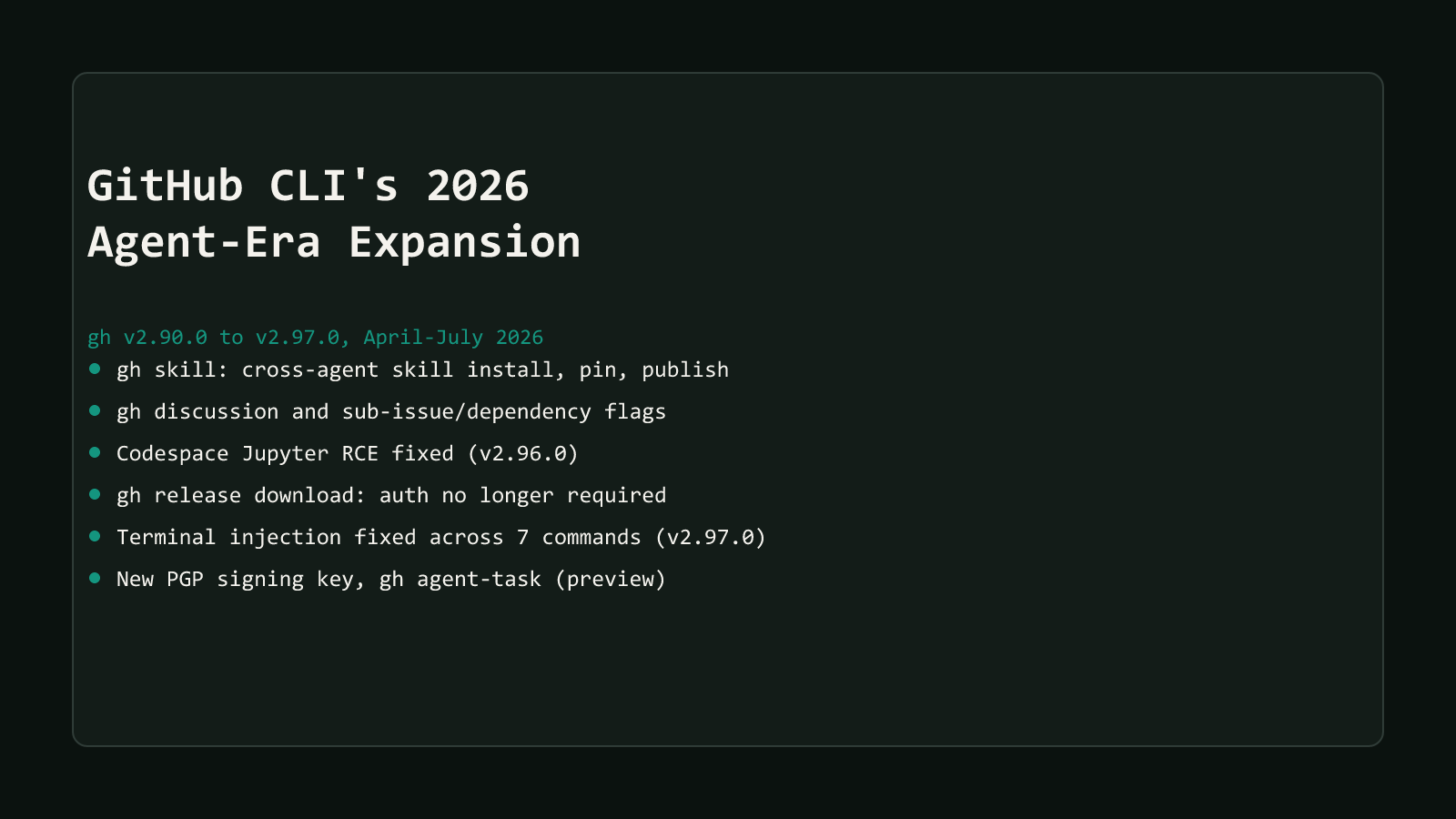
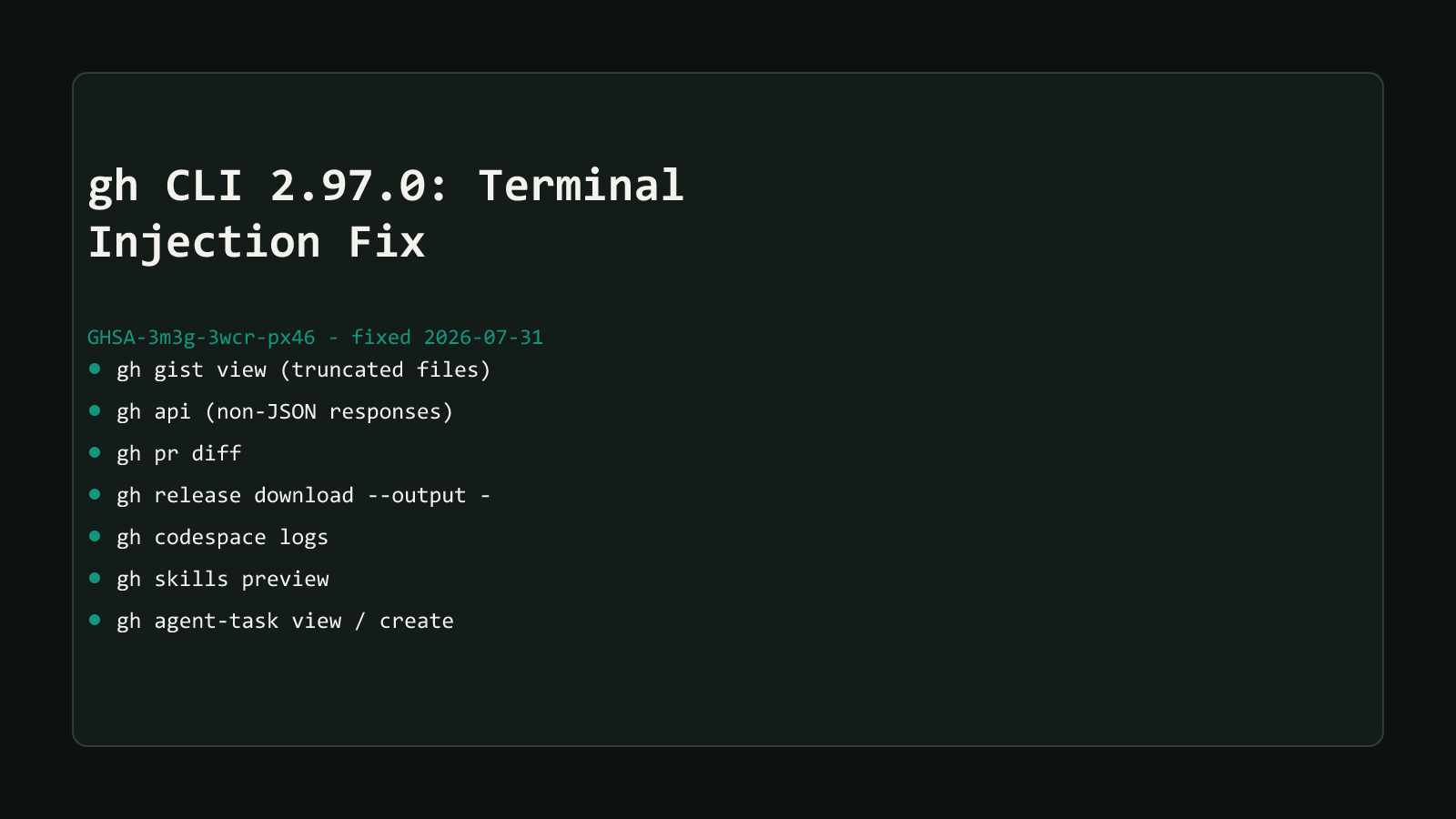
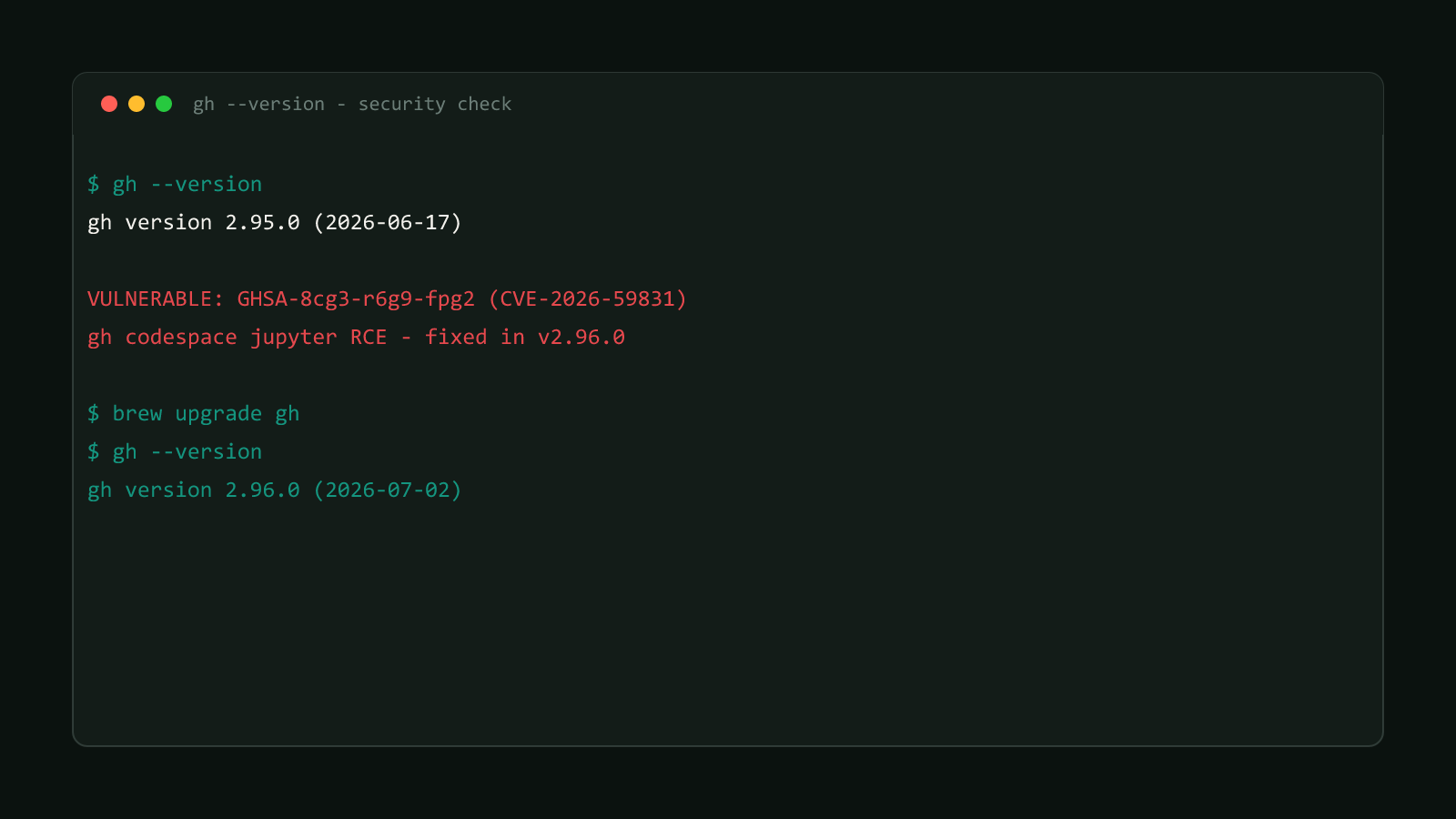
This key rotation is one piece of a wider wave of gh changes across 2026, alongside new command groups like gh skill and two separate security-driven releases. See GitHub CLI’s 2026 Agent-Era Expansion for the full picture of what shipped and when.
Update your keyring the next time you touch a Linux box or CI image that provisions gh, not on September 5 when it starts failing. It’s a two-command fix today and a broken pipeline later if you wait.
Browse more coverage like this in the Dev Tools archive.