What gh discussion replaces
GitHub Discussions has had a public GraphQL API for years. A repository exposes its threads through a discussions connection, and creating one meant firing a createDiscussion mutation by hand, but until 2026-06-10 there was no first-class gh command wrapping any of it.
Reading a thread’s replies meant writing a GraphQL query against that discussions connection yourself and paging through the results with after/before cursors, the same generic pagination pattern every list field in GitHub’s GraphQL schema uses. Starting a new discussion meant looking up the target category’s internal node ID first, then composing a createDiscussion mutation with that ID, the repository’s ID, a title, and a body, all through gh api graphql -f query=.... gh issue and gh pr never asked a user to know GraphQL to do routine work. gh discussion closes that specific gap.
GitHub’s changelog entry for the release states the fix plainly:
“Install or upgrade to GitHub CLI v2.94.0 to get started on any repository where GitHub Discussions is enabled.”
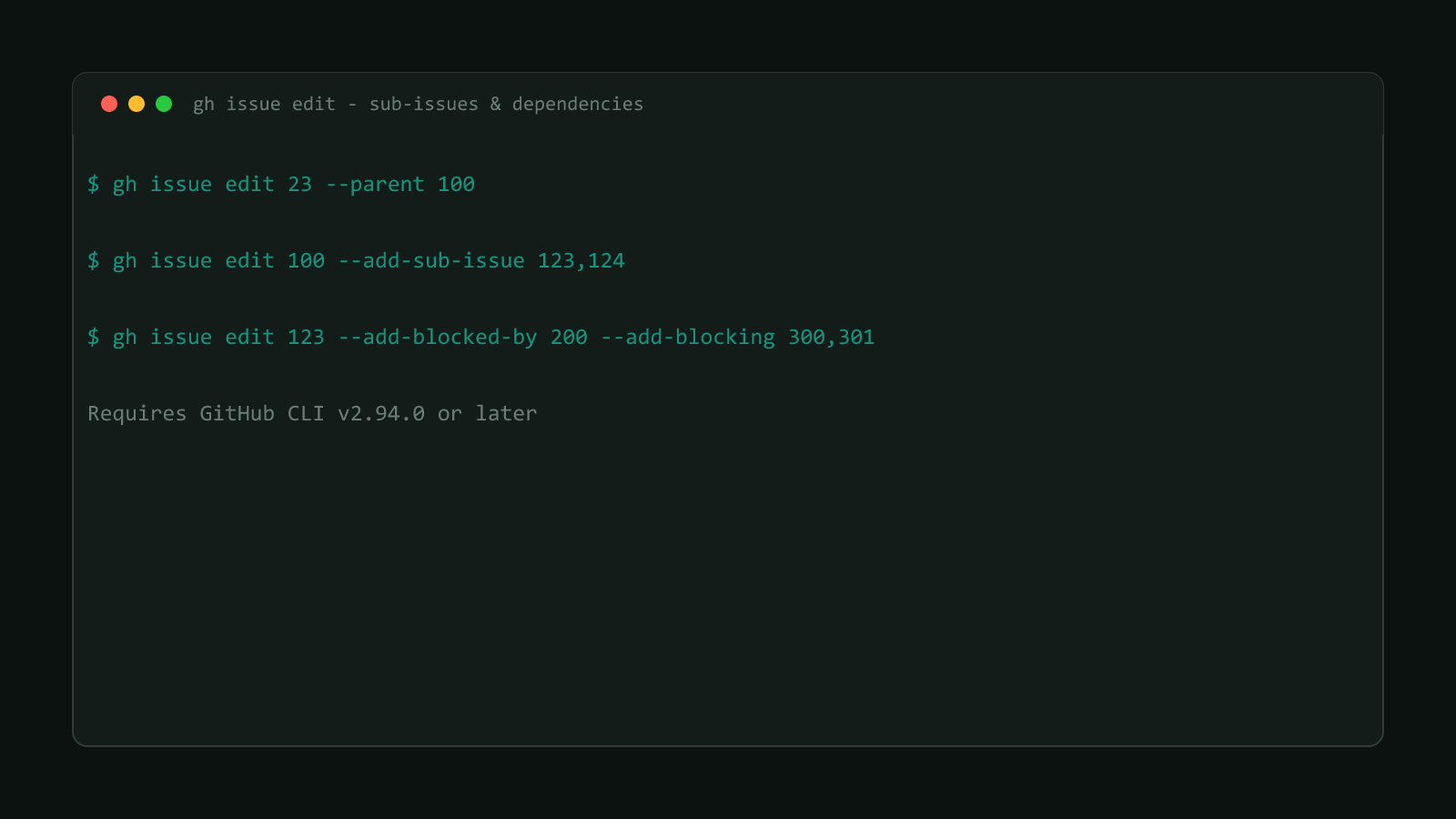
That’s the same v2.94.0 release that added sub-issue and dependency flags to gh issue, shipped the same day. See Manage GitHub Sub-Issues and Dependencies via gh CLI for that half of the release; this post covers gh discussion only.
Structural Comparison Matrix
| Operational Aspect | Before gh discussion (raw gh api graphql) | After (gh discussion, v2.94.0+) |
| :--------------------------------- | :---------------------------------------------------------------------------------------------------------------------------------- | :------------------------------------------------------------------------- | -------- |
| Listing recent discussions | Write a query against the repository’s discussions connection, handle cursor pagination by hand | gh discussion list --state <state> --label <names> |
| Reading a thread’s replies | Query nested comment/reply connections, tracking your own after cursor between pages | gh discussion view <number> --comments --order <oldest | newest> |
| Starting a new discussion | Look up the category’s node ID separately, then send a createDiscussion mutation with repository ID, category ID, title, and body | gh discussion create --title <title> --category <category> --body <body> |
| Editing title, body, or labels | Send an updateDiscussion mutation with only the fields you’re changing | gh discussion edit 123 --title "Updated title" --add-label bug |
| Scripting against results | Parse raw GraphQL JSON yourself | --json plus -q/--jq for a filtered, scriptable field list |
Before you run anything: version and scope
gh --versiongh discussion needs GitHub CLI v2.94.0 or later, and it only works against a repository that has GitHub Discussions turned on; run it against a repo without that feature enabled and there’s nothing for the command to list. Every subcommand also accepts -R/--repo <[HOST/]OWNER/REPO> to target a repository other than the one in your current working directory.
Still labeled preview
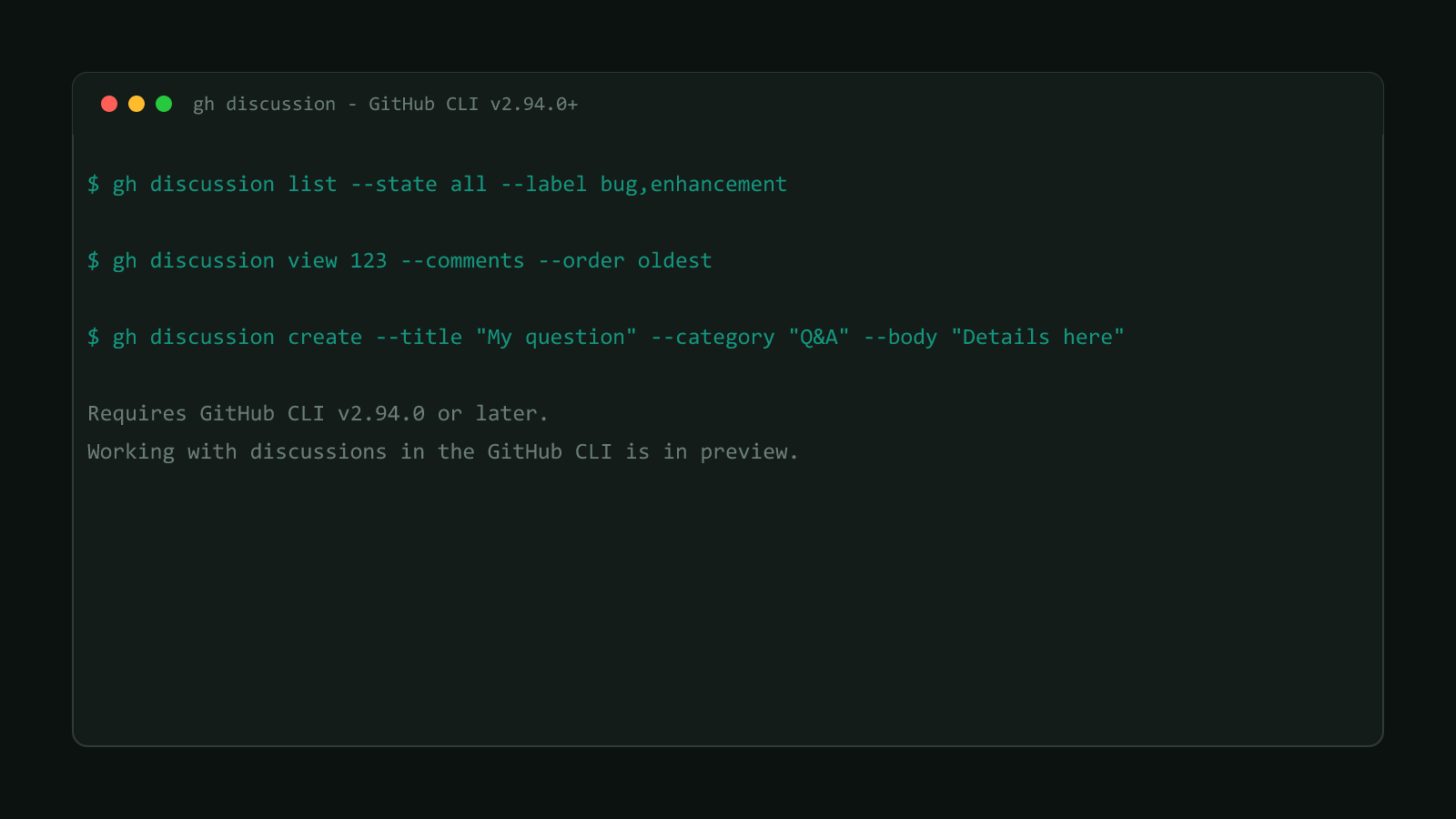
gh’s own manual is direct about it: “Working with discussions in the GitHub
CLI is in preview and subject to change without notice.” Flag names and output
could shift in a later release, the same caveat that applies to gh skill.
List discussions from the terminal
# every open discussion, most recently updated first (the defaults)
gh discussion list

# only General-category discussions
gh discussion list --category General

# closed discussions from one author
gh discussion list --state closed --author monalisa

# any state, filtered by label
gh discussion list --state all --label bug,enhancement

# unanswered discussions, JSON output for scripting
gh discussion list --answered=false --json number,title,url
Every one of those is a real example from gh’s own manual for gh discussion list. --state accepts open, closed, or all (default open); --sort takes created or updated (default updated); --order takes asc or desc (default desc). The short alias gh discussion ls works too, matching the gh issue ls / gh pr ls convention the rest of gh already uses.
Read a discussion and its replies
gh discussion view 123
gh discussion view 123 --comments
gh discussion view 123 --comments --order oldest
gh discussion view 123 --comments --limit 10
Pass a bare number, a full discussion URL, a comment’s node ID, or a comment’s URL as the target; all four forms are documented and work interchangeably. --comments pulls the replies alongside the discussion body, --order controls whether they print oldest-first or newest-first (default newest), and --limit caps how many replies come back per page (default 30). Add -w/--web instead to skip the terminal output entirely and open the discussion in a browser.
Start a new discussion
# interactive: gh prompts for category, title, and body
gh discussion create

# non-interactive: pass everything as flags
gh discussion create --title "My question" --category "Q&A" --body "Details here"
Both are the documented examples from gh’s manual. Running gh discussion create with no flags on an interactive terminal walks you through category, title, and body one at a time. For scripts, pass --title, --category, and either --body or --body-file - (the trailing - reads the body from stdin) to skip the prompts entirely. --category takes the category’s name or slug, not an internal ID, which is the piece the raw GraphQL mutation made you look up separately.
Edit a discussion, then comment on it
# change title, body, and category together
gh discussion edit 123 --title "Updated title" --body "Updated body" --category "Ideas"

# add and remove labels in the same call
gh discussion edit 123 --add-label "bug,help wanted" --remove-label "stale"
gh discussion edit takes the same shape as create, plus --add-label/--remove-label for label changes that create doesn’t handle.
# top-level comment
gh discussion comment 123 --body 'Thanks'

# reply to a specific comment, by its URL
gh discussion comment 'https://github.com/OWNER/REPO/discussions/123#discussioncomment-456' --body 'Thanks'

# edit or delete a comment or reply
gh discussion comment 'https://github.com/OWNER/REPO/discussions/123#discussioncomment-456' --edit --body 'Updated'
gh discussion comment 'https://github.com/OWNER/REPO/discussions/123#discussioncomment-456' --delete --yes
gh discussion comment takes the same four target forms as view: a discussion number posts a new top-level comment, while a comment’s own URL or node ID replies to (or, with --edit/--delete, modifies) that specific comment. --yes skips the delete confirmation prompt, useful in a script where nothing is watching the terminal to answer it.
What gh discussion still can’t do
The five subcommands cover browsing and content, not moderation. GitHub’s GraphQL reference for Discussions lists mutations that gh discussion doesn’t wrap at all: closeDiscussion, reopenDiscussion, deleteDiscussion, addUpvote/removeUpvote, and markDiscussionCommentAsAnswer. The Discussion type also implements GitHub’s generic Lockable interface, so lockLockable/unlockLockable apply too. Closing a discussion as resolved, deleting one outright, upvoting a reply, locking a thread, or marking a comment as the accepted answer all still mean dropping to gh api graphql and calling the matching mutation by hand, the exact friction this command group otherwise removes.
That gap is worth knowing before you script anything that depends on discussion state changing beyond editing content. A bot that needs to auto-close stale discussions, for instance, can list and read them through gh discussion but still needs a raw GraphQL call for the actual close.
Where this fits in GitHub CLI’s 2026 agent push
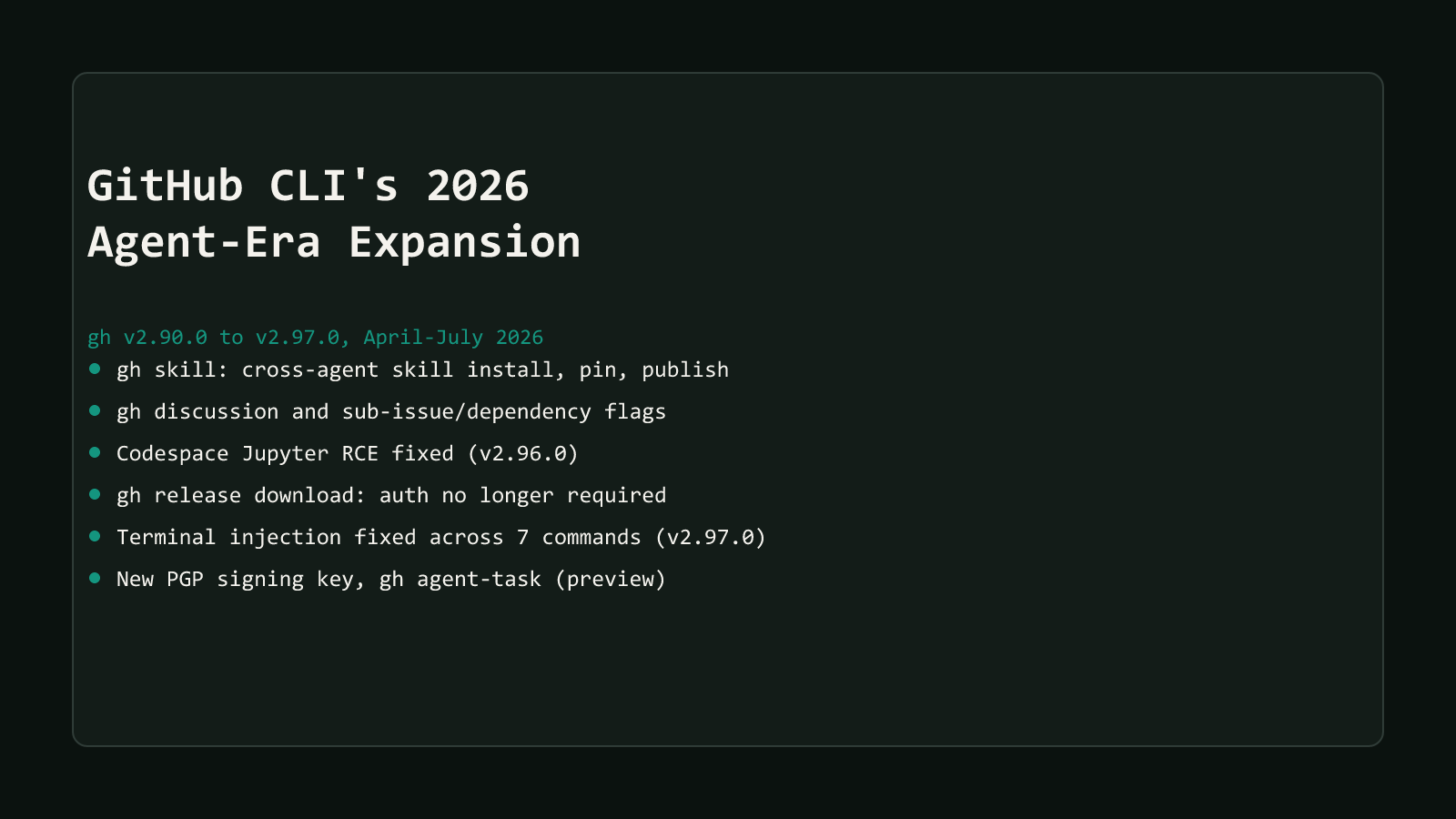
gh discussion is one piece of a wider wave covered in GitHub CLI’s 2026 agent-era expansion, which also added gh skill for managing AI agent skills and, in this same v2.94.0 release, sub-issue and dependency flags on gh issue (see Manage GitHub Sub-Issues and Dependencies via gh CLI).
Reach for gh discussion the next time you’d otherwise open a browser tab to check on a repository’s Discussions tab, or the next time a script needs to read or post to one. Skip the raw gh api graphql route unless you land on one of the gaps above; hand-writing GraphQL for something gh discussion list already does in one line is wasted typing.
Browse more posts like this in the Dev Tools archive.