gh skill install --pin takes two different kinds of value: a git tag like v1.2.0, or a commit SHA like abc123def. GitHub’s own manual for the command names both as valid targets for the flag. They aren’t equally safe to build automation around, though. A tag can move. A commit SHA cannot.
That difference only matters once pinning is worth doing at all, which usually means a CI pipeline or a provisioning script installing the same skill on every run, not a one-off skill you’re trying out locally on your own machine.
What --pin actually resolves to
Run without --pin, gh skill install resolves to the latest tagged release, falling back to the default branch’s HEAD if no tag exists. --pin overrides that resolution. GitHub’s manual for gh skill install states the mechanism plainly:
“The version is resolved as a git tag or commit SHA.”
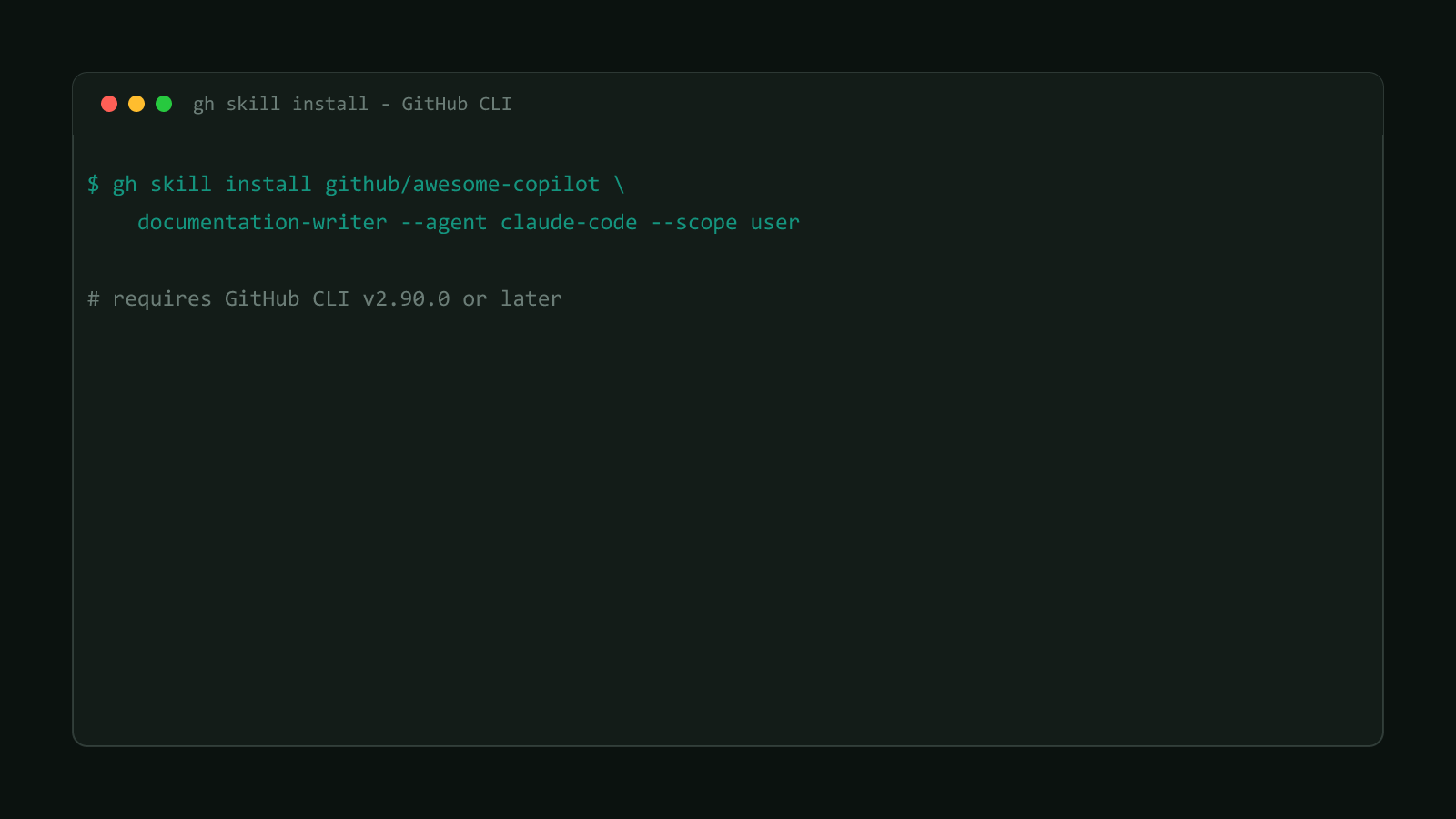
Both of the following are documented, working commands, taken directly from GitHub’s own changelog announcement:
# Pin to a release tag
gh skill install github/awesome-copilot documentation-writer --pin v1.2.0# Pin to a commit for maximum reproducibility
gh skill install github/awesome-copilot documentation-writer --pin abc123defBoth commands install the same skill from the same repository. The only difference is what --pin points at, and that’s exactly where the two options stop being interchangeable.
Why a tag is a mutable pointer
A git tag is a name attached to a commit, not the commit itself. By default, nothing stops a repository owner from deleting v1.2.0 and recreating it against a different commit, whether that’s an honest re-release, a compromised account, or a supply-chain attack. --pin v1.2.0 run today and the identical command run six months from now can resolve to different content, even though the flag and the value never changed on your end.
GitHub gives repo owners a way to close that gap. Its changelog describes gh skill publish offering to enable immutable releases:
“Enabling immutable releases, for example, means even if someone gets control of your repository they cannot change existing releases, so users installing via tag pinning are fully protected.”
That’s real protection, but notice whose decision it is. Enabling immutable releases is a setting the source repository turns on, not something the --pin flag or your own install command controls. The install command from the previous section doesn’t tell you whether github/awesome-copilot has that setting flipped on; nothing about the command line changes when it does.
Check what a tag currently resolves to
git ls-remote <repo-url> <tag> prints the exact commit SHA a tag points at
right now, without cloning anything: git ls-remote https://github.com/github/awesome-copilot v1.2.0. Useful for converting a
tag you’re about to pin into the specific SHA it currently means, so your
--pin value stops depending on the tag staying put.
Why a commit SHA can’t move
A commit SHA isn’t a label someone assigned; it’s computed from the commit’s own content: its tree, its parent, its author and message. Change any of that and the SHA changes with it. GitHub’s changelog calls this “content-addressed change detection,” and the same principle backs gh skill update’s own change checks: each installed skill’s git tree SHA gets recorded locally and compared against the remote, catching real content changes rather than just version bumps.
That same property is what makes a SHA a safe thing to automate against. Nobody can push a different commit that reuses abc123def and have gh skill install --pin abc123def silently fetch something else. The tradeoff is readability: a tag tells a human roughly what they’re getting at a glance, and a 7-to-40-character hex string doesn’t mean anything without looking up what it points to first.
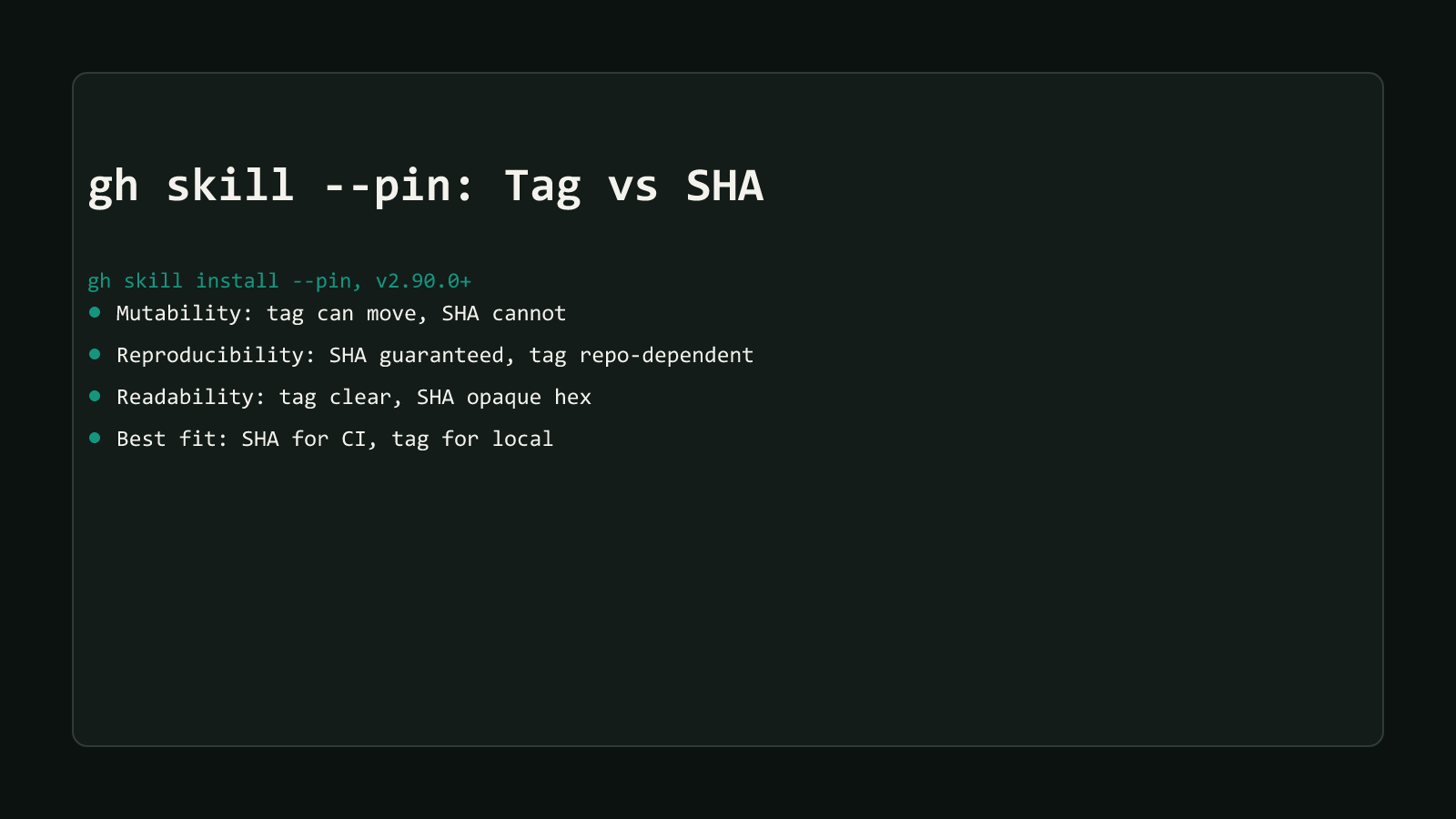
Structural Comparison Matrix
| Operational Dimension | Tag (--pin v1.2.0) | Commit SHA (--pin abc123def) |
|---|---|---|
| Mutability | Points at whatever commit the tag currently references; the repo owner can delete and recreate it to point elsewhere | Content-addressed: the SHA is derived from the commit’s own content, so it can’t be reassigned to different content |
| Reproducibility across separate installs | Depends on a setting you don’t control: whether the source repo has immutable releases turned on | Guaranteed by git’s own object model, regardless of what the source repo does or doesn’t configure |
| Human readability | Reads as a version at a glance (v1.2.0) | Opaque hex string, meaningless without looking up what it actually points to |
| Best fit | A casual, human-run install where you’d likely notice if something looked wrong | CI pipelines and provisioning scripts, where nobody is watching each run |
What happens after you pin
Pinning doesn’t just change what gets installed once. It also changes how gh skill update treats that skill afterward, for either kind of value. GitHub’s manual is direct about it:
“Pinned skills (installed with
--pin) are skipped with a notice. Use--unpinto clear the pinned version and include those skills in the update.”
# a skill installed with --pin gets a notice here, not an update
gh skill update --all

# clear every pin and let those skills update normally again
gh skill update --unpin
That skip behavior is identical for a tag pin and a SHA pin, which is worth stating plainly because it’s easy to assume otherwise: --unpin doesn’t care which kind of value you originally passed. What it doesn’t do is retroactively fix a tag-based install if the tag it resolved to at install time already pointed at compromised content. Pinning protects an already-installed skill from moving out from under you later. It doesn’t protect the moment of installation itself, and for a tag, that moment is exactly where the mutability risk lives.
Which one to reach for
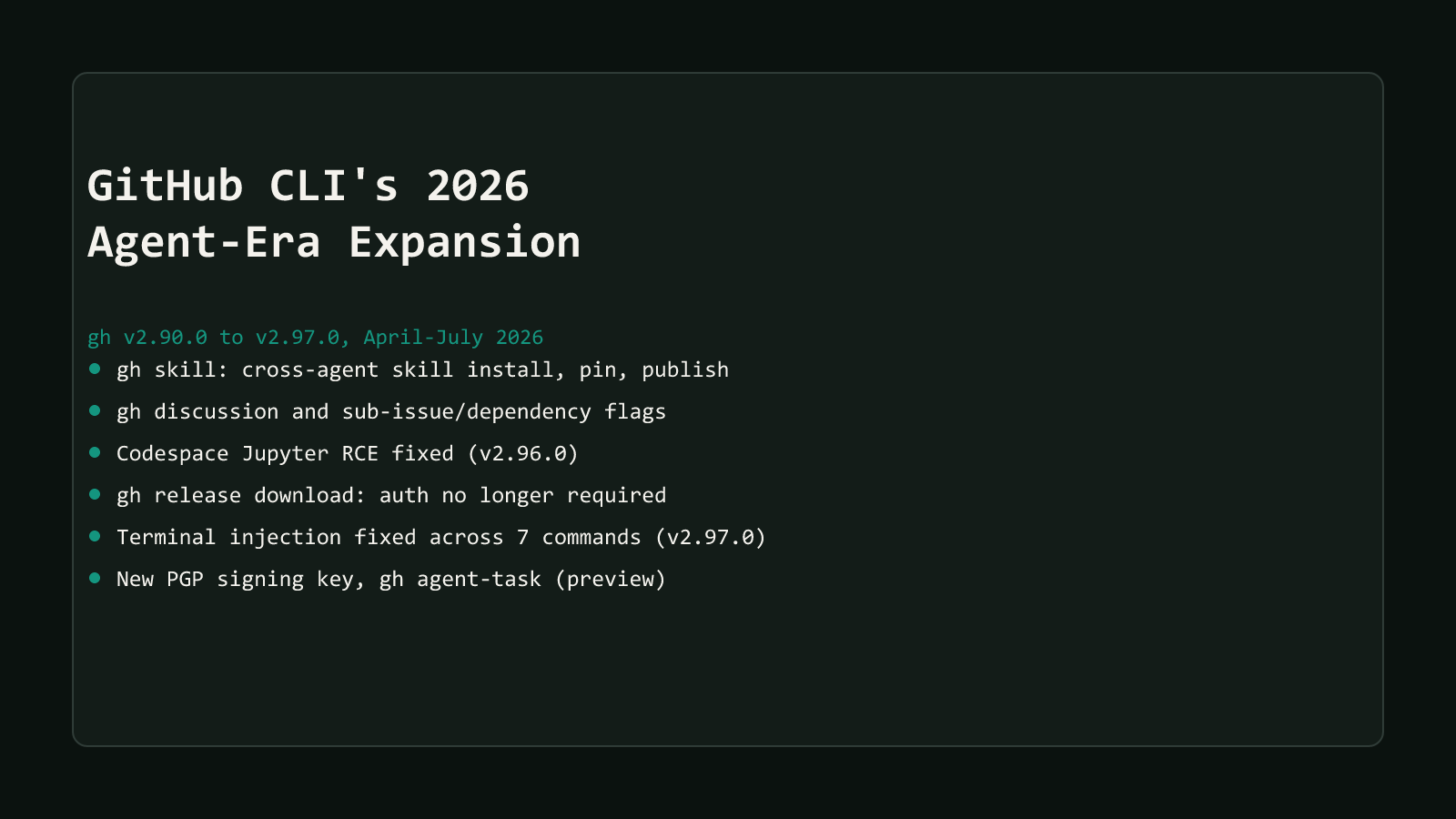
Reach for --pin abc123def anywhere a script installs the skill without a person watching: CI, a provisioning step, an onboarding script that runs unattended on a new machine. The reproducibility guarantee comes from git’s own object model, not from trusting a repo’s settings or a person’s memory. Reach for --pin v1.2.0 for a skill you’re installing yourself, at your own keyboard, where a version tag is faster to read and a moved tag is something you’d likely notice going wrong in real time. This choice is one piece of gh skill’s broader install/manage/publish surface; see gh skill: Manage AI Agent Skills From GitHub CLI for the rest of that command group, and GitHub CLI’s 2026 agent-era expansion for how this fits the wider wave of changes gh shipped around it.
Browse more posts like this in the Dev Tools archive.