How gh codespace jupyter opened the door
gh codespace jupyter -c <name> is supposed to do one thing: start a remote JupyterLab server inside a Codespace and open it in your browser. The URL for that server doesn’t come from gh itself. A process running inside the Codespace generates it and hands it back to your local CLI, which then opens it without checking what it actually points to.
That’s the entire bug. GitHub’s advisory, tracked as GHSA-8cg3-r6g9-fpg2 and assigned CVE-2026-59831, states the root cause plainly:
“The CLI trusts the URL provided by the Codespace and opens it as-is, without confirming that it is a loopback JupyterLab web address.”
The part that turns a missing validation check into remote code execution is what the browser launcher itself accepts. It doesn’t just open http:// and https:// links. It also honors vscode:// and vscode-insiders:// URLs, handing them straight to VS Code. A compromised or malicious Codespace can return one of those instead of a normal JupyterLab address. Once the OS forwards that link, VS Code treats it like any other link it’s been handed and follows it.
“Successful exploitation requires the victim to accept one VS Code ‘open URL’ or Workspace Trust prompt.”
Not a zero-click exploit
You still have to click through one dialog for the chain to complete. That narrows the real-world blast radius but doesn’t remove the risk, since a single accidental click on an unfamiliar Codespace is all it takes.
The advisory also places this bug in context rather than treating it as new territory:
“This is a variant of CVE-2024-52308. That remediation validated the SSH connection details for
gh codespace sshandgh codespace logs, but did not cover the equivalent Jupyter code path.”
In other words, gh fixed this exact class of bug for two other Codespace commands back in 2024 and missed the third. GitHub CLI v2.96.0, shipped 2026-07-02, closes that gap by checking the Jupyter server URL first: anything other than a loopback http or https address now gets rejected before the CLI ever opens it.
GitHub rates the bug Medium severity, CVSS 3.1 base score 4.4:
CVSS:3.1/AV:N/AC:H/PR:L/UI:R/S:C/C:L/I:L/A:N
Network attack vector, high attack complexity, low privileges required, user interaction required: that last part is the same single trust-prompt click the quote above describes, not a marketing gloss on the score.
Structural Comparison Matrix
| Operational Aspect | Vulnerable (v2.10.0-v2.95.0) | Patched (v2.96.0+) |
|---|---|---|
| Jupyter server URL validation | None; gh opens whatever URL the in-Codespace process returns | Validated; only loopback http/https addresses are accepted |
| URL schemes the launcher honors | vscode:// and vscode-insiders:// pass straight through to VS Code | Non-loopback URLs are rejected before they ever reach the OS launcher |
| Exploit chain | Malicious Codespace returns a vscode:// link, OS hands it to VS Code, one trust-prompt accept results in code execution | Malformed or non-loopback URL is rejected before opening, chain never starts |
| Coverage vs. the 2024 fix | gh codespace ssh/gh codespace logs validated since CVE-2024-52308; gh codespace jupyter still open | All three Codespace commands now validate the URL/connection details they’re handed |
| Severity | CVSS 3.1 base score 4.4, rated medium | N/A, patched |
Check your gh version and update
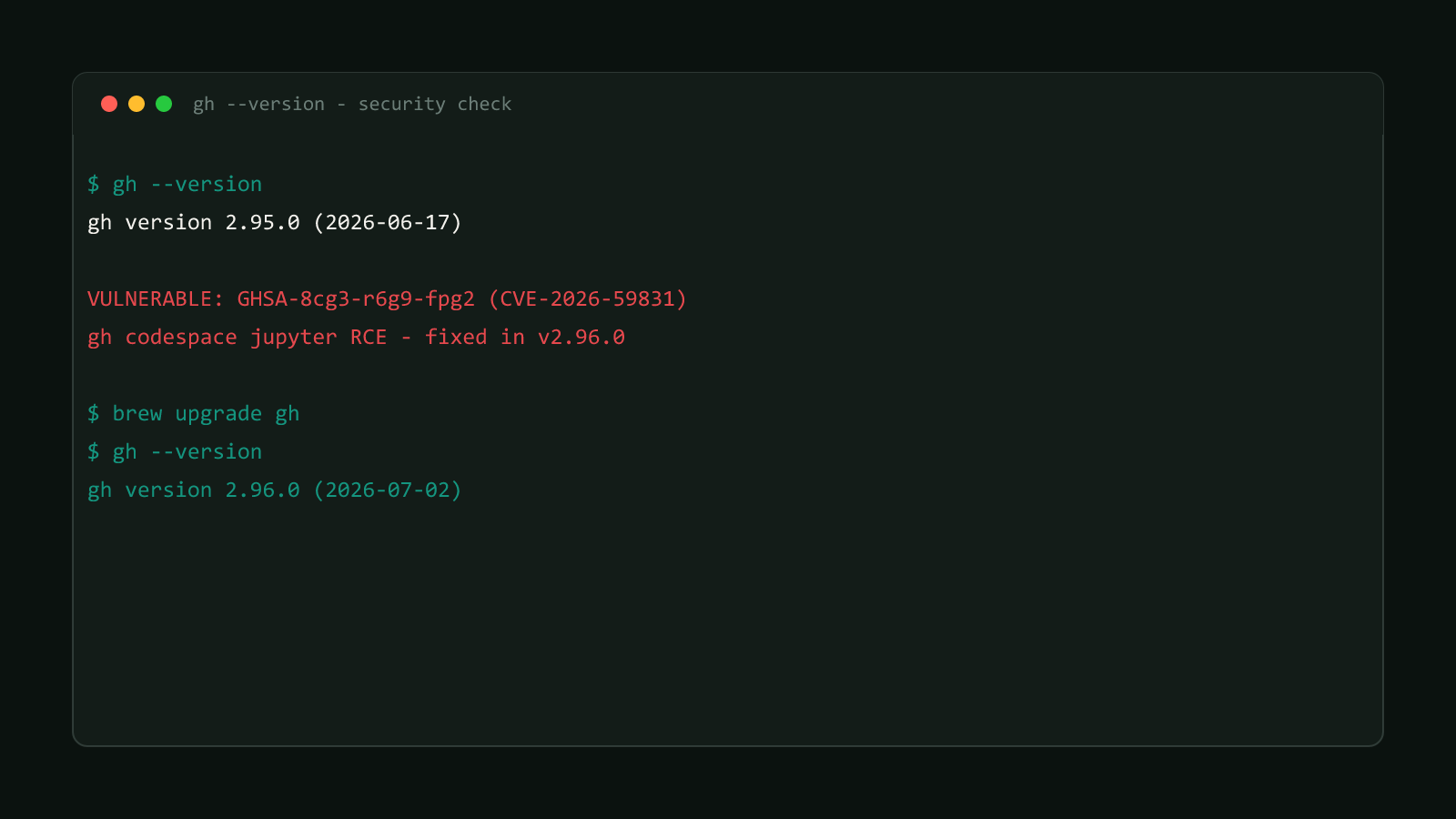
Run this first, before anything else in this post matters:
gh --versionIf the output reports anything from v2.10.0 up to and including v2.95.0, you’re running the vulnerable code path. gh has no built-in self-update command, so update through whatever installed it in the first place:
# macOS (Homebrew)
brew upgrade gh

# Debian/Ubuntu
sudo apt update && sudo apt install gh

# Windows (winget)
winget upgrade --id GitHub.cli --source winget

# Windows (Scoop)
scoop update gh
If none of those match your setup, grab a fresh binary from cli.github.com directly. Run gh --version again afterward and confirm it reports v2.96.0 or later before you run gh codespace jupyter against anything again.
Until you’ve confirmed the update, GitHub’s own remediation guidance is worth following for real: only run gh codespace jupyter against Codespaces you actually trust, and prefer Codespaces built from default or pre-built devcontainers rather than custom setup scripts you haven’t reviewed.
What shipped alongside this fix
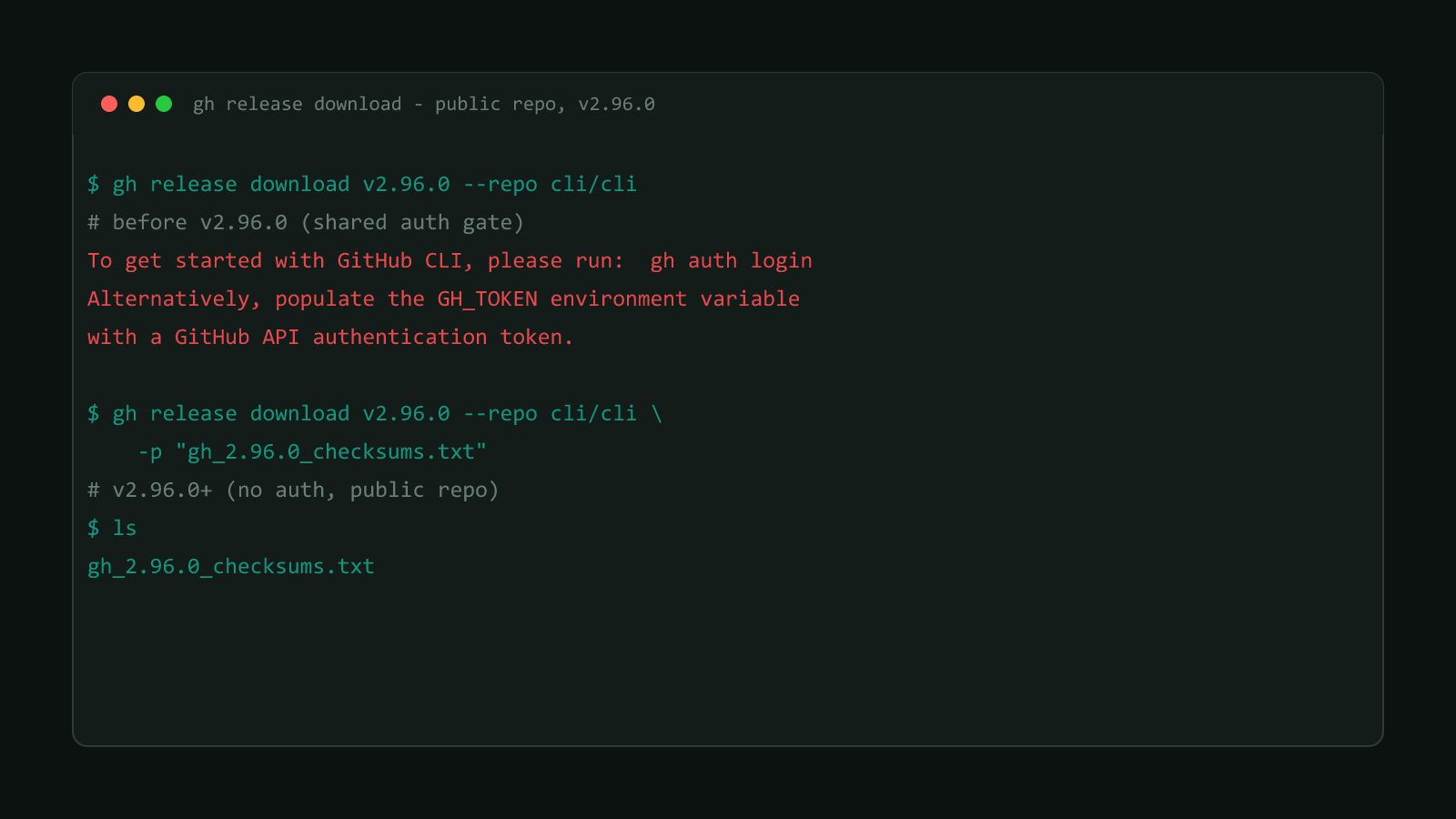
v2.96.0 wasn’t a single-issue release. The same version also dropped the authentication requirement for gh release download against public repositories, an unrelated behavior change, not a security fix, covered on its own in gh release download No Longer Needs Auth (Public Repos).
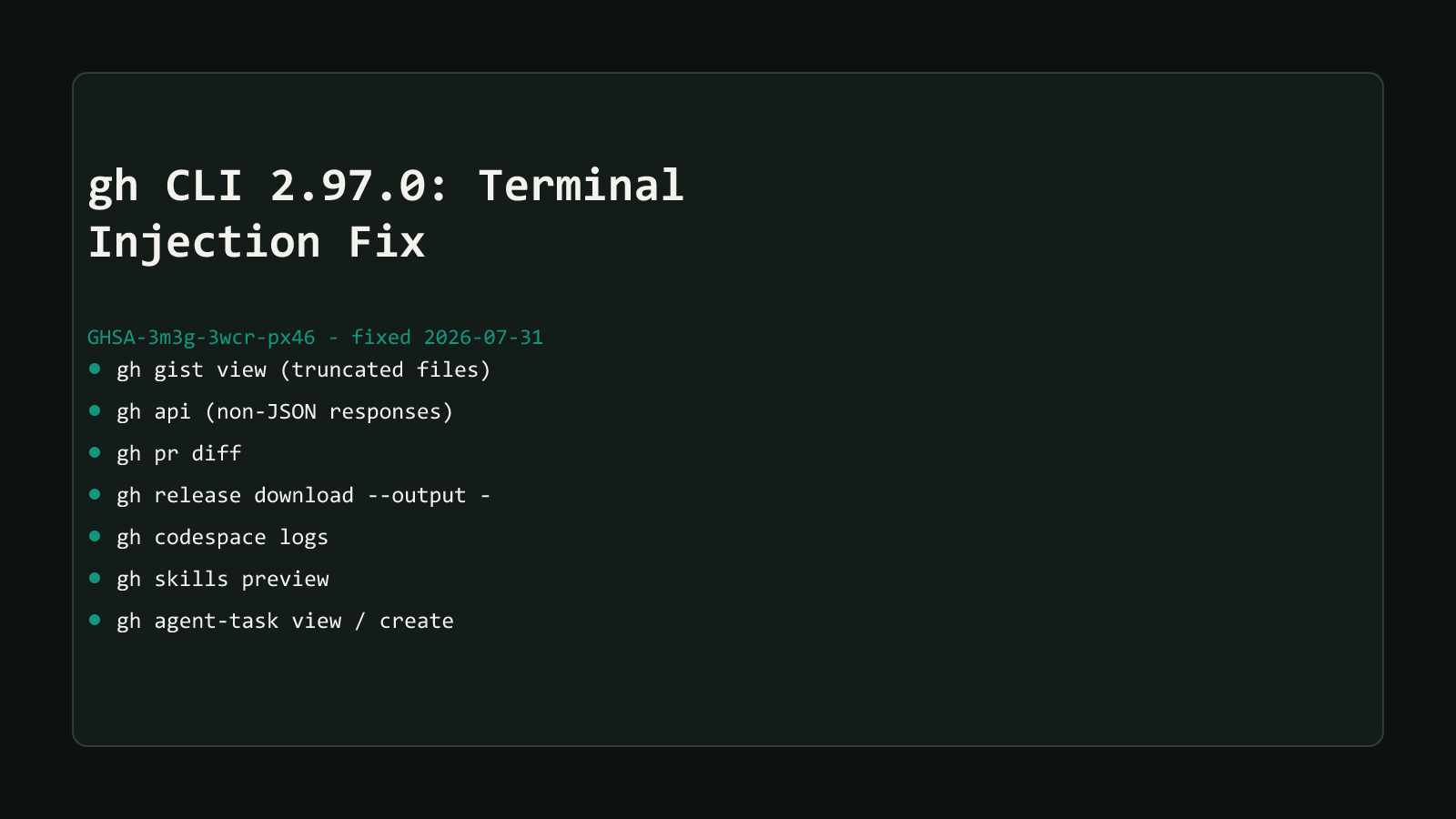
One month later, v2.97.0 fixed a different class of problem entirely: four terminal escape-sequence injection bugs across seven commands, including gh api and gh pr diff, tracked as a separate advisory. That release doesn’t touch the Jupyter URL path this post covers. See gh CLI 2.97.0 Fixes 4 Terminal Injection Bugs for what it changed and whether it affects commands you actually run.
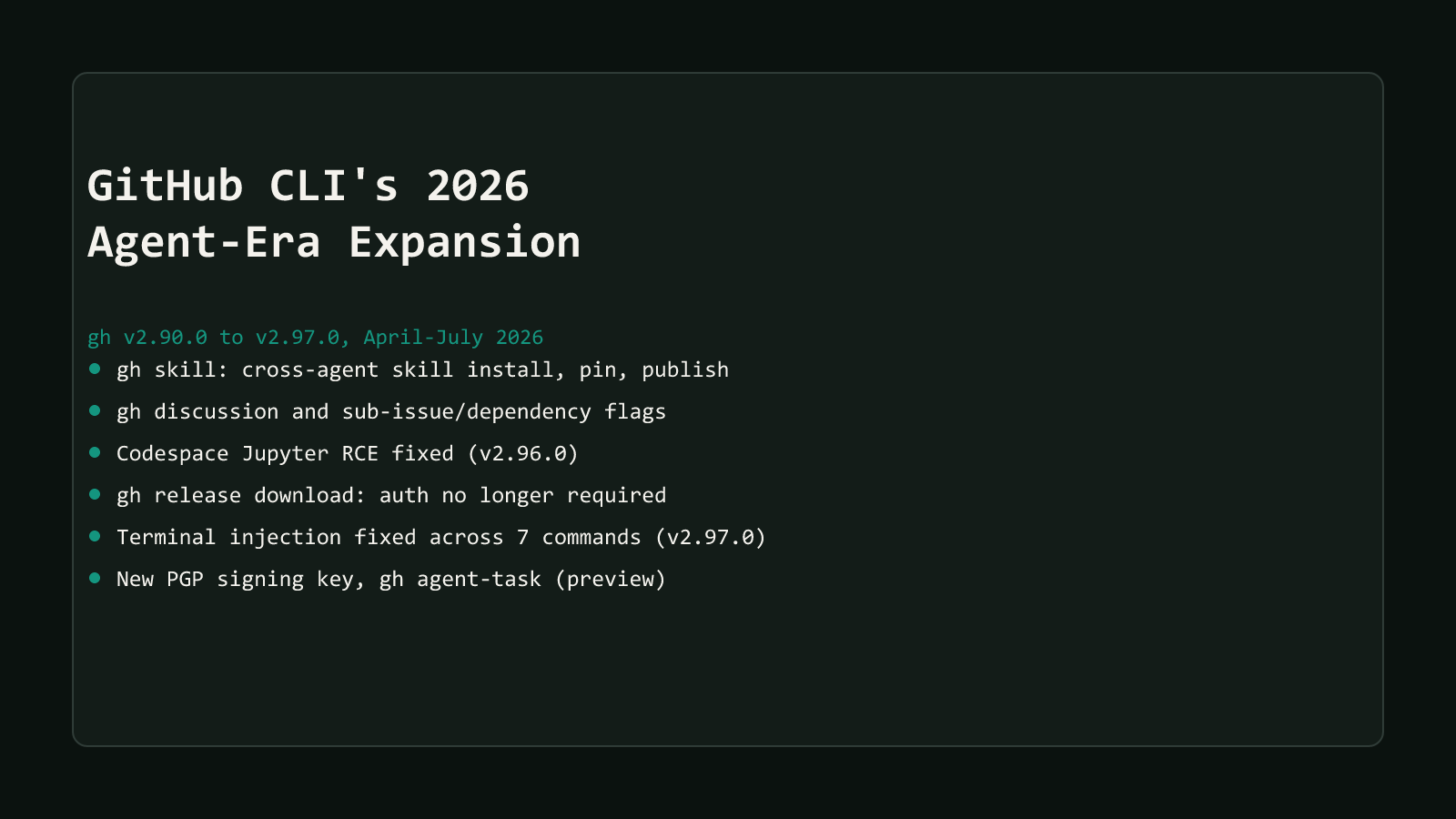
Both fixes are part of the same wave covered in GitHub CLI’s 2026 agent-era expansion, which walks through everything gh shipped between April and July 2026, new commands and security fixes together.
Update now if you haven’t. This isn’t a theoretical hardening measure; it’s a patched remote-code-execution path with a CVE and a working exploit chain, and the fix costs you one package-manager command. Skip gh codespace jupyter against any Codespace you don’t fully trust until gh --version reports v2.96.0 or later.
Browse more coverage like this in the Dev Tools archive.