Per-token pricing makes model choice a real cost decision
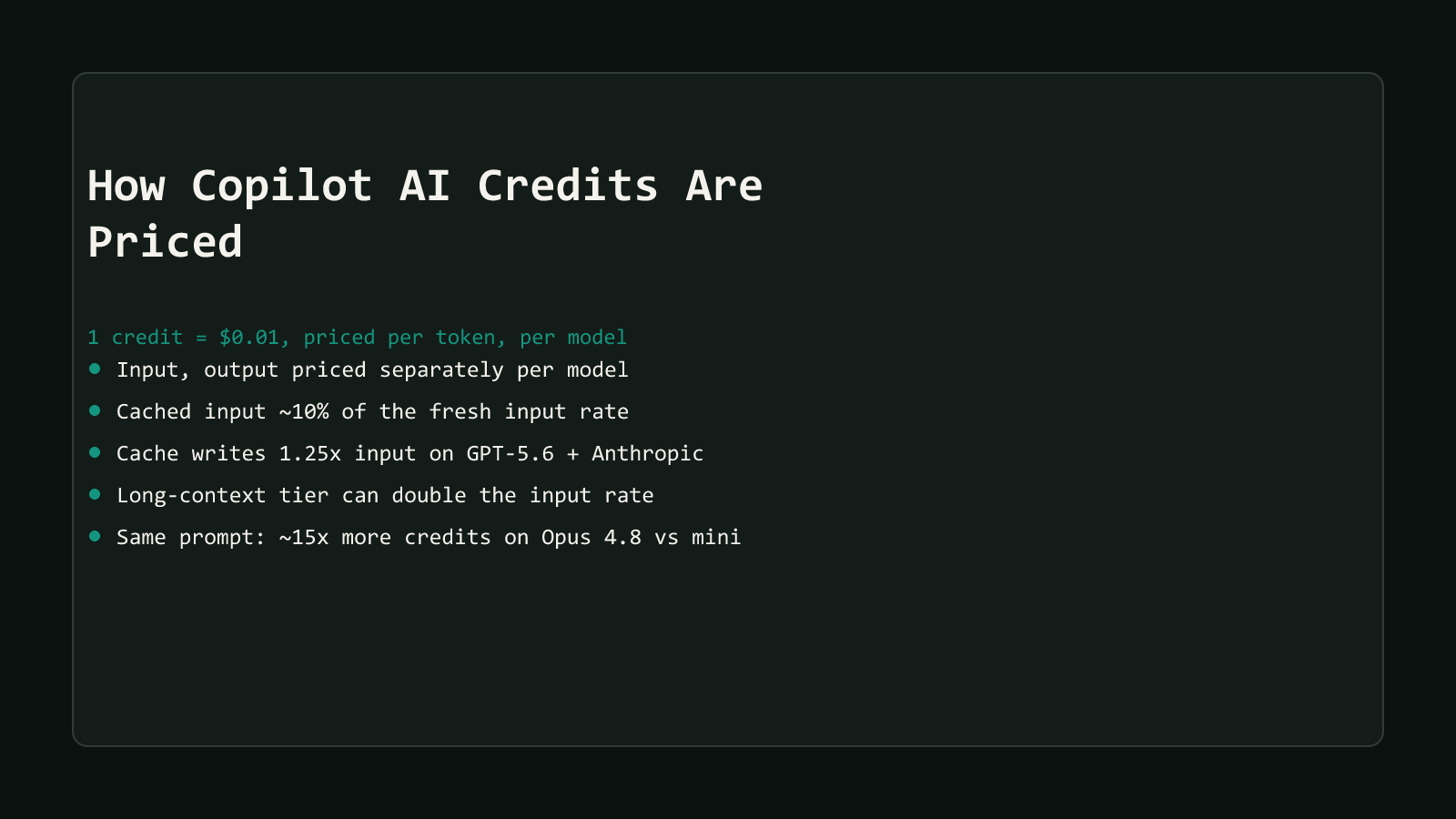
GitHub Copilot’s AI Credits price real token counts, not a flat per-request charge. How GitHub Copilot AI Credits Are Actually Priced covers the full mechanics: 1 credit equals $0.01, and every model bills its own rate for input, cached input, cache-write, and output tokens. That post’s worked example lands on a specific number worth carrying forward: the same 100,000-token prompt costs about 15 times more credits on Claude Opus 4.8 than on GPT-5 mini.
Premium Request Units never let anyone act on that gap. A flat multiplier attached to the request, not to the model actually doing the work, so switching models didn’t change what you paid. Credits attach the cost to the model itself. That turns model choice into a repeatable lever for making a fixed credit pool last longer, not just a quality preference.
GitHub’s own task guidance, not just a price label
GitHub publishes two separate classification systems for its models, and conflating them is the easiest way to pick badly. The pricing table sorts every model into a cost tier: Lightweight, Versatile, or Powerful, based on what it costs per token. A completely different page, GitHub’s AI model comparison guide, sorts models into task areas instead: General-purpose coding and writing, Fast help with simple or repetitive tasks, Deep reasoning and debugging, and Working with visuals.
Those two systems don’t line up as neatly as the names suggest. GPT-5.6 Luna prices as Lightweight and GitHub recommends it for the simple-tasks category, a clean match. Claude Haiku 4.5 prices as Versatile, a mid-tier label, yet GitHub recommends it for the same simple-tasks category, alongside GPT-5.6 Luna. And GPT-5 mini, priced Lightweight, the cheapest tier on the whole table, shows up in GitHub’s own recommendations for three different task areas at once: general-purpose coding, deep reasoning and debugging, and visual work. GitHub’s guide credits it with reasoning and debugging quality close to full-size GPT-5, just at noticeably faster response times and lower resource cost.
Cheap tier does not mean simple-tasks-only
GPT-5 mini being GitHub’s cheapest-priced model and also its recommended pick for “Deep reasoning and debugging” is the single most useful fact in this post. It means the default assumption, that a low-cost model is only fit for trivial work, doesn’t hold up against GitHub’s own guidance. Start cheap and escalate on evidence, not on the price tier’s name alone.
Structural Comparison Matrix
| Model | Price tier (rate table) | Input / Output per 1M tokens | GitHub’s recommended task area(s) |
|---|---|---|---|
| GPT-5.6 Luna | Lightweight | $0.20 / $1.20 | Fast help with simple or repetitive tasks |
| GPT-5 mini | Lightweight | $0.25 / $2.00 | General-purpose coding; deep reasoning and debugging; visuals |
| Claude Haiku 4.5 | Versatile | $1.00 / $5.00 | Fast help with simple or repetitive tasks |
| GPT-5.6 Sol | Powerful | $5.00 / $30.00 | Deep reasoning and debugging |
| Claude Opus 4.7 | Powerful | $5.00 / $25.00 | Deep reasoning and debugging |
Every price and task-area pairing above comes from cross-referencing GitHub’s live models-and-pricing table against its model comparison guide, both checked directly on 2026-08-19. Neither page cross-links the other’s classification, so this table is this post’s own cross-check, not something GitHub publishes as a single reference.
What “good enough” actually costs
Take a routine Copilot Chat exchange: a quick function review or a small edit, something like 2,000 input tokens and 500 output tokens. That’s a realistic size for the kind of request GitHub’s own guidance points at Lightweight and Versatile models.
GPT-5 mini ($0.25 input / $2.00 output per 1M tokens):
- Input: 2,000 tokens x $0.25 / 1,000,000 = $0.0005
- Output: 500 tokens x $2.00 / 1,000,000 = $0.001
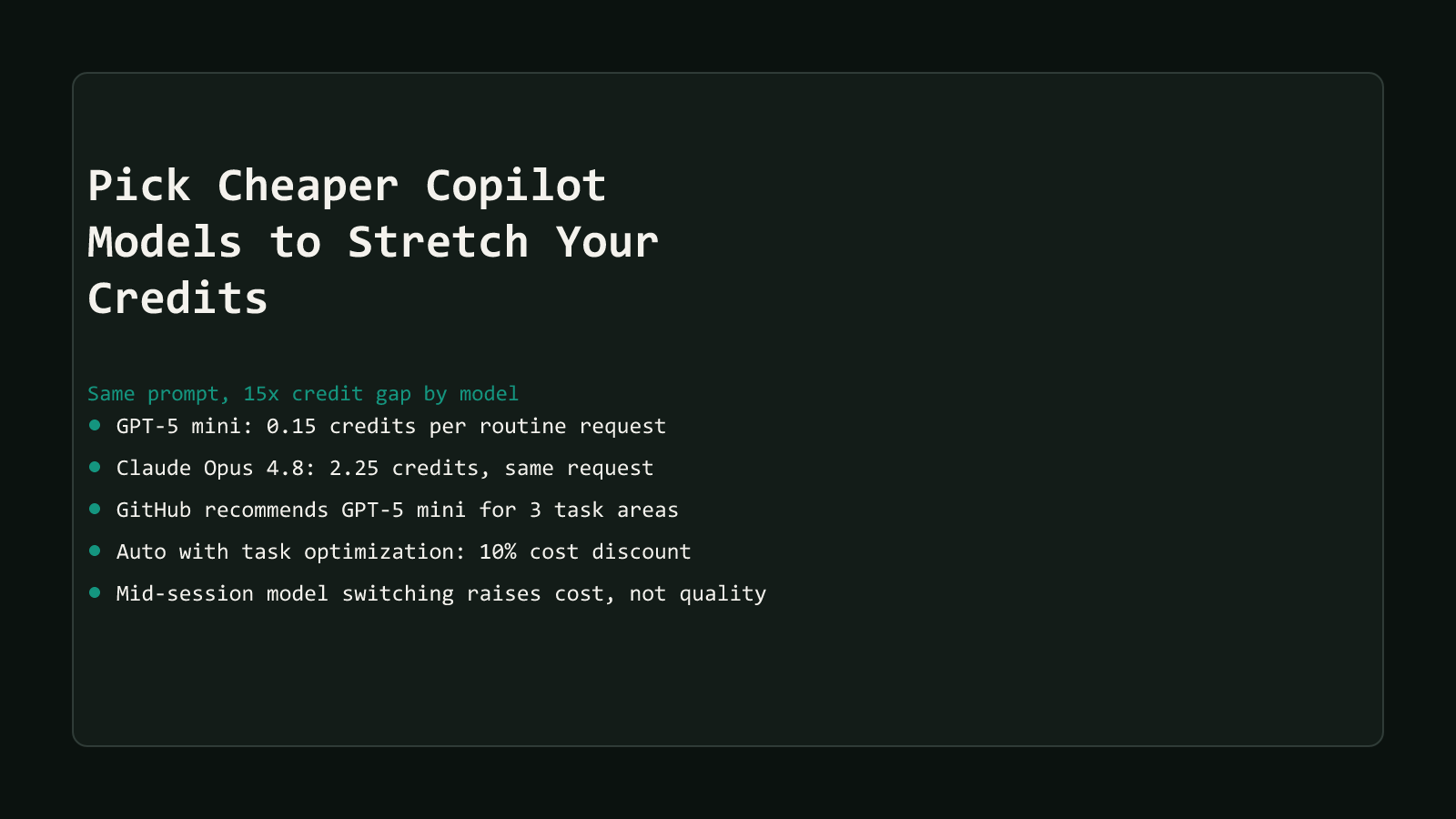
- Total: $0.0015, or 0.15 credits
Claude Opus 4.8 ($5.00 input / $25.00 output per 1M tokens):
- Input: 2,000 tokens x $5.00 / 1,000,000 = $0.01
- Output: 500 tokens x $25.00 / 1,000,000 = $0.0125
- Total: $0.0225, or 2.25 credits
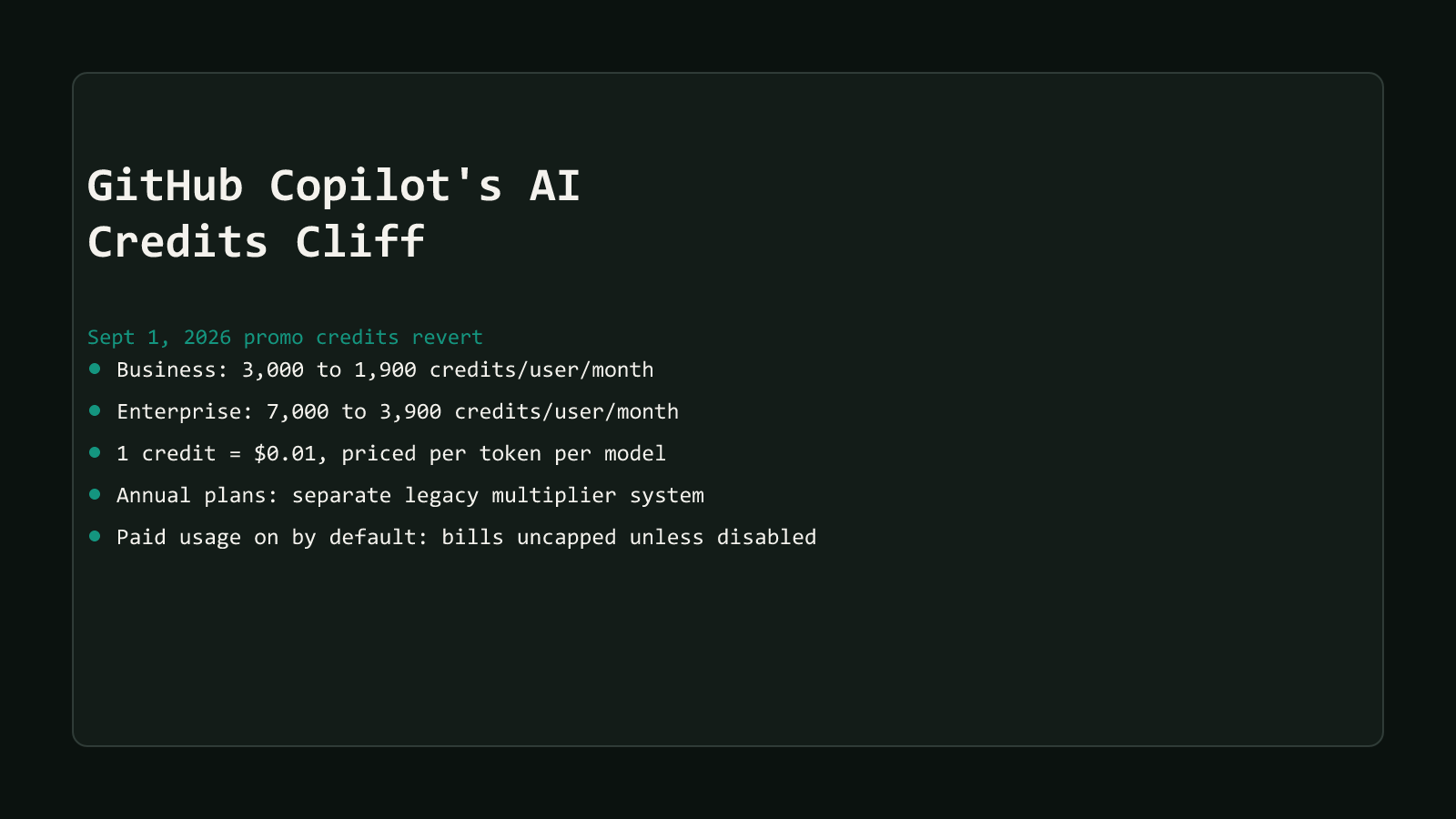
Same 15x gap the pricing post found at a much bigger token count, holding steady at a small one. The difference only starts to matter at volume, so scale it up: a developer sending something like 30 of these routine requests a day, every one of them on Claude Opus 4.8, spends about 67.5 credits a day. Over a 30-day month that’s 2,025 credits, more than the entire 1,900-credit standard Business allowance this site’s AI Credits cliff hub covers, on routine requests alone, with nothing left for anything harder. The same 30 requests a day on GPT-5 mini cost about 135 credits for the month, leaving roughly 1,765 credits of that same pool for the work that actually needs a Powerful model.
This is an illustrative rate, not a GitHub-published usage figure
GitHub doesn’t publish an average requests-per-day number. The 30-requests estimate above is a reasonable stand-in for a moderately active user, used to show how the per-request gap compounds, not a claimed real average.
When the extra credits are worth spending
GitHub’s own guide is specific about what actually calls for a Powerful model, not just a rough “harder problems” gesture. Under Deep reasoning and debugging, it recommends reaching for one of those models when you want to:
Debug complex issues with context across multiple files. Refactor large or interconnected codebases. Plan features or architecture across layers. Weigh trade-offs between libraries, patterns, or workflows. Analyze logs, performance data, or system behavior.
GPT-5.6 Sol carries the strongest language of any model in that section. GitHub positions it as the top of the GPT-5.6 lineup for reasoning depth, the pick for large-codebase problems and agent sessions that run long without a break. Claude Opus 4.7 gets billed as Anthropic’s flagship, its most capable model at the time this was checked. Gemini 3.1 Pro is aimed squarely at long-context, technical analysis work, exactly the kind of task where losing context partway through actually costs you something.
None of that is about raw token count. A 5,000-token prompt asking a Powerful model to plan a cross-service refactor is a legitimate use of the extra credits. A 5,000-token prompt asking the same model to fix a missing semicolon isn’t, and GitHub’s own general-purpose and fast-help categories exist precisely to catch that second case before it reaches a Powerful model at all.
Let Auto route it, or do it yourself, just don’t switch mid-session
GitHub built an alternative to picking a model by hand: Auto with task optimization. GitHub says it’s now generally available in Copilot Chat’s web interface, VS Code, Copilot CLI, and the GitHub Copilot app, not a preview feature. Per GitHub’s own Auto model selection documentation, it combines two systems, one tracking real-time model availability, the other evaluating task complexity, and routes each request to whichever model fits. GitHub’s own framing of the goal is worth quoting directly, not paraphrasing:
Reserving higher-cost reasoning models for problems that truly need it, while routing straightforward tasks to faster, lower-cost models that still deliver great results.
Paid plans get something concrete out of trusting that routing, too: a 10% discount on model costs specifically while using Auto, applied in Copilot Chat, Copilot CLI, the GitHub Copilot app, or Copilot cloud agent.
That’s not the only Auto running across Copilot’s clients, and the distinction matters. JetBrains IDEs, Eclipse, Xcode, and Visual Studio’s preview run an older flavor, “optimized for reliability and availability,” that picks purely on real-time system health to cut rate limiting. It doesn’t evaluate task complexity or claim a cost benefit the way the task-optimized version does. Check which Auto your client is actually running before assuming it’s doing the routing this post describes.
Mid-session model switching has a real cost penalty
GitHub’s own documentation warns against exactly this habit: bouncing between models partway through one chat session adds cost without a reliable gain in answer quality, per its Auto model selection guidance quoted above. The credit-saving move isn’t jumping between models mid-conversation. It’s picking the right one, or trusting task-optimized Auto to pick it, before you send the first message.
One more real constraint before any of this applies: on Business and Enterprise plans, changing the chat model isn’t available by default. An organization or enterprise has to explicitly grant members the ability to switch models at all. If that policy isn’t on, every request runs on whatever model an admin configured, regardless of which one would actually be cheaper for the task in front of you.
Model choice matters most once Agent Mode is looping
A single chat exchange burns tokens once. Agent Mode’s read-file, edit, run-tests, re-read loop burns tokens on every step of that loop, which means a model choice made at the start compounds across every iteration, not just one request. That outsized consumption pattern, and the specific levers for controlling it, gets its own full treatment in Why Copilot Agent Mode Burns Through Credits So Fast, the next post in this series. The short version worth carrying over here: the routing decisions this post covers matter more, not less, once the requests stop being one-off chat questions and start being agent steps that repeat the same model choice dozens of times in a row.
Route by default, escalate on purpose
Default to a Lightweight or Versatile model for the requests that make up most of a working day, boilerplate, quick edits, single-function reviews, and let GitHub’s own task guidance, not the price tier’s name, tell you when a request actually needs a Powerful model. GPT-5 mini earning a spot in GitHub’s deep-reasoning recommendations is the proof that “cheap” and “only for simple work” aren’t the same claim. Escalate when a task genuinely needs multi-file context or architectural judgment, not by habit, and pick that model before the session starts rather than switching partway through.
Browse more coverage like this in the AI Productivity archive, or start from GitHub Copilot’s AI Credits Cliff hub for the full picture.