Four posts, one decision sequence
This is the last post in ByteTech247’s ten-part series on GitHub Copilot’s September 1 credit cliff, and it doesn’t introduce a single new fact. Everything here was already verified somewhere else in this series: how to check usage, what the budget toggle actually does, what happens when a pool hits zero, and what each tier’s allotment looks like. What’s been missing, until now, is the order to do them in.
That’s the same role this site’s Same Prompt, Different Bill post played for the LLM token-and-pricing-reset pillar: four separate provider-specific findings, folded into one comparison a reader could act on without reading all four source posts first. This post does the same job for Copilot’s AI Credits cliff, four mechanics posts reduced to one sequence.
The four pieces this synthesizes: checking your actual usage across the three surfaces GitHub shipped in mid-2026, setting budget controls with the real toggle mechanism, what actually happens at zero credits, and the tier allotments the pillar hub itself covers. Read any one of them, and you get a correct answer to a narrow question. Read them in this order, and you get a checklist.
Structural Comparison Matrix
| Decision point | Left unconfigured | After this checklist |
|---|---|---|
| Usage visibility | Nobody knows where any user, team, or org actually stands against the pool | Real numbers pulled from Copilot settings, the ai_credits_used API field, and the org/enterprise dashboard |
| “AI credits paid usage” policy | Stays on by default; metered billing continues automatically and uncapped once the pool empties | Explicitly disabled for a hard stop, or deliberately left on with real budgets backing it |
| Universal user-level budget | Not set; no ceiling protects any individual’s spend | Set above the per-license cost ($19 Business, $39 Enterprise), hard-stopping automatically |
| Org/cost-center “Stop usage” toggle | Off by default; a limit sends a notification while charges keep accruing | Switched on or off as a deliberate choice, not an inherited default |
| Credit pool assumption | Budgets sized against the promotional pool (3,000 Business, 7,000 Enterprise) | Re-sized against the standard pool (1,900 Business, 3,900 Enterprise) landing September 1 |
Every cell above restates a fact already verified, cited, and dated in one of the four linked posts, not a new claim introduced here.
Step 1: See where you actually stand
Before anything else, check the actual numbers. Checking usage covers three separate views GitHub shipped inside a five-week window in mid-2026: an individual “Usage this cycle” screen under Copilot settings that needs no admin role (shipped 2026-07-20), a per-user ai_credits_used field in the usage metrics API for org owners and enterprise admins (shipped 2026-06-19), and an org- or enterprise-level dashboard that groups usage by adoption phase (shipped 2026-07-22).
None of the three set a limit. They only show a number. A budget sized without that number first is a guess, not a control, and guessing at a budget is exactly the mistake this whole series exists to prevent.
Step 2: Decide what “credits run out” means for your org
This step is the one most likely to go wrong by default. An earlier framing on this pillar’s own hub post, and one that shows up constantly across GitHub Community threads, treats credit exhaustion as something that halts safely on its own. What actually happens when Copilot credits run out found that’s backward for Business and Enterprise orgs, quoting GitHub’s own usage-based billing documentation directly:
Additional usage is enabled by default for organizations and enterprises. If you want to prevent any spending beyond your included AI credits, an administrator must explicitly disable the AI credits paid usage policy in your enterprise’s or organization’s AI Controls settings.
An org that has never touched its AI Controls settings, never set a budget, and never disabled anything keeps billing metered AI credit usage at $0.01/credit the moment its shared pool empties, for as long as usage continues. That leaves a real decision, not a passive default to accept. Disable “AI credits paid usage” and accept a hard stop once the pool empties, matching what plenty of admins assume already happens. Or leave it on and back it with real budgets instead, the subject of the next step.
Step 3: Set the budget that actually enforces your decision
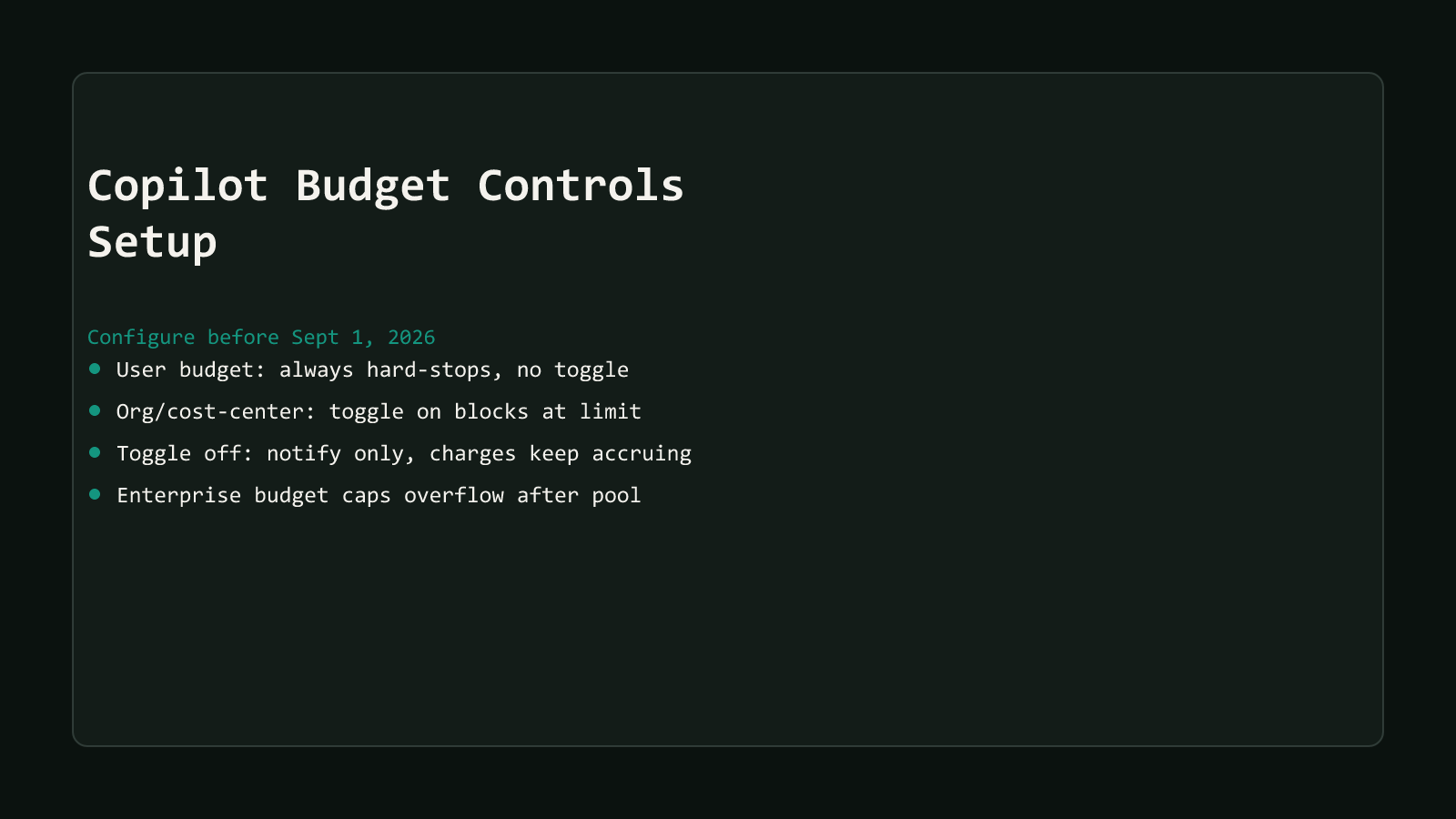
Whichever way step 2 goes, budget controls are the mechanism that makes it real instead of aspirational. Set the universal user-level budget first, above the per-license value, $19/user/month for Business, $39/user/month for Enterprise, or credit pooling across the org breaks before it can do its job. GitHub’s own getting-started tutorial calls this one setting “the single most important control,” and it’s the one budget scope with no toggle to configure. It always hard-stops the moment a user hits it.
Everything past that is a real judgment call, not a fixed rule. Override the universal budget for identified power users running heavy Agent Mode sessions. Decide, scope by scope, whether an org or cost-center budget’s “Stop usage when budget limit is reached” toggle should be on, a hard block once the limit hits, or off, a notification while charges keep accruing, per GitHub’s own budgets documentation. That toggle starts off by default on every newly created org- or cost-center-scoped budget, so leaving it untouched is itself a choice, whether anyone meant it to be.
Step 4: Know the number you’re budgeting against
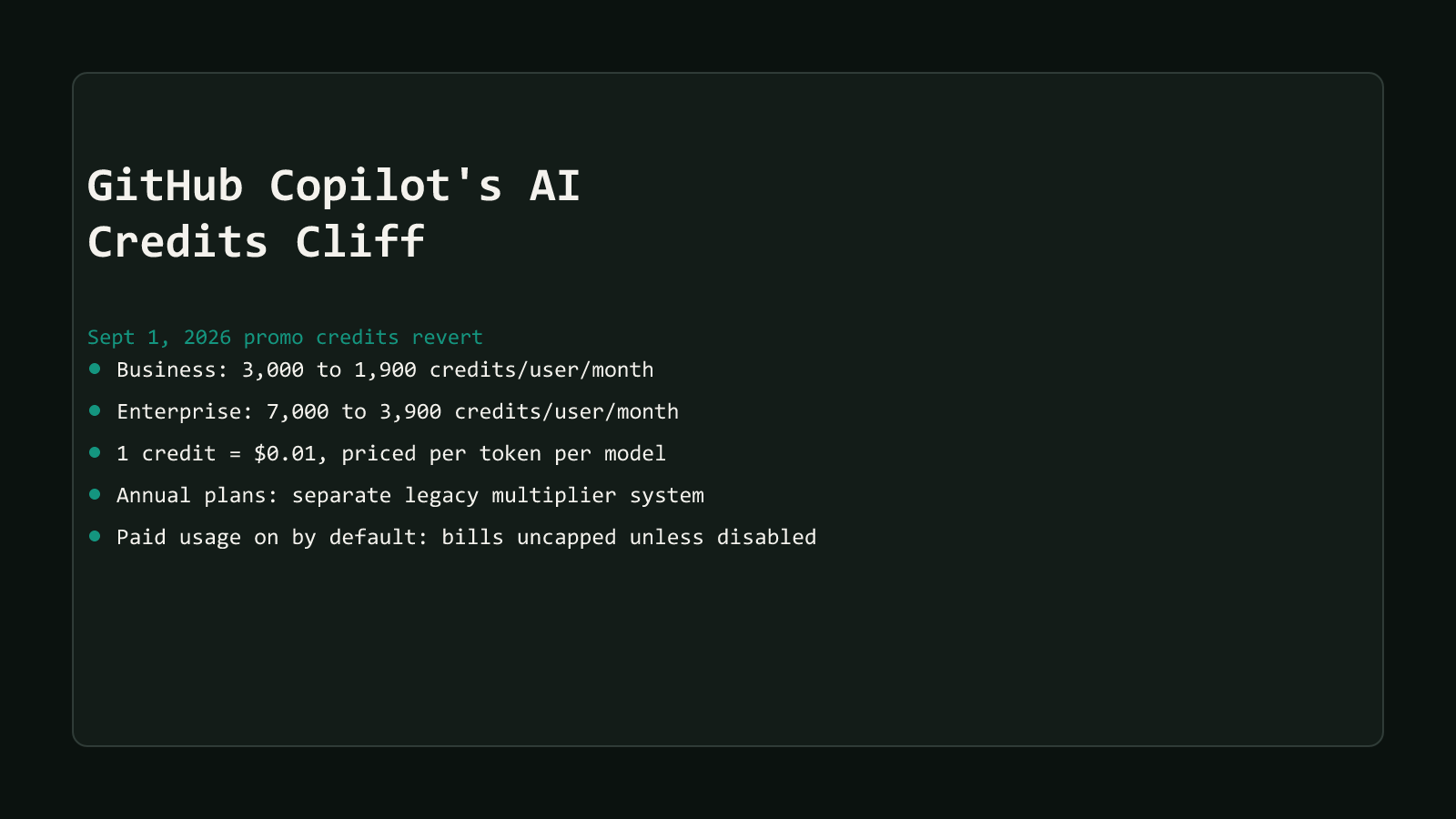
Every budget from step 3 is only as good as the pool it’s measured against, and that pool is about to shrink. Business drops from a promotional 3,000 credits/user/month to a standard 1,900 on September 1, 2026. Enterprise drops from 7,000 to 3,900, per the pillar hub covering the reversion itself. A budget sized generously against the July pool can start blocking real work in September if nobody revisits the number.
Individual plans sit outside this specific cliff. Copilot Pro includes 1,500 credits a month, Pro+ includes 7,000, and Max includes 20,000, figures the exhaustion-behavior post verified against GitHub’s own individual-plans billing documentation, and none of those allotments revert on September 1 the way the pooled Business and Enterprise numbers do. A full plan-by-plan credit comparison, weighing whether an upgrade actually buys proportionally more headroom, is planned as its own post in this series and isn’t published as of this writing. Until then, the tier figures above are the numbers to plan against.
The five-minute version
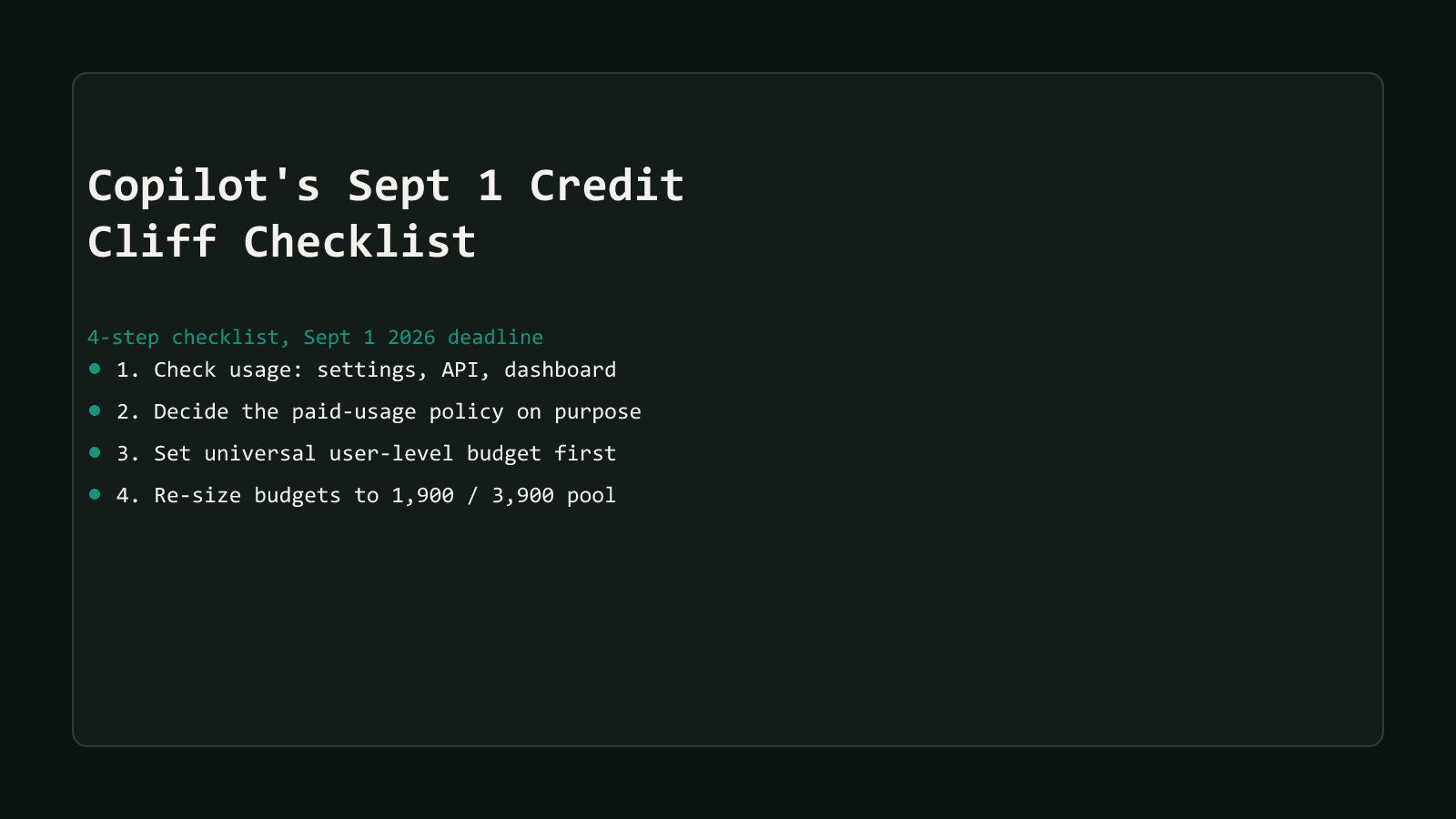
If there’s time for exactly one pass before September 1, work through this order:
- Open Copilot settings and check “Usage this cycle,” or pull the org dashboard if you manage more than your own seat.
- Decide “AI credits paid usage” on purpose: disabled for a hard stop, or left on with a plan to back it.
- Set the universal user-level budget above $19 (Business) or $39 (Enterprise) per user.
- Re-check any existing budget against 1,900 (Business) or 3,900 (Enterprise), not the promotional number it might still be sized against.
If only one step happens today
Steps 1 and 3 matter most. Usage visibility tells you whether there’s a problem at all, and the universal user-level budget is the one control GitHub’s own tutorial calls “the single most important” of the bunch, the only one that hard-stops with no toggle to accidentally leave off.
Do this before the pool shrinks under it
None of this requires a rebuild. It requires one afternoon: pull the real usage numbers, make the paid-usage-policy decision on purpose instead of by default, set the universal budget above the per-license floor, and re-size every existing budget against the pool that lands September 1, not the one that’s about to disappear.
Skip it, and the default still applies whether anyone chose it or not. Metered billing runs uncapped past an empty pool unless something explicit stops it first. That’s not a hypothetical, it’s the documented default for every Business and Enterprise org that hasn’t touched its AI Controls settings yet. Check the number today. September 1 doesn’t wait for a slow afternoon.
Browse the rest of this series starting from the AI Credits cliff hub, or more coverage in the AI Productivity archive.