What the label actually means
Pipedrive is retiring every V1 API endpoint on 2026-07-31 in favor of V2. Zapier’s own Help Center article on the change, updated 2026-05-29, states it plainly:
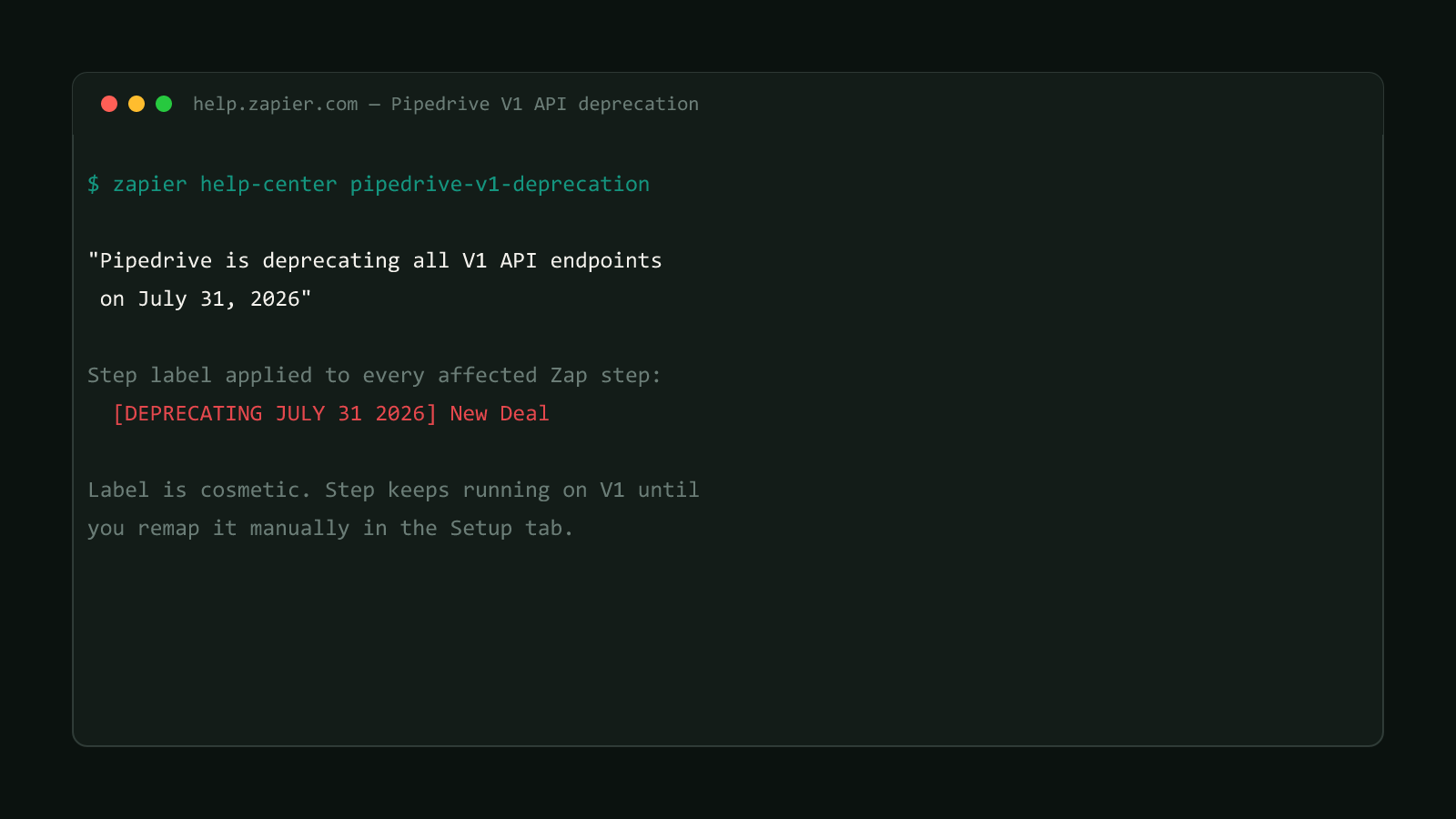
“Pipedrive is deprecating all V1 API endpoints on July 31, 2026”
To flag the fallout, Zapier went through every existing Zap and relabeled the affected Pipedrive step’s name with a literal prefix: [DEPRECATING JULY 31 2026]. That string shows up right in the Zap editor, on the step card itself, wherever the Zap uses a V1-backed trigger, action, or search.
Here’s the part that catches people off guard: the label is purely cosmetic. The step keeps calling the V1 endpoint and keeps working exactly as before, right up until Pipedrive actually shuts that endpoint off. Nothing about seeing the tag in your Zap editor changes behavior. It’s a warning sticker, not a broken-step icon, which is exactly why it’s easy to notice once, mentally file away as “later,” and then forget.
This site doesn't run Zapier
Worth saying directly: bytetech247.com’s own automation runs on Cloudflare Workers and GitHub Actions, not Zapier (see how this site handles its own deploy automation). This post is a structural breakdown of a real, dated Zapier deprecation notice affecting a widely used integration, not a first-person account of fixing our own Zaps.
Structural Comparison Matrix
| Operational Aspect | Tagged step, before fix | After remapping |
|---|---|---|
| Step name | [DEPRECATING JULY 31 2026] New Deal | New Deal (no label) |
| API version called | Pipedrive V1 | Pipedrive V2 |
| Behavior before 2026-07-31 | Works normally, label is cosmetic only | Works normally |
| Behavior after 2026-07-31 | Fails once Pipedrive retires V1 | Continues working |
| Downstream step field maps | Unaffected until step is reconfigured | May need remapping (see cluster below) |
Fix it: remap the step in the Setup tab
Zapier’s guide lays out six steps to clear the label on one tagged step. None of it happens automatically, and skipping the field-remap step is the most common way this goes wrong even after the event itself is reselected:
- Click open the step carrying the
[DEPRECATING JULY 31 2026]prefix. - Head into its Setup tab and choose that identical event again, now shown with no deprecation tag attached.
- Rebuild the step’s configuration to match what it had before.
- Run a test on the step to pull a fresh, current record from Pipedrive.
- Go through every step below it and reassign fields that changed.
- Test the entire Zap end to end, then flip it back on if it had been paused.
Before: [DEPRECATING JULY 31 2026] New Deal in Pipedrive  (trigger, V1)
After:  New Deal in Pipedrive                             (trigger, V2)
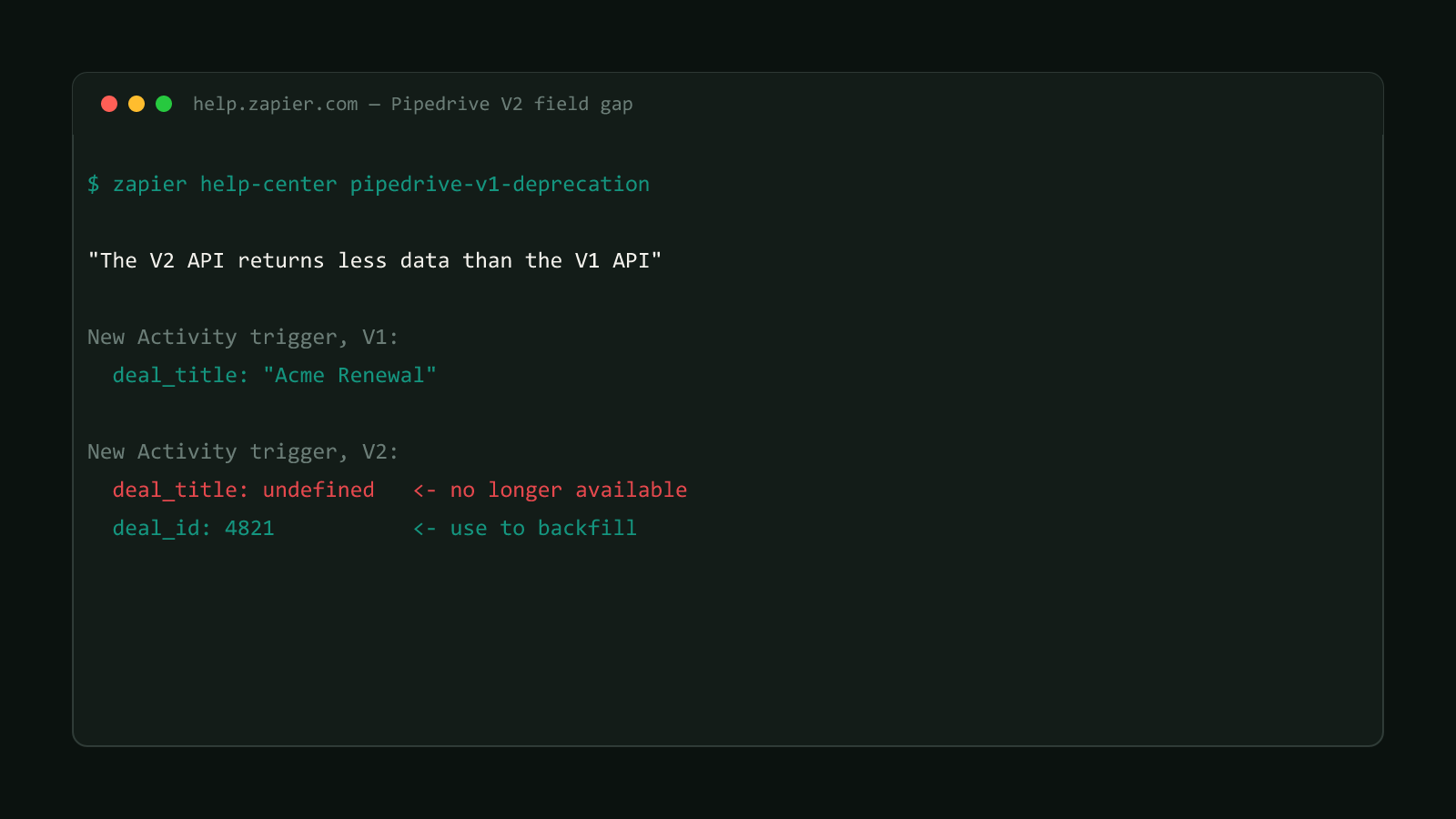
Step 5 is where a remap actually matters. Reselecting the V2 event can shift the exact field names and shape of what the step outputs, so a Filter or Formatter step downstream that was matching against the old field names needs to be checked, not assumed to still work. The next post in this series covers a specific version of this problem: V2 drops fields V1 used to return, so a downstream step can end up reading undefined instead of erroring outright.
Test before re-enabling
Turning a Zap back on without testing it first (step 6) is how a Zap that “looks migrated” ships a silent field-mapping gap into production. Run one real test through the whole Zap, not just the reconfigured step, before flipping it live again.
Confirmed version
Sourced from Zapier’s official Help Center advisory on the Pipedrive V1 API deprecation, updated 2026-05-29. Browse more posts like this in the Data Automation archive.