![A terminal window showing the connections['api_by_zapier'] binding syntax from Zapier's real migration guide for moving hardcoded secrets out of Function code](/_astro/cover.BdYRbz3K_26AJBO.png)
Why a copy-paste migration is actively risky here
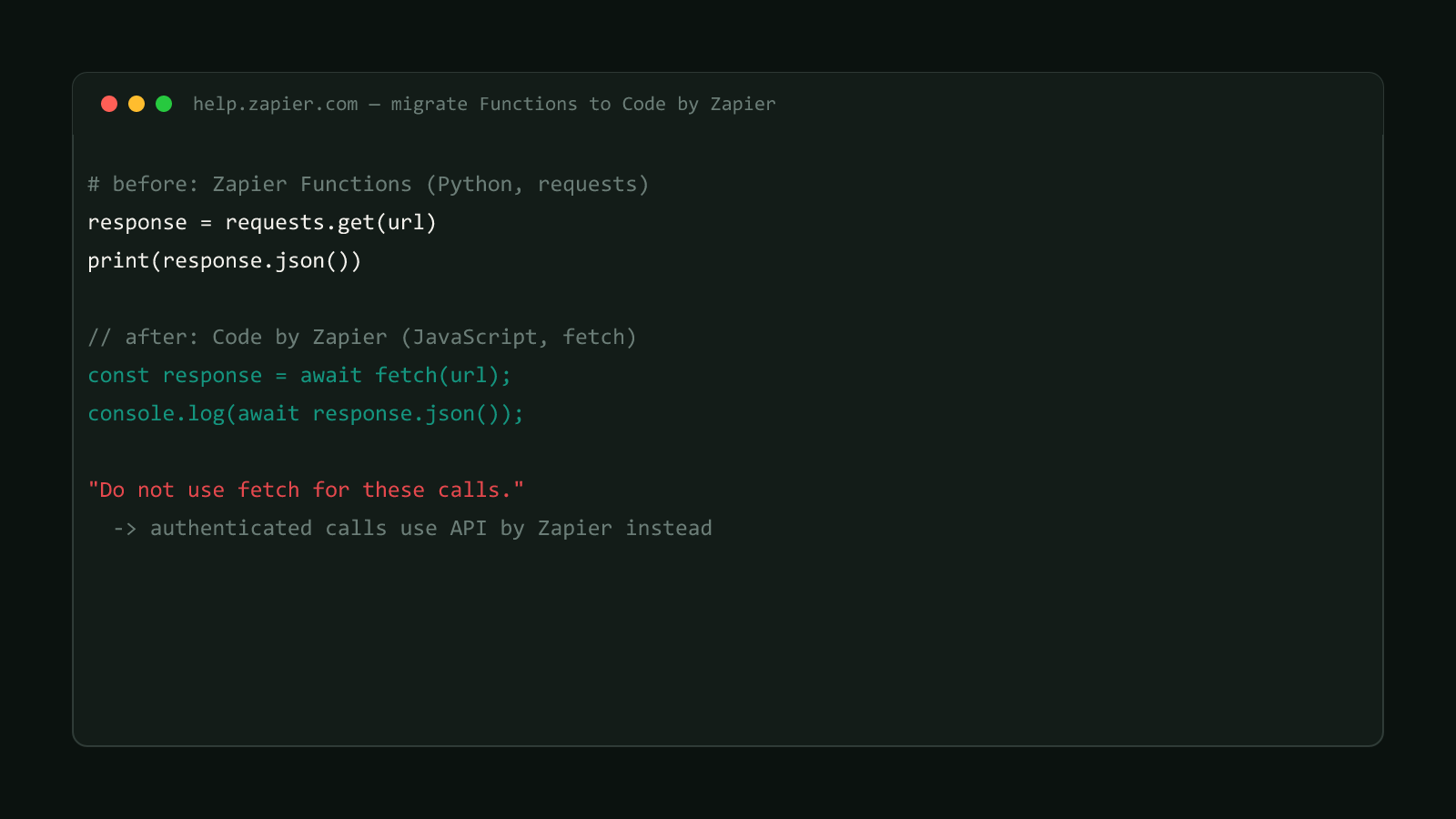
The two earlier posts in this series cover the code-syntax fix (requests to fetch) and the architecture fix (splitting multi-trigger functions). This one is different in kind: it’s a credentials problem, and getting it wrong doesn’t just break a Zap, it can leave a live secret exposed.
Zapier Functions ran on an execution model where a Python script could hold an API key as a plain string, right in the code, and use it directly in a requests call header. Zapier’s migration guide, the same article covering the other two changes in this series, updated 2026-07-13, doesn’t describe Code by Zapier’s runtime as supporting that pattern the same way. Credentials instead route through API by Zapier, a dedicated connection type, referenced from code with a specific binding:
const api = zapier.apps.api_by_zapier({
  connectionId: connections["api_by_zapier"],
});
The guide is specific about what has to line up:
“
connections['api_by_zapier']must match the Account ID Variable for your API by Zapier connection.”
Get that mismatched, and the code step fails at the connection lookup, before it even reaches the API call the credential was meant to authenticate.
A hardcoded key left in place is the worst outcome, not a safe fallback
If old Function code with an embedded key gets copy-pasted straight into a Code by Zapier step instead of migrated to a connection, two things can happen: the call fails because the runtime doesn’t handle it the way Functions did, or it “works” for now with a live credential sitting in plaintext inside a Zap step, visible to anyone with edit access to that Zap. Neither is an acceptable stopping point.
Structural Comparison Matrix
| Operational Aspect | Zapier Functions | Code by Zapier |
|---|---|---|
| Where credentials live | Hardcoded in Python source | API by Zapier connection |
| How code accesses them | Direct string reference in the script | connections['api_by_zapier'] bound to the Account ID Variable |
| Exposure if migrated wrong | N/A | Plaintext key visible in the Code step to any editor |
| Matching requirement | None | Binding value must match the connection’s Account ID Variable |
Fix it: create the connection before touching the code
- Set up an API by Zapier connection for the credential the old Function used, giving it an Account ID Variable you’ll reference from code.
- In the Code by Zapier step, replace every hardcoded key reference with the
connections['api_by_zapier']binding shown above, matched to that variable. - Delete the hardcoded string from the source entirely, not just from the line that used it, in case it was assigned to a variable reused elsewhere in the same file.
- Test the step against a real call that requires the credential, confirming the connection resolves and the authenticated request succeeds.
// Old Functions code - DO NOT copy into Code by Zapier as-is:
// const apiKey = "sk_live_..." (hardcoded, plaintext in the script)const api = zapier.apps.api_by_zapier({
connectionId: connections["api_by_zapier"],
});
// apiKey is no longer a literal string anywhere in this fileThis site doesn't run Zapier
As stated across this series: bytetech247.com’s own automation runs on Cloudflare Workers and GitHub Actions, not Zapier (see this site’s actual deploy automation). This fix is drawn directly from Zapier’s own published migration guide, not from having migrated a hardcoded key in our own automation.
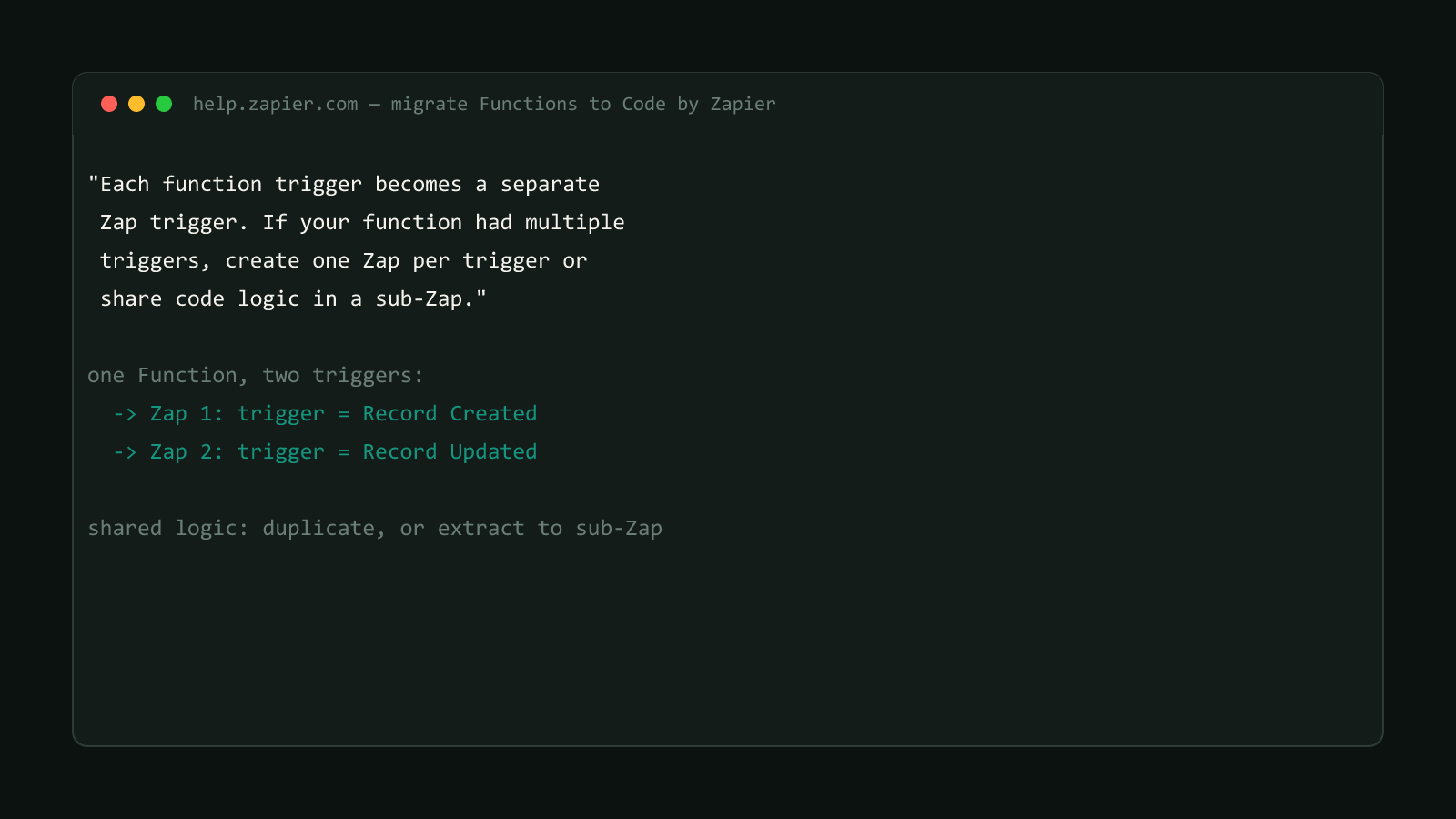
This is the last of three distinct problems in the same Zapier Functions migration guide. The HTTP/runtime port and the trigger-splitting requirement each need their own fix; none of the three substitutes for the others, and a Function that used all three patterns needs all three fixes applied before the 2026-09-01 shutdown.
Confirmed version
Sourced from Zapier’s official Help Center migration guide for Zapier Functions, updated 2026-07-13. Browse more posts like this in the Data Automation archive.