Why this is an architecture problem, not a syntax one
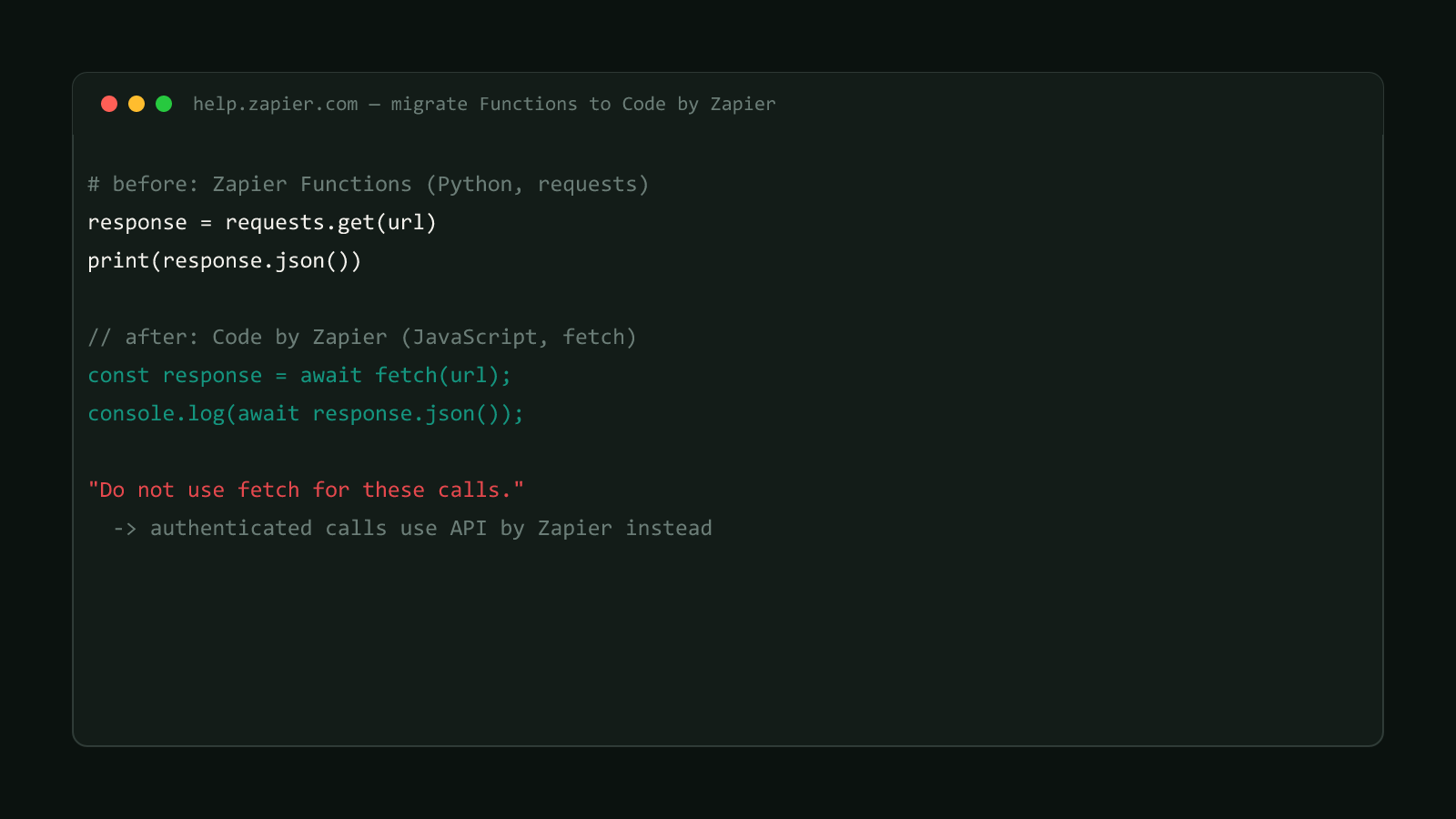
The previous post in this series covers rewriting HTTP calls from Python’s requests to JavaScript’s fetch. That’s a code-level fix: same logic, different syntax, same Zap structure. This one is different. It’s about the shape of the Zap itself.
Zapier’s own migration guide, updated 2026-07-13, states the constraint directly:
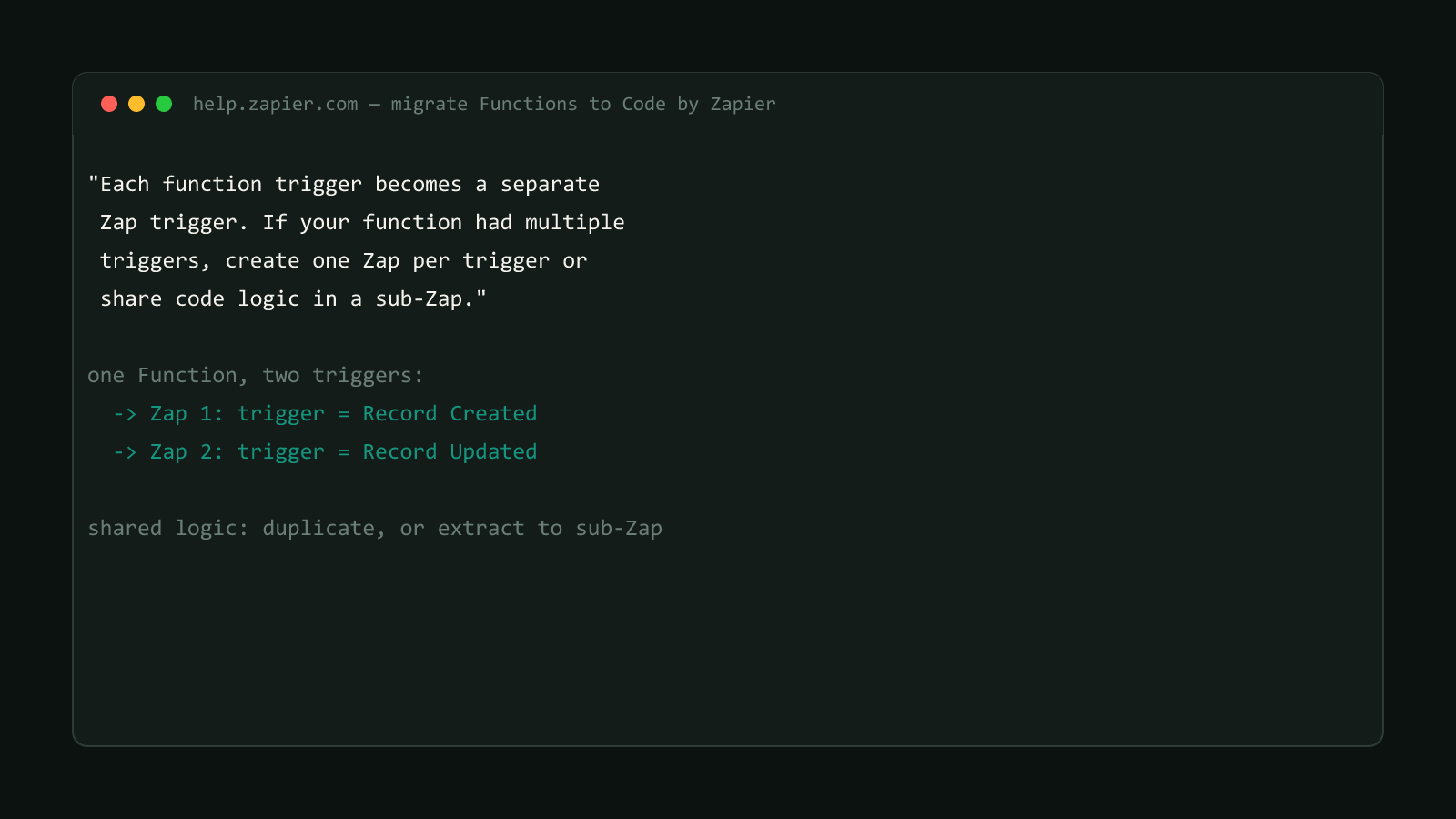
“Each function trigger becomes a separate Zap trigger. If your function had multiple triggers, create one Zap per trigger or share code logic in a sub-Zap.”
A Zapier Function could be written to respond to more than one kind of event, for example, one function handling both a “record created” case and a “record updated” case inside the same file, branching on which event fired. Code by Zapier doesn’t carry that flexibility forward. Every Zap in Zapier’s automation model has exactly one trigger, full stop, and that hasn’t changed as part of this migration. A function built around multiple triggers doesn’t have a single-Zap home to migrate into.
The silent-failure version of this problem
Converting the code for one trigger event and calling the migration done is the easy mistake here. The Zap runs, the tests for that one trigger pass, and everything looks migrated. Meanwhile, whatever the original function did in response to its other trigger events has no Zap running it at all, so those code paths stop firing with nothing in the Zap history to flag it as a gap, since there’s no longer a Zap for it to fail in.
Structural Comparison Matrix
| Operational Aspect | Zapier Functions | Code by Zapier |
|---|---|---|
| Triggers per code unit | One function, potentially multiple triggers | One Zap, exactly one trigger |
| Multi-event logic | Branches inside a single function file | Split across separate Zaps |
| Shared logic across events | Shared within the same file | Duplicated per Zap, or extracted into a sub-Zap |
| Migration risk | N/A | Only the first migrated trigger is obviously visible |
Fix it: map every trigger before splitting anything
Start by listing every distinct trigger event the original Function actually responded to, not just the one that happens to be top of mind. That list is the number of Zaps this migration needs, not one Zap with a converted first branch.
Original function.py:
  handle_record_created(payload)  -> logic A
  handle_record_updated(payload)  -> logic A (shared) + logic B

Migrated structure:
  Zap 1: trigger = Record Created  -> Code step running logic A
  Zap 2: trigger = Record Updated  -> Code step running logic A + logic B
For the shared logic (logic A in the example above), Zapier’s guide gives two options: duplicate it into the Code step of each split Zap, or extract it into a sub-Zap that both Zaps call. Duplication is faster to set up and fine for logic that’s genuinely small and stable. A sub-Zap is the better call when that shared logic is likely to change, since a future fix only needs to land in one place instead of being copied into every Zap that split off the original function.
This site doesn't run Zapier
Same honesty note as the rest of this series: bytetech247.com’s own automation runs on Cloudflare Workers and GitHub Actions, not Zapier (see this site’s actual deploy automation). This walkthrough follows Zapier’s own published migration guide, not a first-person account of splitting our own Functions.
Once every trigger has its own Zap, test each one independently with a real event, not just the trigger that was easiest to verify. A Zap that “looks migrated” because its trigger fires correctly can still be missing the shared logic branch that only runs on the second or third event type.
Two other distinct problems live in this same migration guide: converting HTTP calls from requests to fetch, and moving hardcoded secrets to an API by Zapier connection. Splitting triggers correctly doesn’t fix either of those on its own.
Confirmed version
Sourced from Zapier’s official Help Center migration guide for Zapier Functions, updated 2026-07-13. Browse more posts like this in the Data Automation archive.

![A terminal window showing the connections['api_by_zapier'] binding syntax from Zapier's real migration guide for moving hardcoded secrets out of Function code](/_astro/cover.BdYRbz3K_26AJBO.png)